


Blogs
Air vs. Liquid Cooling in Modern Data Centers and When to Use Each


Summary: This blog compares air cooling and liquid cooling in modern data centers, with a focus on AI and high-performance computing demands. It explains key decision factors such as heat density, Power Usage Effectiveness (PUE), and hybrid data center strategies to help operators choose the right approach.
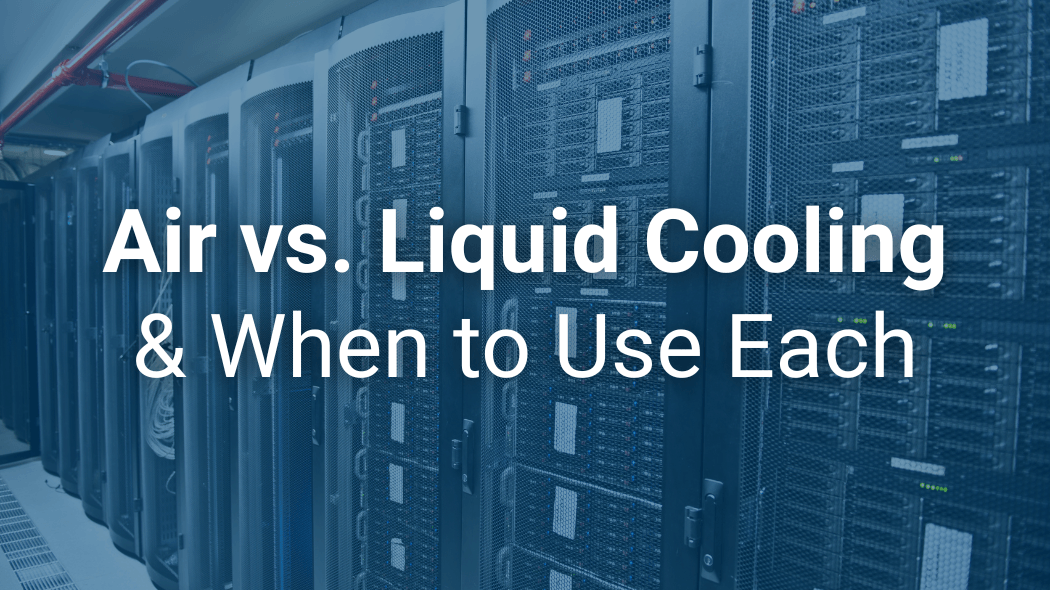
There’s a shift taking place in data centers. AI and high-performance computing (HPC) are pushing rack power and heat density beyond what traditional cooling methods can handle.
It used to be that thermal management required moving enough air to keep servers from overheating. If you’re relying solely on your HVAC system and air cooling, it’s time to reconsider your approach.
Liquid cooling is another approach that’s gaining attention. Representative Jay Obernolte introduced H.R. 5332 in 2025, proposing a study of liquid-cooling systems. With data centers accounting for 4.4% of total electricity consumption in the U.S., energy-efficient heat removal is essential.
Today, AI and HPC help in ways we never imagined. Old-school cooling strategies aren’t good enough as power consumption skyrockets. It’s leading to a debate between air cooling vs. liquid cooling. When should you use air cooling vs. liquid cooling and vice versa?
Air Cooling Remains Relevant
Despite the buzz surrounding liquid cooling, air cooling remains the standard for thermal management in data centers. The right HVAC and fan systems keep a server room cold enough, ideally in the 64.4ºF to 80.6ºF range. Relative humidity levels in the 60% range are ideal for preventing static electricity and high humidity, which can lead to rust and corrosion.
Even in facilities that use liquid cooling, air systems are required to handle residual heat loads. Heat that radiates from power supplies, switches, and storage that liquid loops don’t reach. Plus, employees in the building need comfortable temperatures to work.
When should you prioritize air cooling? Consider these systems when you’re dealing with:
- Air Flow Management: Fans aren’t always as efficient as you need them to be. Expert management of air movement is essential to extend the life of your equipment, and localized chip heat isn’t the problem.
- Edge Computing Sites: These facilities don’t always have on-site technicians to maintain liquid cooling loops. When you need simplicity and easy maintenance, air cooling is best.
- Legacy and Low-to-Moderate Density Zones: When rack densities are less than 20kW, traditional Computer Room Air Handlers (CRAHs) and hot/cold aisle containment are both reliable and cost-effective.
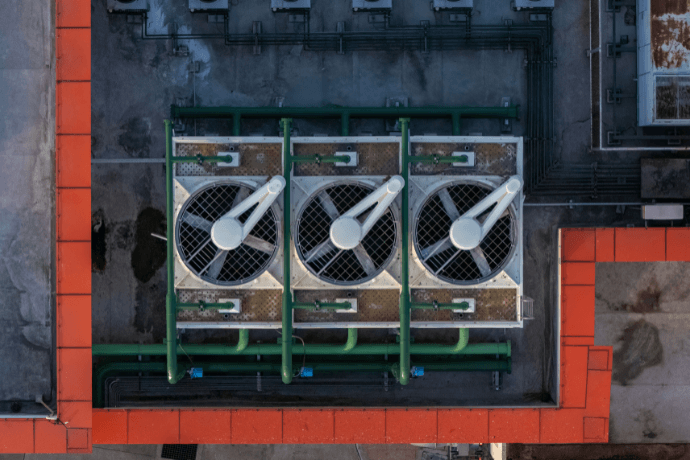
The Value in Liquid Cooling
Water is more efficient at carrying heat than air is. It’s that simple. When air cooling cannot effectively cool high-thermal-design-power (TDP) processors, liquid cooling can bring the cooling closer to the silicon, enhancing cooling. There are three main liquid cooling methods:
- 1. Direct-to-Chip: Coolant travels over a cold plate that’s connected to the CPU or GPU. As it travels, it captures up to 80% of the server’s heat. The remaining heat needs air cooling to manage it.
- 2. Immersion Cooling: The server is submerged in a thermally conductive, dielectric fluid. It’s an aggressive method that can handle extreme temperatures and eliminates the need for air cooling.
- 3. Rear Door Heat Exchangers (RDHx): RDHx is a hybrid where liquid coils replace the back door of the rack, and air cools before it reaches the room.
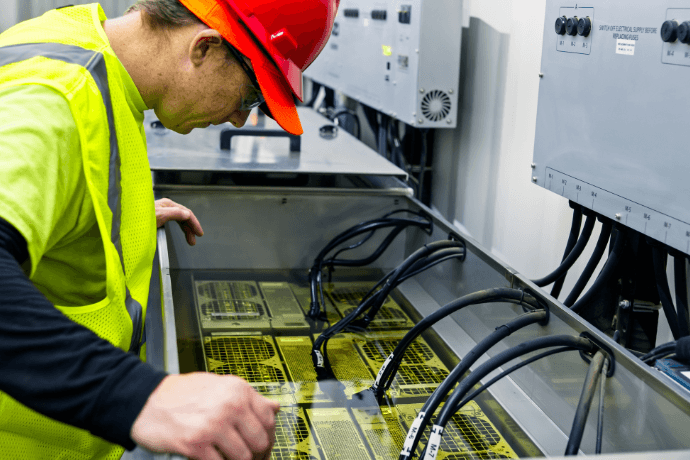
Know When to Use Air and When to Use Liquid
Before you determine the best data center cooling strategies, you need to know the ins and outs of your facility and what happens at each stage of the lifecycle. Use that information to see how it fits with these five critical factors.
Heat Density and Future Growth: What is your data center’s purpose? Are you planning to house GPUs for Large Language Model (LLM) training that will continue to grow? If so, a hybrid model makes it easier to grow the cooling system as you grow.
Risk Tolerance and Uptime Goals: Know your goals and how your facility will change over time. High-uptime requirements need advanced redundancy in Coolant Distribution Units (CDUs) for real-time moisture and leak detection.
Energy Objectives and Power Usage Effectiveness (PUE): Reducing fans on servers and CRAH units lowers your energy consumption, helping reduce your data center’s carbon footprint.
Brownfield vs. Greenfield Deployment: Greenfield projects start from scratch. Your data center needs differ from those of a Brownfield deployment, where you’re retrofitting an older data center.
Controls Architecture: Transitioning from air to liquid cooling shifts the focus from set-it-and-forget-it HVAC to critical industrial process controls. The Direct Digital Control (DDC) systems often found in older commercial buildings lack the speed and reliability required by AI cooling technologies.
Where Mitsubishi Electric Helps Out
Whether your facility utilizes air, liquid, or a hybrid approach, the cooling system’s reliability depends on your mechanical hardware. That means you need electrical and control components that drive that hardware.
Mitsubishi Electric provides high-performance infrastructure to bridge the gap between intended cooling and actual outcomes.
Fan Control Units
In air-cooled data centers, Mitsubishi Electric's Variable Frequency Drives (VFDs) and programmable logic controllers (PLCs) optimize fan speeds based on real-time temperature and pressure data. Airflow matches your data center's needs rather than running continuously, reducing your energy consumption.
Human Machine Interfaces (HMIs) provide you with the wealth of information you need to visualize what’s going on within the data center. With real-time visualization, you know exactly where things are running too hot or if something is happening that needs manual adjustments.
Motor Control Centers (MCCs)
The three-part MCC forms the brains of your cooling infrastructure. VFDs, PLCs, and HMIs work together to:
- VFD: Varies the frequency and voltage of electricity to control fan speed, which reduces energy use and decreases the stress on motors during start-up.
- PLC: Analyzes data from pressure and temperature sensors and sends messages to the fans to turn on or spin faster.
- HMI: Provides employees with manual control of the cooling system if needed.
Critical/Environmental Support Circuitry
Hardware is essential for keeping things around the servers functioning properly. This includes technology like fire suppression.
- PLC: Continuously reads sensors and calculates the dew point to monitor for conditions where the air is too dry or too humid. Dry air is more likely to fry a motherboard, while high humidity can corrode materials. PLCs also monitor the electrical resistance of leak-detection cables and close the appropriate valves to stop water flow if a leak is suspected.
- HMI: Technicians can use the real-time data to ensure the room environment matches the recommendations. If there are leaks, the system shows engineers the exact location.
- LVS: Contactors, motor starters, and circuit breakers are all used in systems big and small. A full series of solutions for any system.
Liquid and Immersion Cooling Controls
For liquid systems, Mitsubishi’s technology manages the CDUs.
- VFD: Ensures pumps work harder when the liquid's viscosity changes, saving energy. When the liquid is cold, it’s thicker, but it flows easily when warm, so that pump speeds can slow down. Precision flow control keeps servers cool.
- PLC: Manages the primary and secondary loops of the dielectric fluid that cools servers and the water that removes heat. Valves and pumps are adjusted to ensure maximum heat transfer. It also monitors for slight drops in pressure, which can indicate leaks, and for condensation forming on pipes that are too cold.
- HMI: Provides technicians and engineers with real-time information on fluid levels, the fluid's dielectric strength, and heat extracted from fluid tanks.
GENESIS SCADA
In a hybrid data center, there’s a problem with data flow. You might be viewing air temperatures in one system and liquid flow rates in another. You don’t get the full picture. It’s like getting an invitation telling you the event’s time and what to wear, but no location or date.
SCADA provides overhead visibility across the entire facility. Legacy air-system data is monitored alongside analytics from liquid-cooling deployments. Real-time data covers your entire facility, not just a single room.
Mitsubishi Electric Provides the Tools to Keep Your Data Center Cool
As data center cooling strategies evolve, the debate between air and liquid cooling is less important than efficiently managing both while minimizing energy consumption.
Industrial-grade controls, high-efficiency motor drives, and unified SCADA software are valuable tools for data center cooling. With more chips and servers, you ensure that no matter how things change, your infrastructure is prepared. It’s not whether you’re using air or liquid; it’s how precise your controls are in keeping it cool.
The future of cooling in data centers requires a blend of approaches and data-driven adjustments. It’s time to look at your data center and how to improve it with today’s technology. Talk to the experts at Mitsubishi Electric to learn more about keeping your data center cool with liquid and air cooling.
Ready to Connect?
Want notifications for new Blogs, White Papers, Case Studies & Webinars?


-
Inquiries
-
Build YourQuote
-
Share
-
Partners