

-
Inquiries
-
Select
& Quote -
Share
-
Partners

Simulation tools
MELSOFT Gemini Usages


- Feature
- Specification
- Standards
- Discontinued
Usages of 3D Simulator MELSOFT Gemini
3D Simulator has a variety of different usages.
Designer

and material flow.
and material flow!
Click here for more detailed information.
simulation.
Click here for more detailed information.
equipment
in a virtual environment.
and rework!
Click here for more detailed information.
Service and maintenance
in a 3D model using log data.
from production issues!
Click here for more detailed information.
Sales

proposals effectively
operations in 3D simulation.
effectiveness!
Click here for more detailed information.
Business owner

decisions
throughput and cycle time
decision making!
Front-loading

Layout Design & Validation / Graph & Statistical Analysis
Create production line layouts by simply dragging and dropping equipment based on drawings or production concepts.
Simulate the movements of workers and robots to quickly evaluate productivity.
Analyze cycle time and utilization through simulation results to support process improvement and identify bottlenecks across the entire production line.


Validation can begin even before PLC ladder programs are completed, enabling mechanical designers to reduce reliance on 2D drawings and timing charts and streamline the design process.
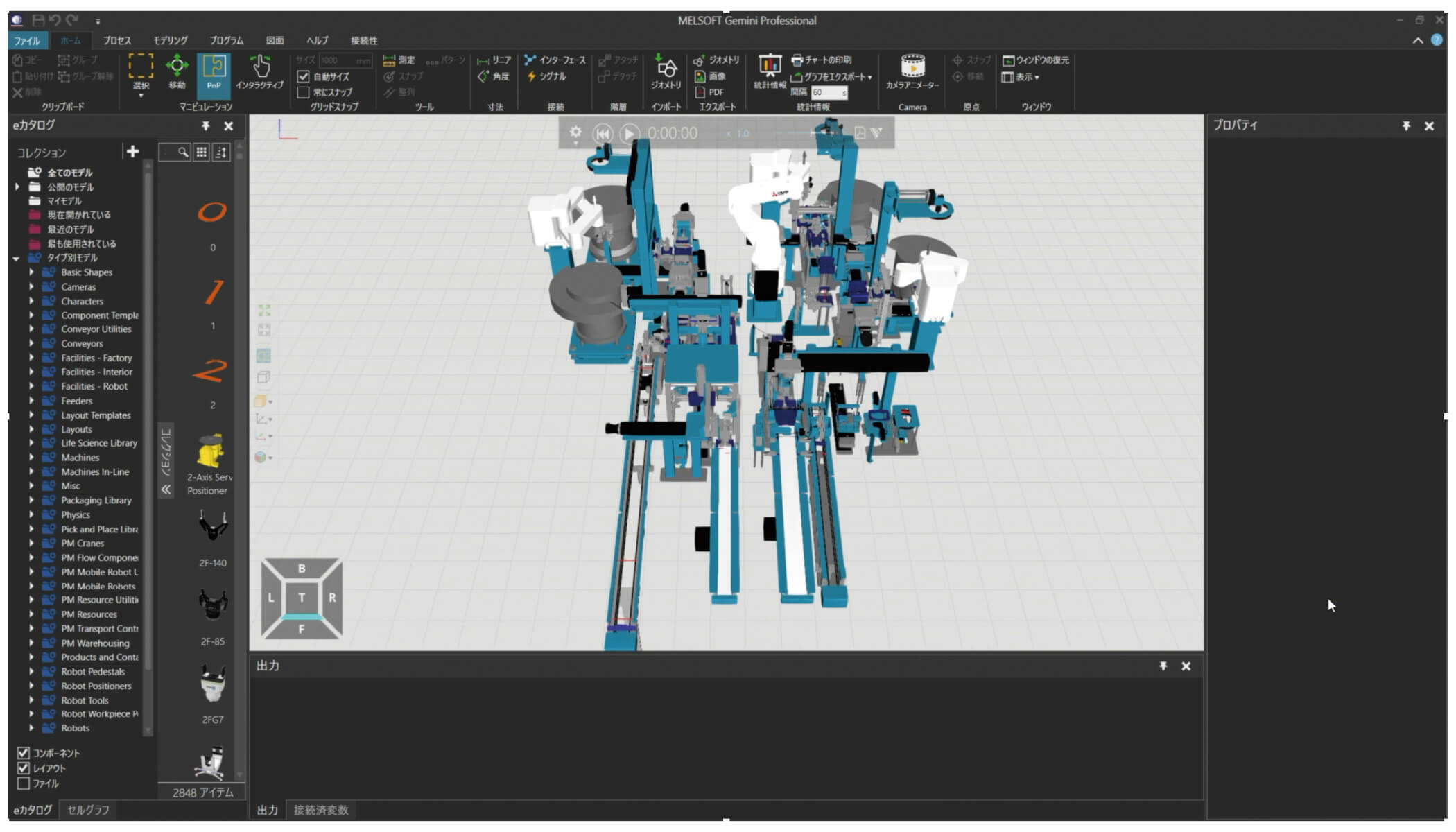

Direct connectivity with our simulators and FA devices improves the accuracy of mechanical collision detection.
Third-party devices and simulators can also be connected either directly or via OPC Server, enabling control logic validation regardless of equipment or vendor.

Maintenance

MELSOFT Gemini can reproduce the machine status when an error occurred in a 3D model using log data.
Swifter troubleshooting is possible by combining ladder monitor display, waveform display, and image data display.

without the actual equipment and supporting faster on-site recovery.
Communication support

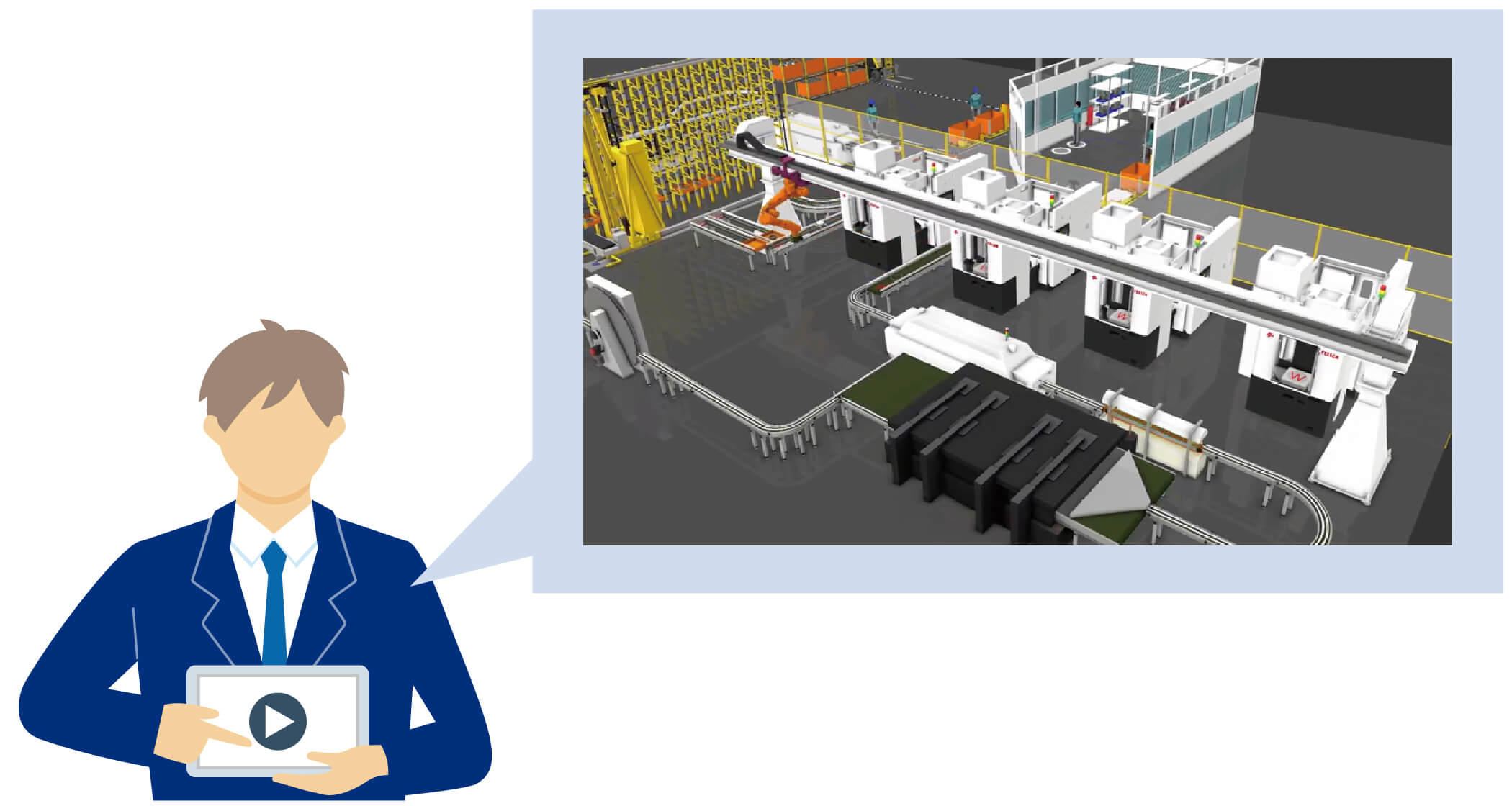
When proposing in-house developed machines or systems to customers, demonstrating their operation with a 3D simulator can help you gain a competitive edge and move negotiations forward smoothly.
Support for equipment investment cost estimation

When installing new production equipment or expanding existing production lines, you can evaluate multiple scenarios in advance to determine the required number of robots, processing machines, AGVs, and workers, and estimate the optimal investment amount.
