

-
Inquiries
-
Select
& Quote -
Share
-
Partners

Simulation tools
MELSOFT Gemini Academy


- Feature
- Specification
- Standards
- Discontinued
Learn the basics of using MELSOFT Gemini.
-
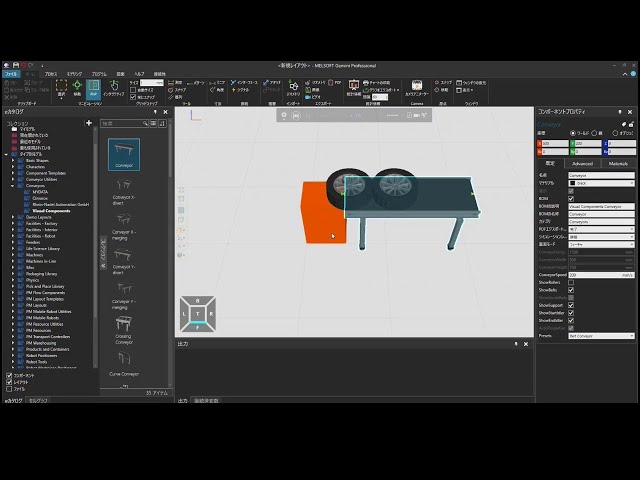
Add components during simulation (1/3)
(This is a Japanese video. Please display English subtitles.)
How to model basic feeders that can create components during simulation
Note: Menu names changed with updates. [Box] → [Block]. [Container] → [Component Container]. Practice file -
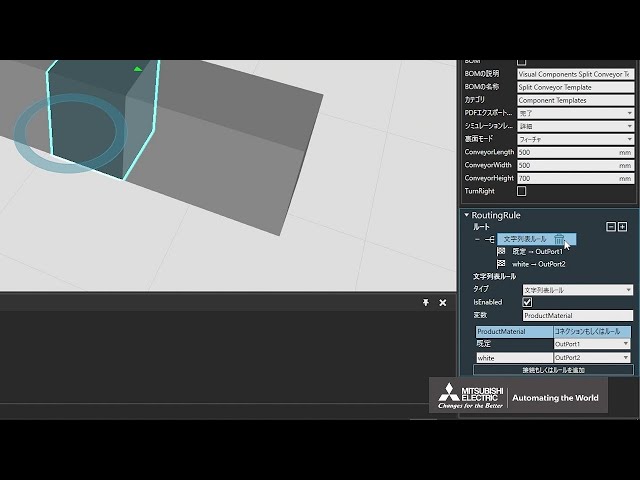
Change conveyor route by product material (1/3)
(This is a Japanese video. Please display English subtitles.)
How to set RoutingRule on a branching conveyor to change routes based on product property values Practice file -
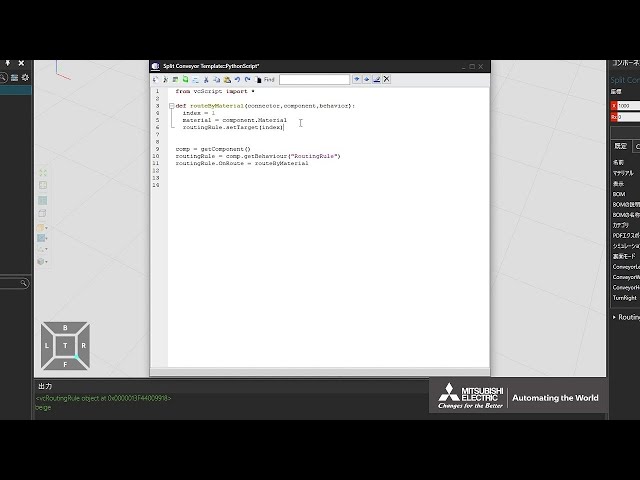
Change conveyor route by product material (2/3)
(This is a Japanese video. Please display English subtitles.)
How to add Python to a branching conveyor to check product material and change the route Practice file -
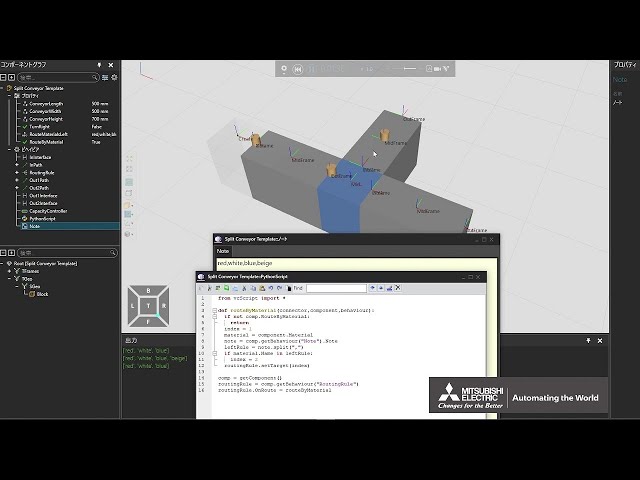
Change conveyor route by product material (3/3)
(This is a Japanese video. Please display English subtitles.)
How to add Python to a branching conveyor and edit route-change rules via properties or notes Practice file -
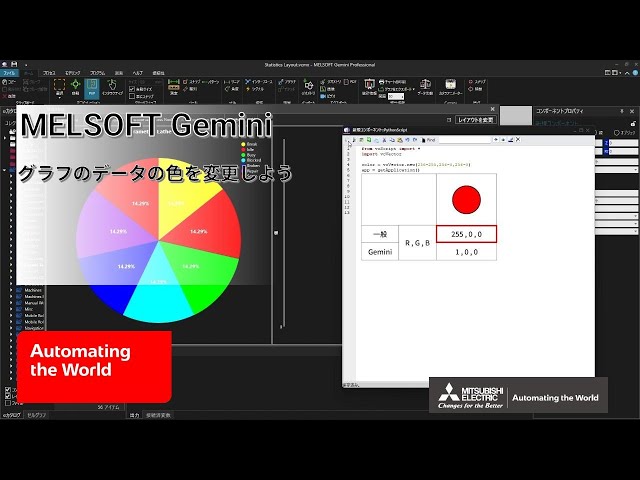
Change graph data colors
(This is a Japanese video. Please display English subtitles.)
How to use Python scripts to change graph data colors in the statistics dashboard (Dashboard, Tabs, Charts, Series, Colors, specify RGB) Practice file -
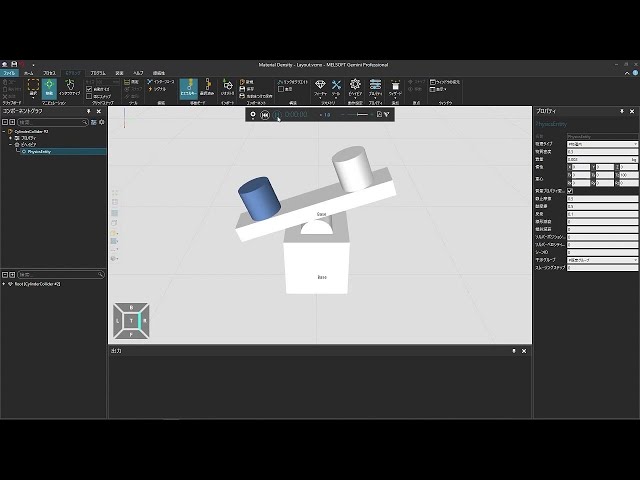
Change material density
(This is a Japanese video. Please display English subtitles.)
How changing material density affects object mass Practice file -
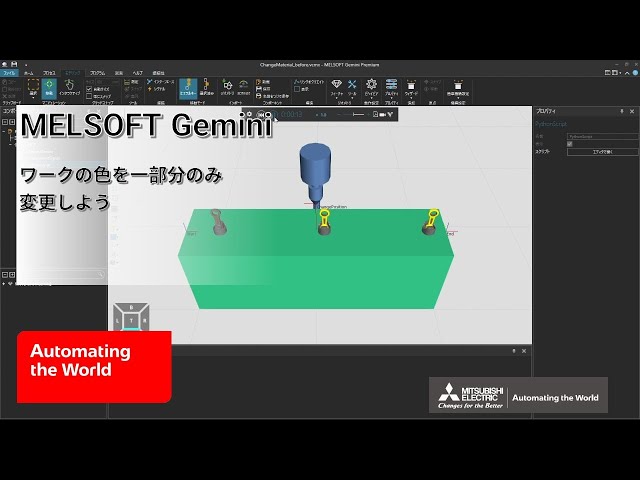
Change part color partially
(This is a Japanese video. Please display English subtitles.)
How to change only part of a workpiece's color using Python
(Related videos: Highlight products to emphasize, Use raycast sensors) Practice file -
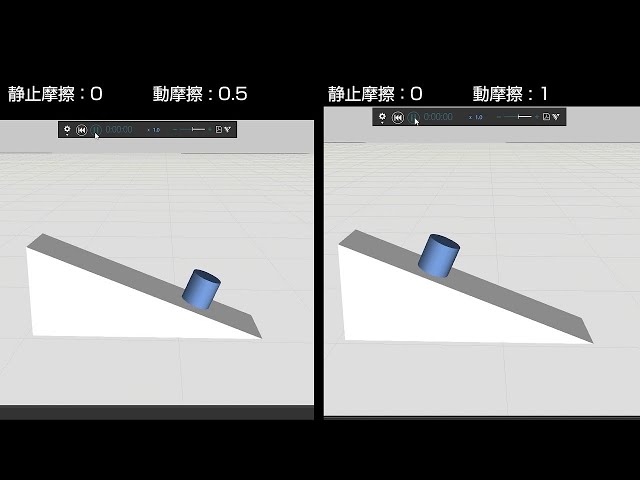
Change product friction (1/2)
(This is a Japanese video. Please display English subtitles.)
How to set static and dynamic friction for physics-affected products Practice file -
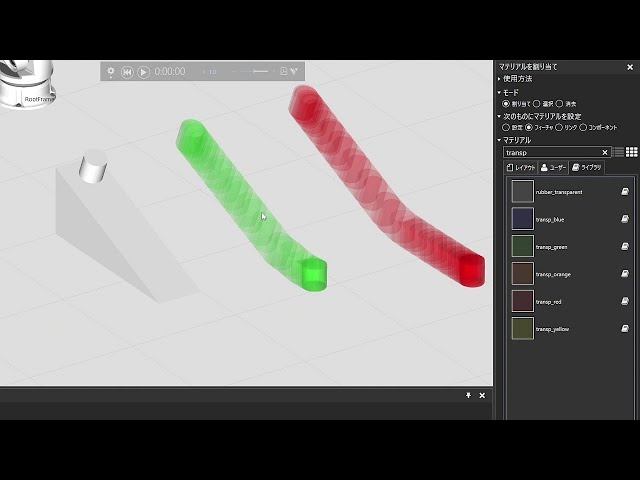
Change product friction (2/2)
(This is a Japanese video. Please display English subtitles.)
How to save trajectories when changing friction for physics-affected products Practice file -
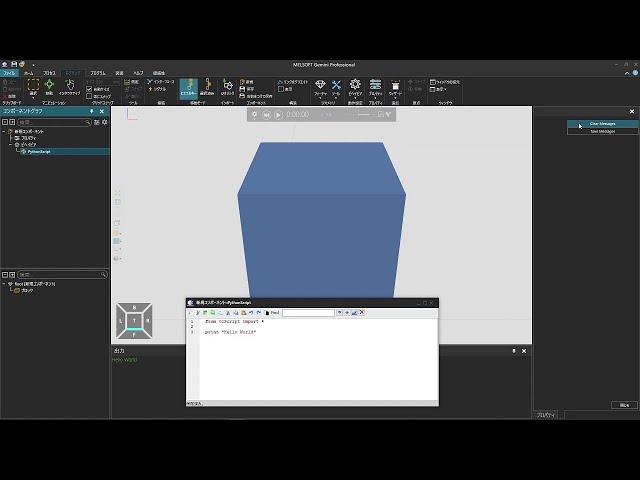
Clear or save output window messages
(This is a Japanese video. Please display English subtitles.)
How to clear or save messages in the Output window using Python -
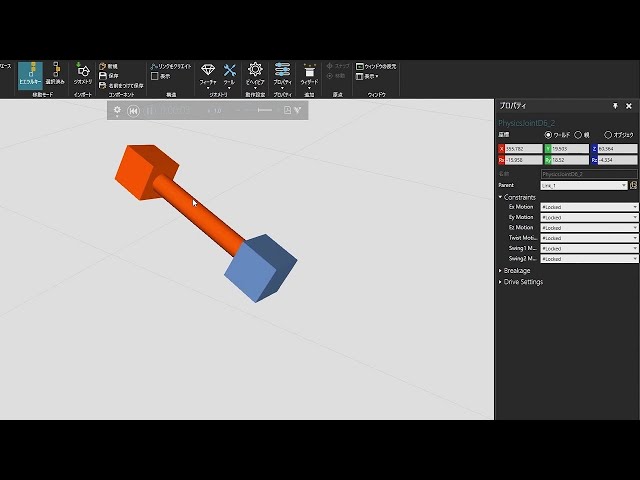
Connect multiple workpieces and simulate with physics
(This is a Japanese video. Please display English subtitles.)
How to fix physics-enabled components together and configure physical interaction between them Practice file -
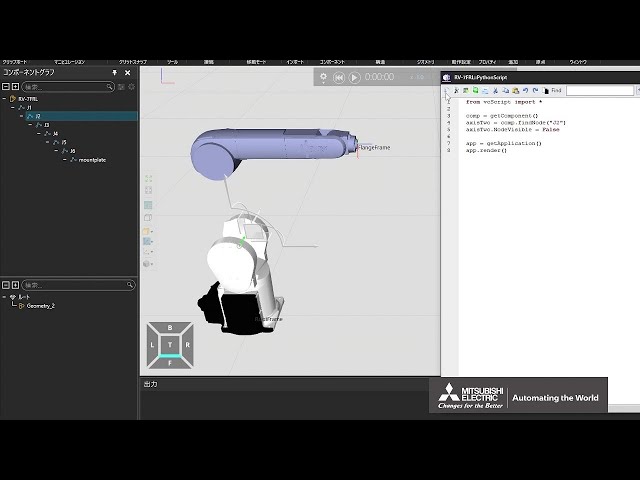
Control device display state
(This is a Japanese video. Please display English subtitles.)
How to use Python to hide parts of a device
(Related video: How to Show/Hide Components) Practice file -
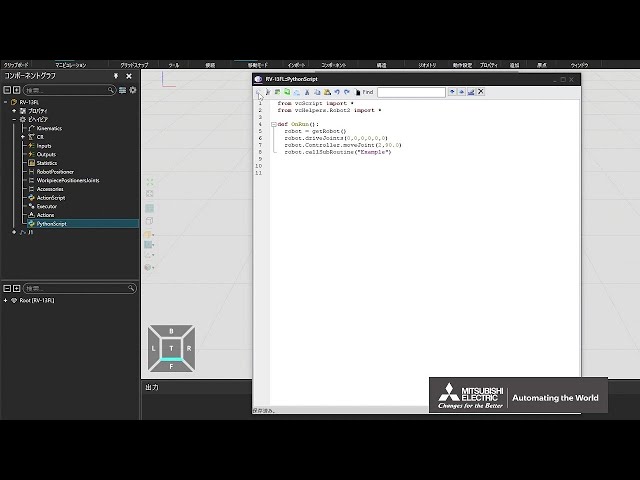
Control robots with Python (1/3)
(This is a Japanese video. Please display English subtitles.)
How to control robots with Python for running routines and teaching Practice file -
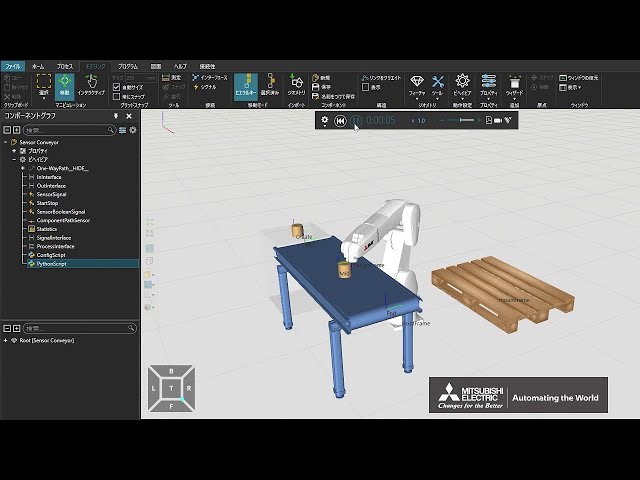
Control robots with Python (2/3)
(This is a Japanese video. Please display English subtitles.)
How to control robots with Python and integrate sensors to locate, grasp, transport, and release workpieces Practice file -
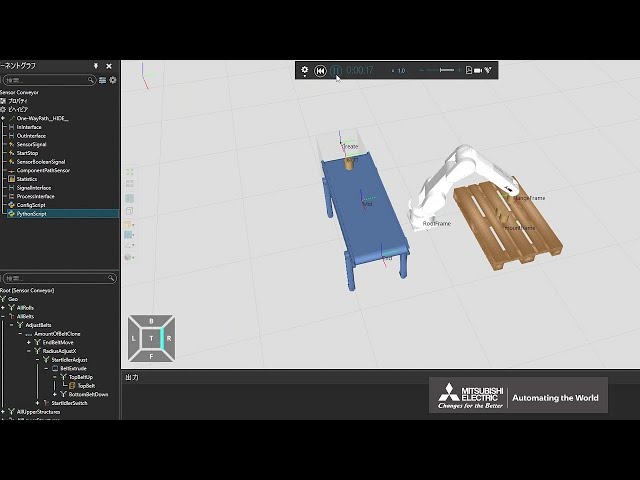
Control robots with Python (3/3)
(This is a Japanese video. Please display English subtitles.)
How to control robots with Python to record auto-generated teaching into routines and to arrange multiple workpieces Practice file -
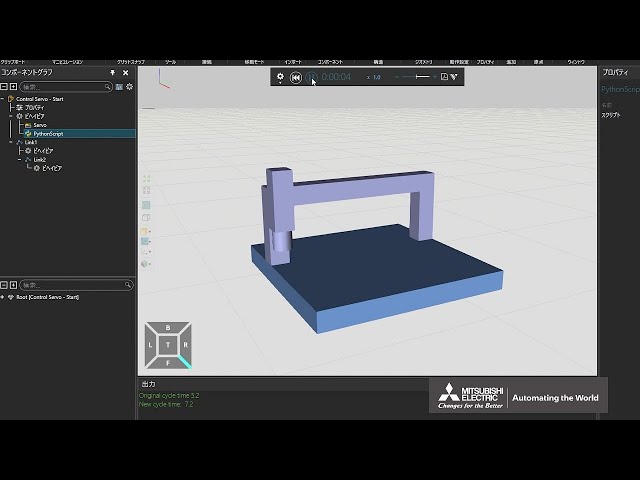
Control servos with Python (1/2)
(This is a Japanese video. Please display English subtitles.)
How to control custom device drives with Python (setJointTarget, CalcMotionTime, setMotionTime, move, moveJoint, moveImmediate) Practice file -
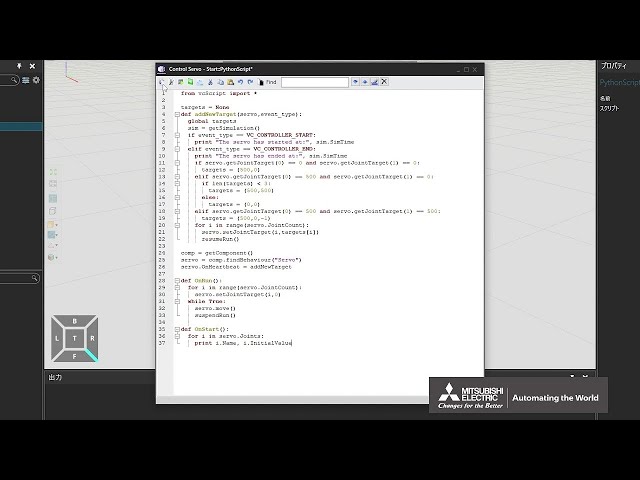
Control servos with Python (2/2)
(This is a Japanese video. Please display English subtitles.)
How to control custom device drives with Python and change behavior according to drive state (OnHeartbeat) Practice file -
Control timing of device product transfer
(This is a Japanese video. Please display English subtitles.)
How to use Python to control device product transfer timing using sensors, signals, and conditional branching Practice file -
Create a 2-axis rotary positioner and connect it to a robot (1/2)
(This is a Japanese video. Please display English subtitles.)
How to create an original 2-axis rotary positioner (import 3D CAD, separate moving parts) Practice file -
Create a 2-axis rotary positioner and connect it to a robot (2/2)
(This is a Japanese video. Please display English subtitles.)
How to create an original 2-axis rotary positioner and connect it to a robot (wizard positioner, Robot CompactPositionerAssembly settings) Practice file -
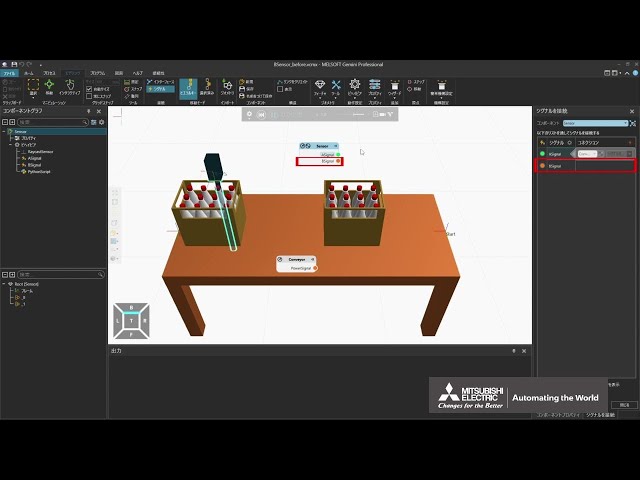
Create a B-contact sensor
(This is a Japanese video. Please display English subtitles.)
How to create a B-contact sensor (raycast sensor, invert sensor signal value via Python script)
(Related videos: Use raycast sensors, use volume sensors, create sensors) Practice file -
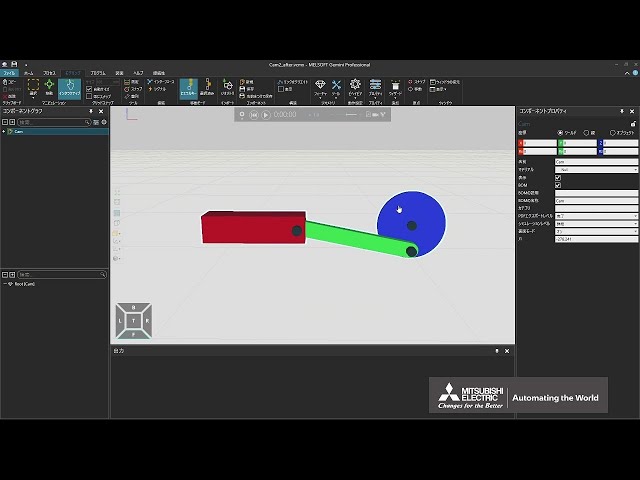
Create a cam mechanism (1/2)
(This is a Japanese video. Please display English subtitles.)
How to create a device with a custom cam mechanism (import 3D CAD, separate moving parts) Practice file -
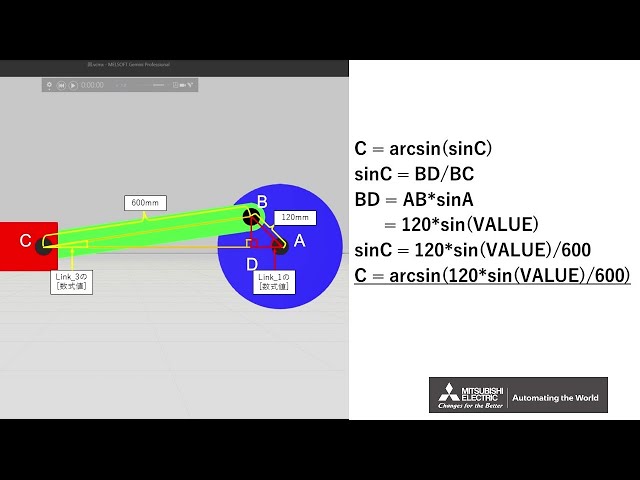
Create a cam mechanism (2/2)
(This is a Japanese video. Please display English subtitles.)
How to create a device with a custom cam mechanism (mechanize, calculate moving part motion using trigonometric functions) Practice file -
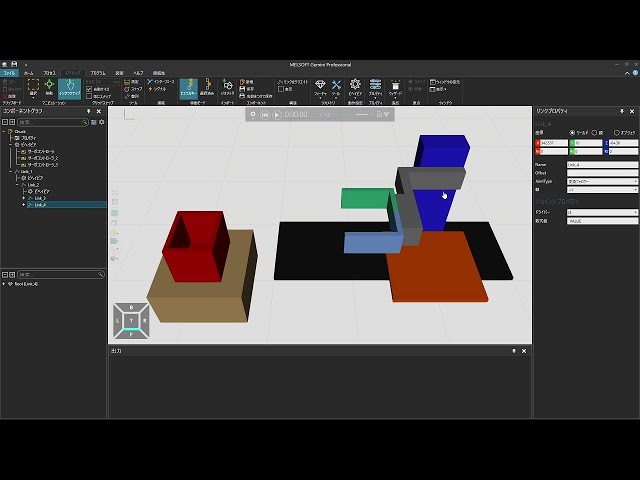
Create a chuck (1/3)
(This is a Japanese video. Please display English subtitles.)
How to import a custom chuck 3D CAD and set moving parts to transfer workpiece between tables Practice file -
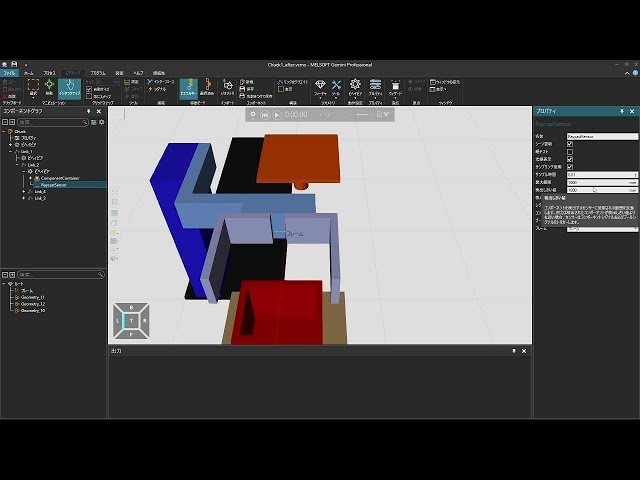
Create a chuck (2/3)
(This is a Japanese video. Please display English subtitles.)
How to set detection for workpieces and container settings for a custom chuck Practice file -
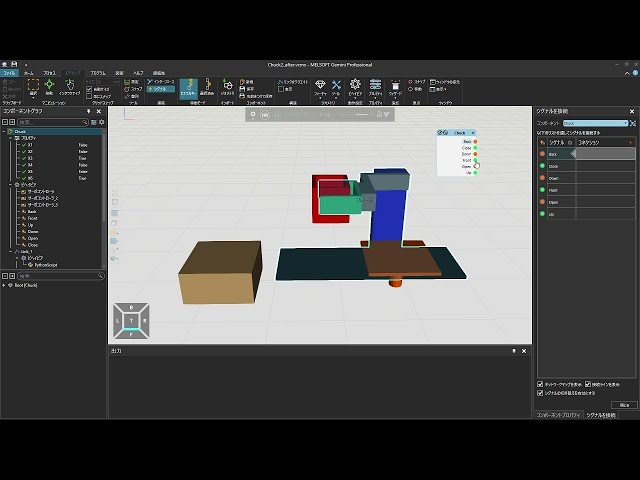
Create a chuck (3/3)
(This is a Japanese video. Please display English subtitles.)
How to control custom chuck workpiece transport using Python scripts Practice file -
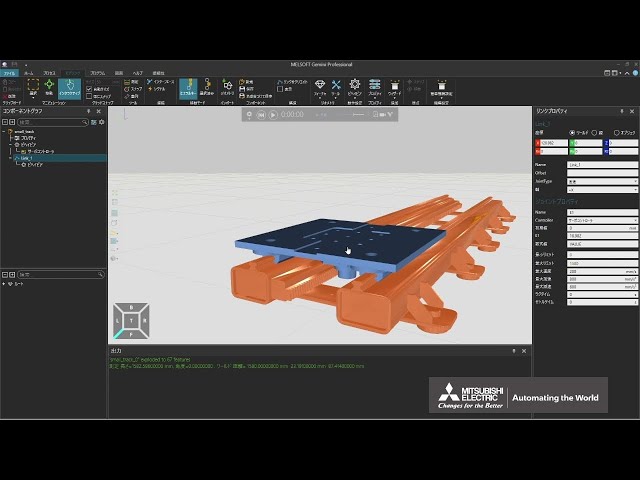
Create a custom linear track (1/2)
(This is a Japanese video. Please display English subtitles.)
How to create a custom linear track and allow carts to move along it Practice file -
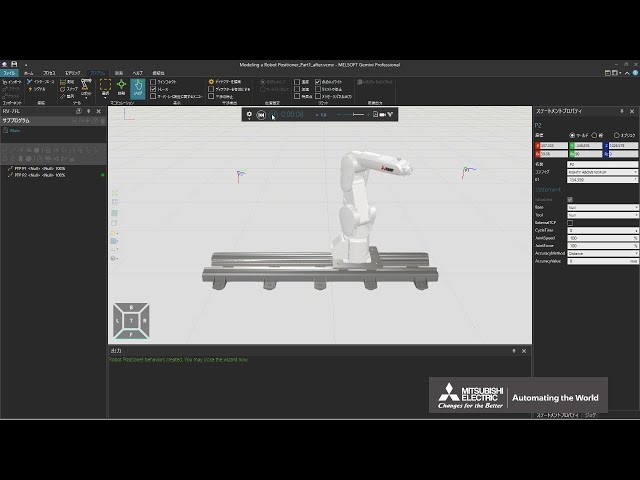
Create a custom linear track (2/2)
(This is a Japanese video. Please display English subtitles.)
How to create a custom linear track and use robot programs to move robots along it Practice file -
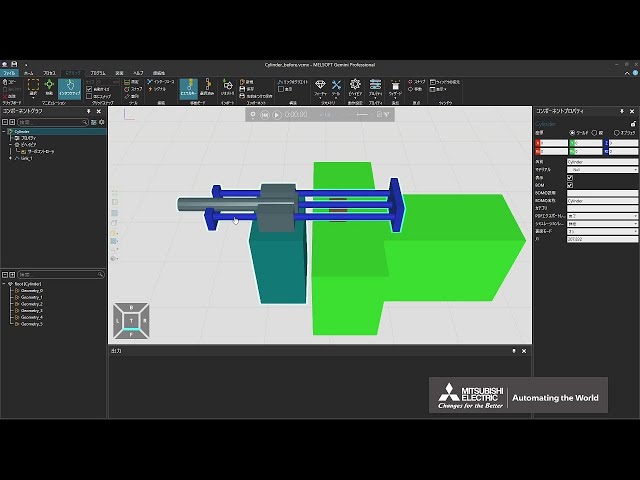
Create a cylinder (1/3)
(This is a Japanese video. Please display English subtitles.)
How to create a custom cylinder
(import 3D CAD, mechanism setup) Practice file -
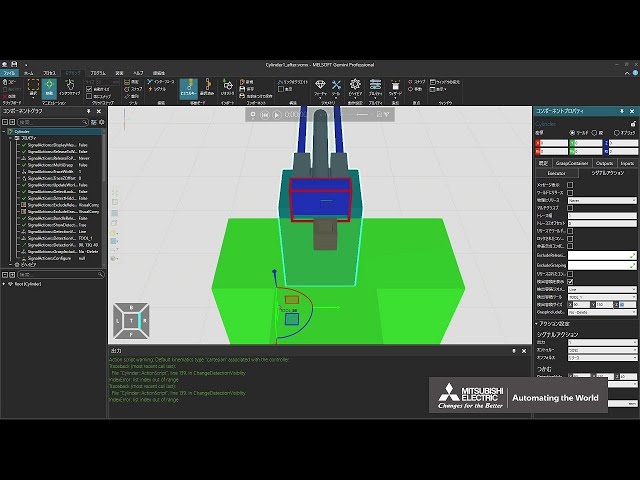
Create a cylinder (2/3)
(This is a Japanese video. Please display English subtitles.)
How to create a custom cylinder
(action script wizard, grip detection range, release distance, operation programming) Practice file -
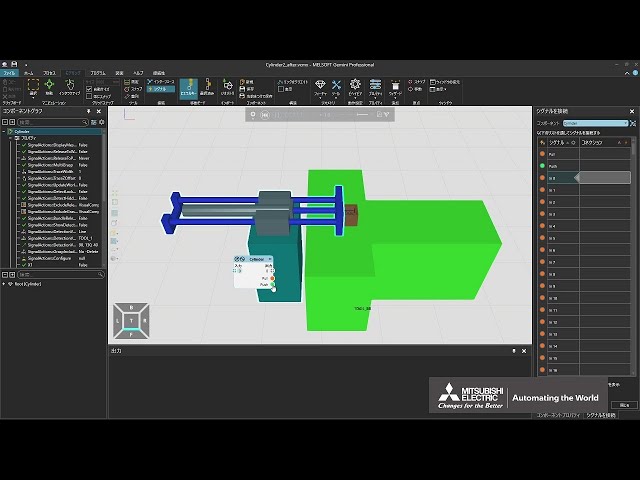
Create a cylinder (3/3)
(This is a Japanese video. Please display English subtitles.)
How to create a custom cylinder
(control operation program via Python script) Practice file -
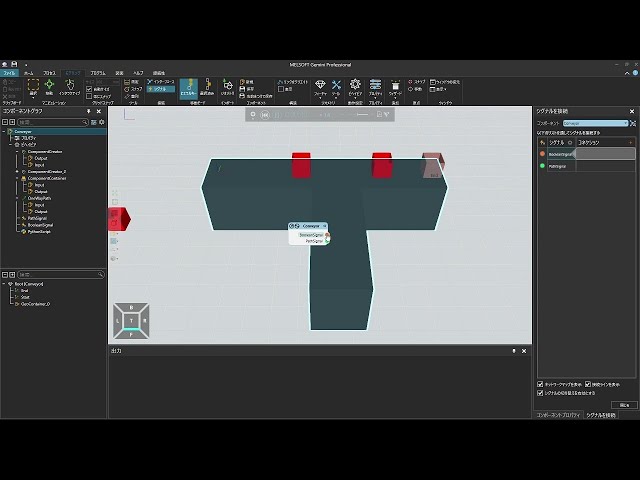
Create a device simulation conveyor (1/3)
(This is a Japanese video. Please display English subtitles.)
How to create multiple workpiece types without using feeders Practice file -
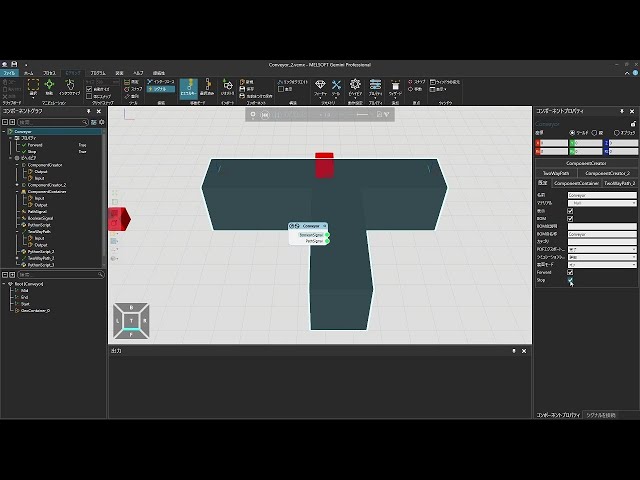
Create a device simulation conveyor (2/3)
(This is a Japanese video. Please display English subtitles.)
How to control product behavior on a conveyor (forward, backward, pause, etc.) Practice file -
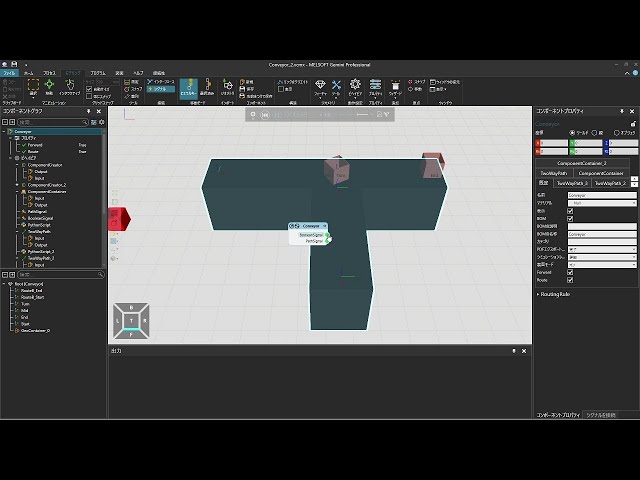
Create a device simulation conveyor (3/3)
(This is a Japanese video. Please display English subtitles.)
How to control route branching for where products on a conveyor will flow Practice file -
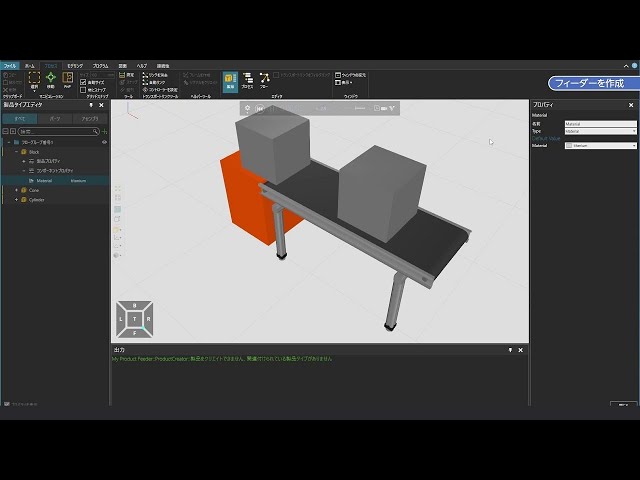
Create a feeder to understand structure
(This is a Japanese video. Please display English subtitles.)
How to create a custom feeder to understand mechanism settings
Note: From version 1.410, "PM Flow Components" renamed to "Flow Components." Practice file -
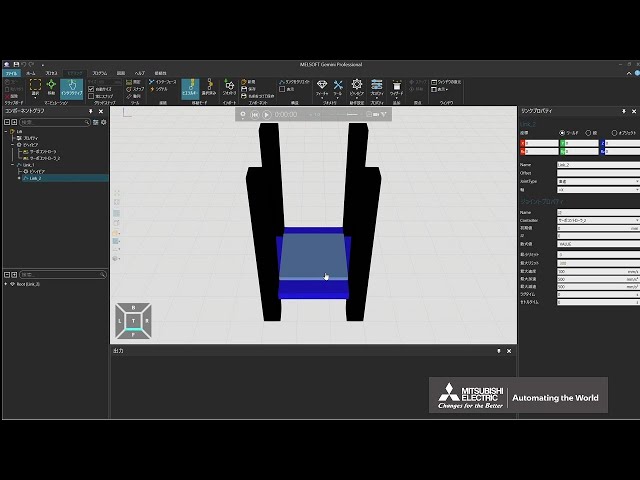
Create a lift with the IO Control Wizard (1/2)
(This is a Japanese video. Please display English subtitles.)
How to create an original lift device
(import 3D CAD, mechanism setup) Practice file -
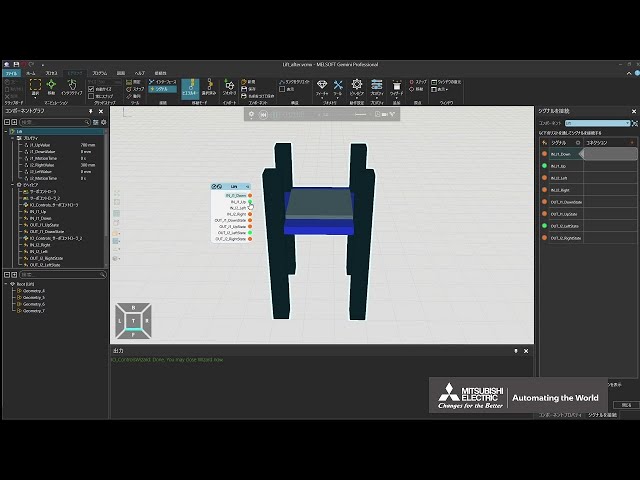
Create a lift with the IO Control Wizard (2/2)
(This is a Japanese video. Please display English subtitles.)
How to create an original lift
(IO Control wizard, signal control) Practice file -
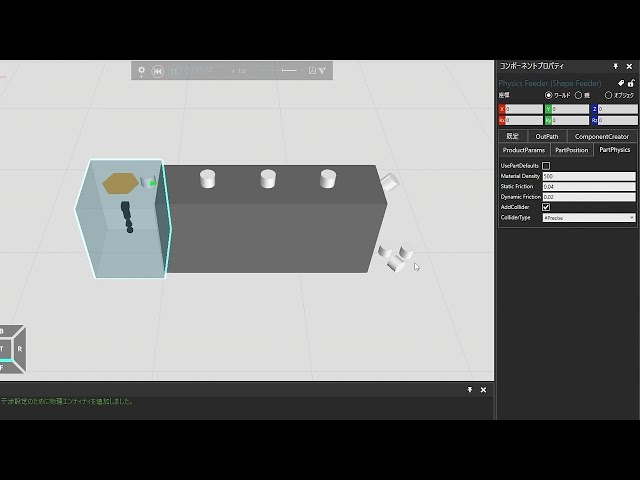
Create a physics-affected conveyor (1/2)
(This is a Japanese video. Please display English subtitles.)
How to configure conveyors where parts fall off the edge Practice file -
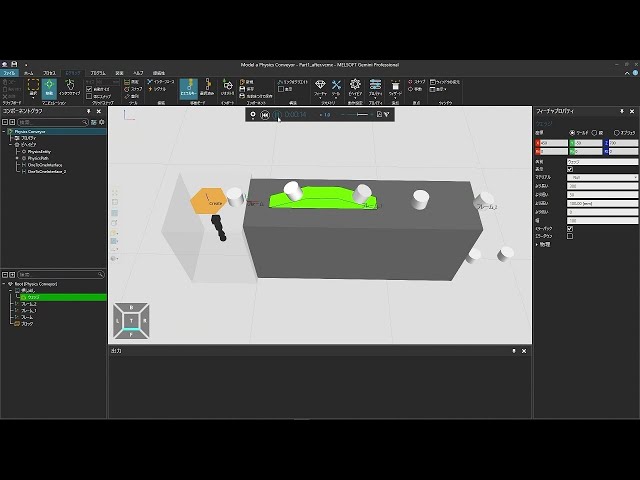
Create a physics-affected conveyor (2/2)
(This is a Japanese video. Please display English subtitles.)
How to configure conveyors where parts roll down inclined surfaces under physics Practice file -
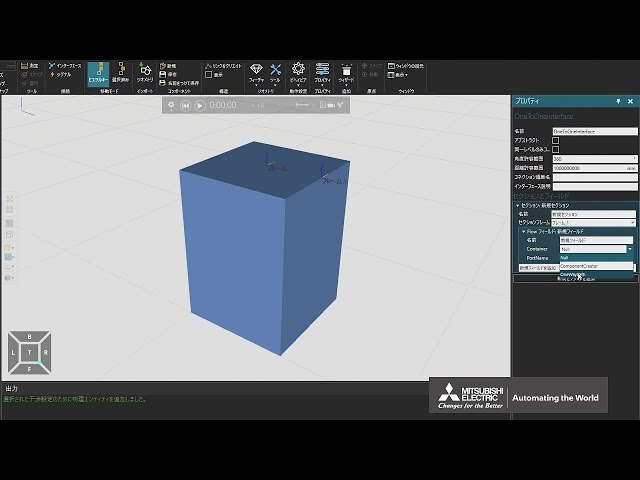
Create a physics-affected feeder (1/2)
(This is a Japanese video. Please display English subtitles.)
How to create feeders for parts affected by physical forces Practice file -
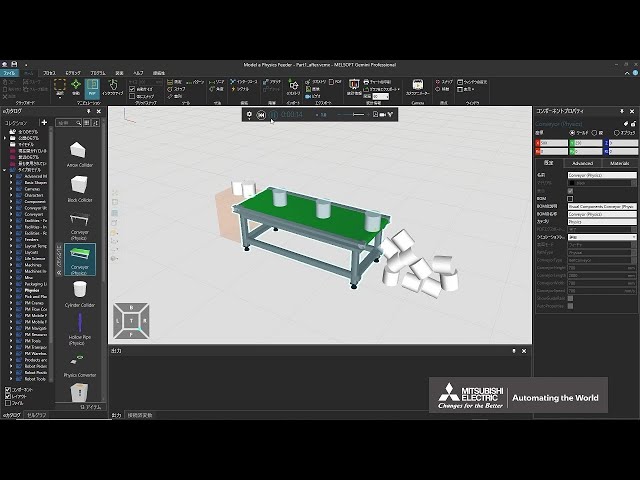
Create a physics-affected feeder (2/2)
(This is a Japanese video. Please display English subtitles.)
How to create parts affected by physics and flow them from feeders to conveyors Practice file -
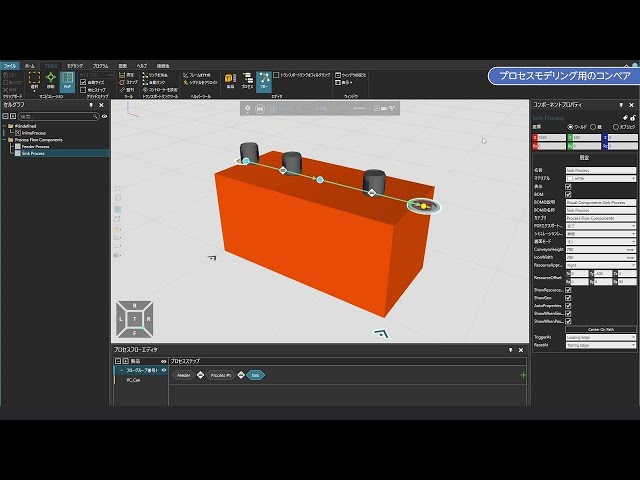
Create a process-modeling conveyor
(This is a Japanese video. Please display English subtitles.)
How to build an original conveyor for process modeling
Note: Menu names changed with updates. [Container] → [Component Container]. Practice file -
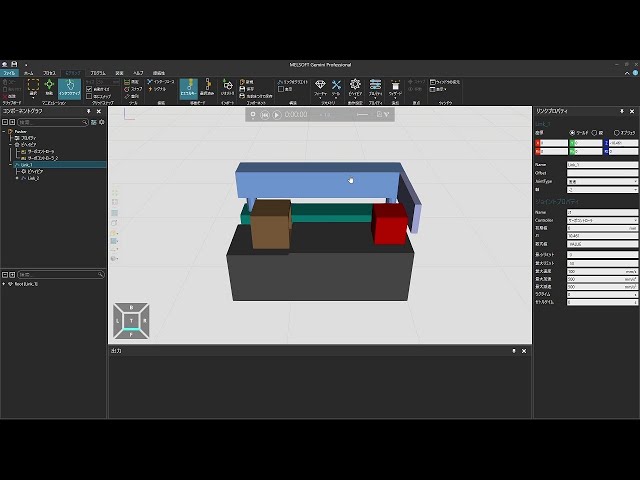
Create a pusher (1/4)
(This is a Japanese video. Please display English subtitles.)
How to set the mechanism of a pusher that can push products Practice file -
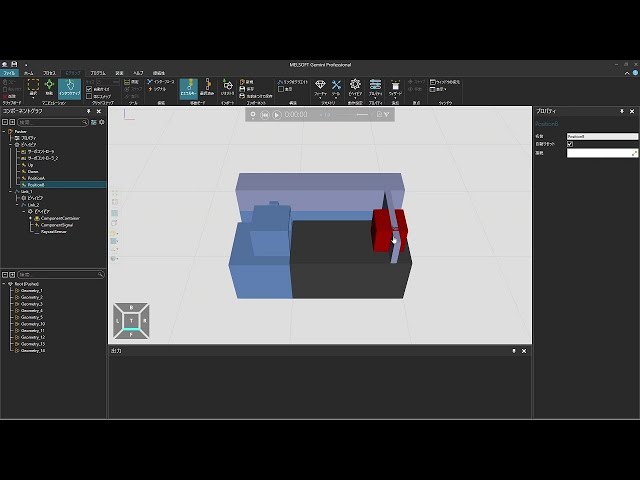
Create a pusher (2/4)
(This is a Japanese video. Please display English subtitles.)
How to set sensors that detect products for a pusher Practice file -
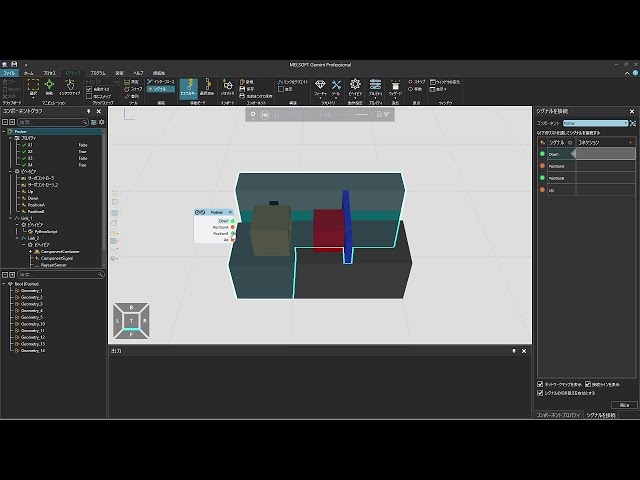
Create a pusher (3/4)
(This is a Japanese video. Please display English subtitles.)
How to set a Python script to push products with a pusher Practice file -
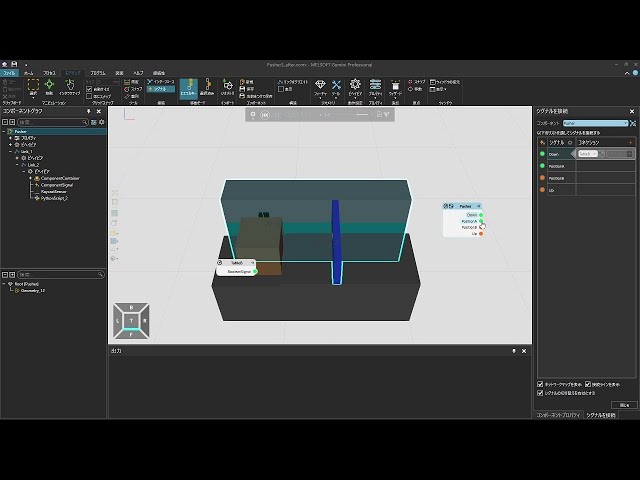
Create a pusher (4/4)
(This is a Japanese video. Please display English subtitles.)
How to join products that have been pushed by the pusher Practice file -
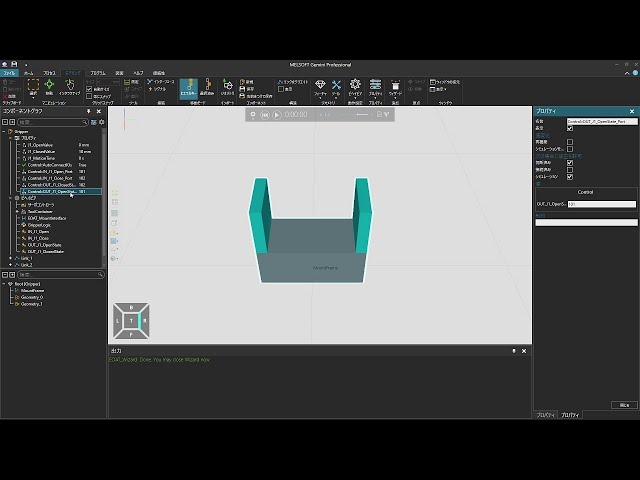
Create a robot tool and control the robot via PLC to transport products (1/3)
(This is a Japanese video. Please display English subtitles.)
How to create an original robot tool
(import 3D CAD, mechanism setup, motion settings, connect robot tool to robot) Practice file -
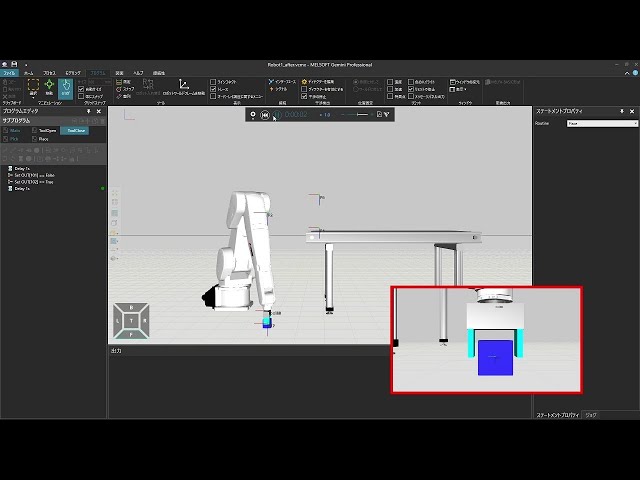
Create a robot tool and control the robot via PLC to transport products (2/3)
(This is a Japanese video. Please display English subtitles.)
How to create an original robot tool
(robot teaching) Practice file -
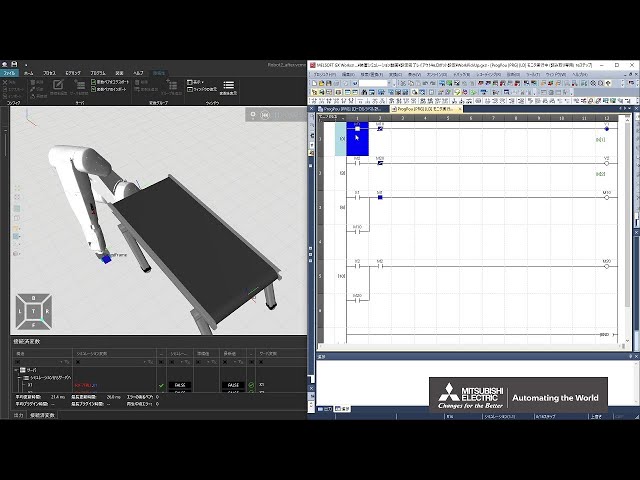
Create a robot tool and control the robot via PLC to transport products (3/3)
(This is a Japanese video. Please display English subtitles.)
How to create an original robot tool
(use the tool to grasp, transport, and release products; control via PLC) Practice file -
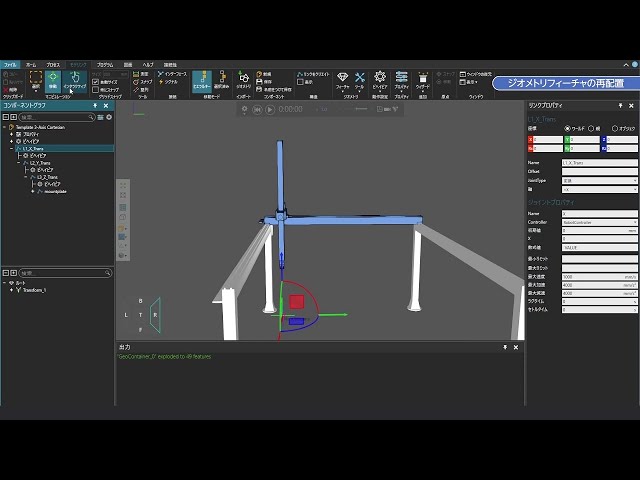
Create a robot with horizontal mechanism
(This is a Japanese video. Please display English subtitles.)
How to create a simple linear robot with a horizontal mechanism Practice file -
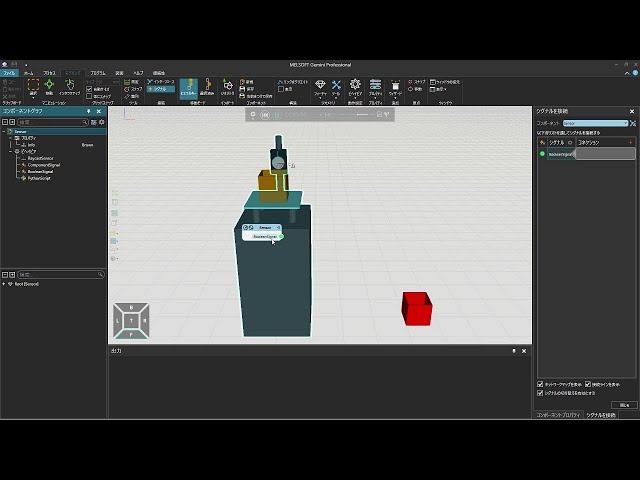
Create a sensor
(This is a Japanese video. Please display English subtitles.)
How to create an original sensor Practice file -
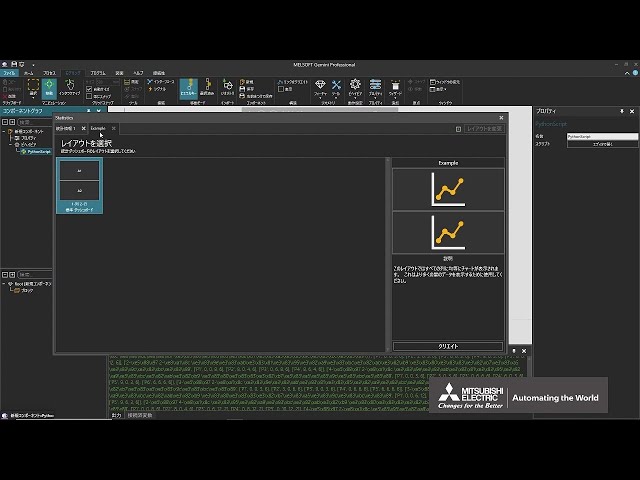
Create a statistics dashboard (1/2)
(This is a Japanese video. Please display English subtitles.)
How to use Python to add custom row/column layouts to the statistics dashboard
(Related video: How to View Statistics) Practice file -
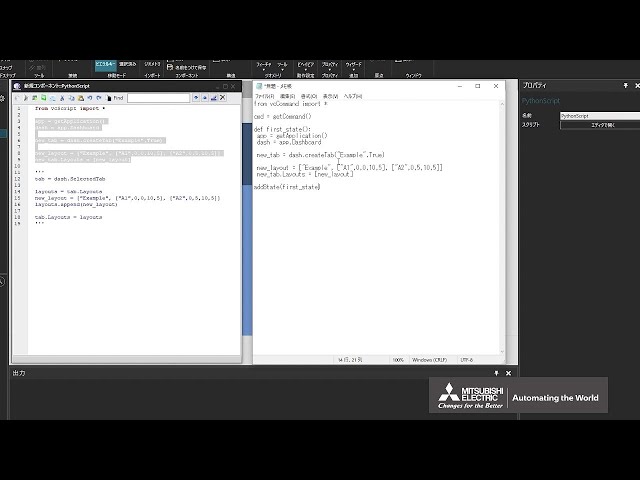
Create a statistics dashboard (2/2)
(This is a Japanese video. Please display English subtitles.)
How to use an add-on to add custom row/column layouts to the statistics dashboard
(Related video: Use template charts in the statistics dashboard) Practice file -
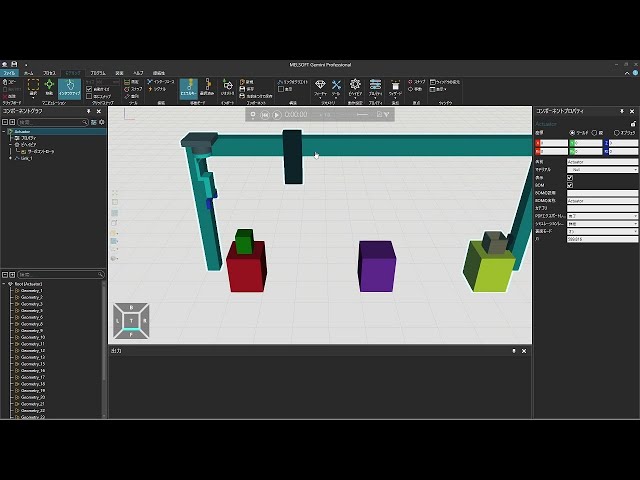
Create an actuator (1/6)
(This is a Japanese video. Please display English subtitles.)
How to import a custom actuator 3D CAD and set a single moving part Practice file -
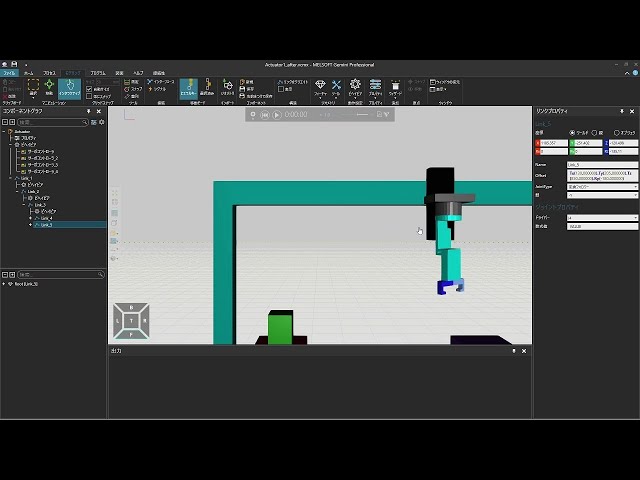
Create an actuator (2/6)
(This is a Japanese video. Please display English subtitles.)
How to set multiple moving parts for a custom actuator Practice file -
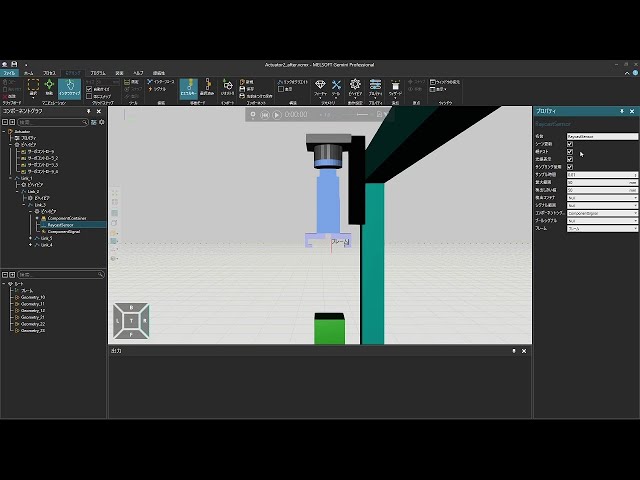
Create an actuator (3/6)
(This is a Japanese video. Please display English subtitles.)
How to detect workpieces for a custom actuator and set containers to store workpieces Practice file -
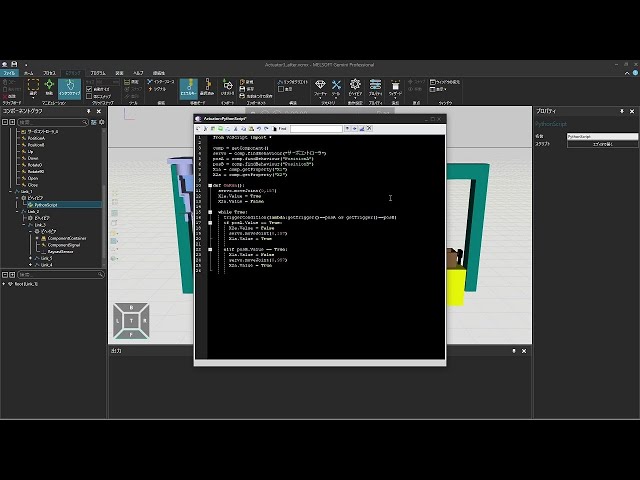
Create an actuator (4/6)
(This is a Japanese video. Please display English subtitles.)
How to control custom actuator moving parts using Python scripts Practice file -
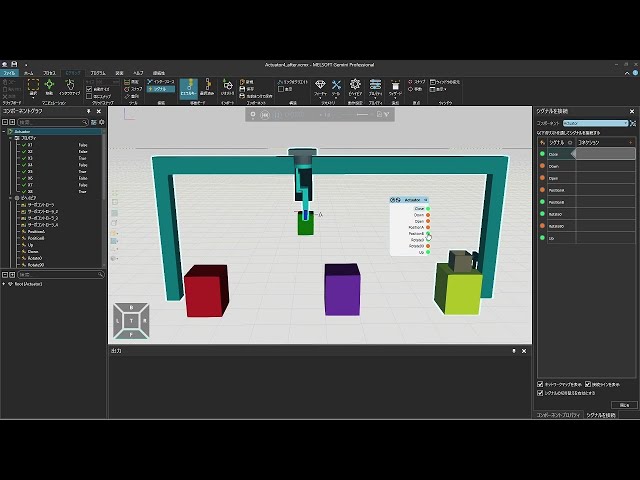
Create an actuator (5/6)
(This is a Japanese video. Please display English subtitles.)
How to control custom actuator workpiece transport using Python scripts Practice file -
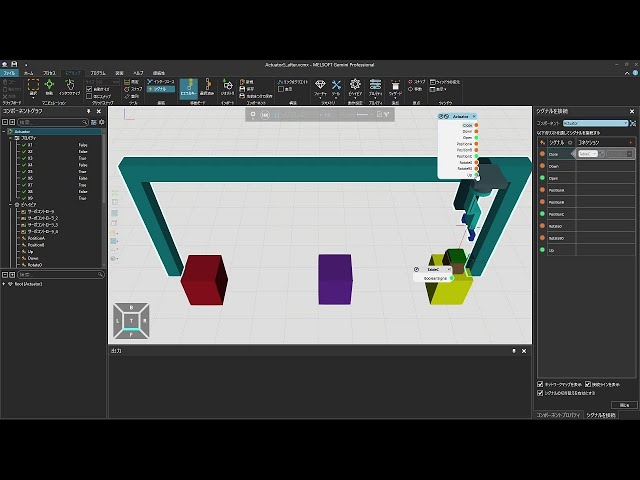
Create an actuator (6/6)
(This is a Japanese video. Please display English subtitles.)
How to control operations that join workpieces together using Python scripts on a custom actuator Practice file -
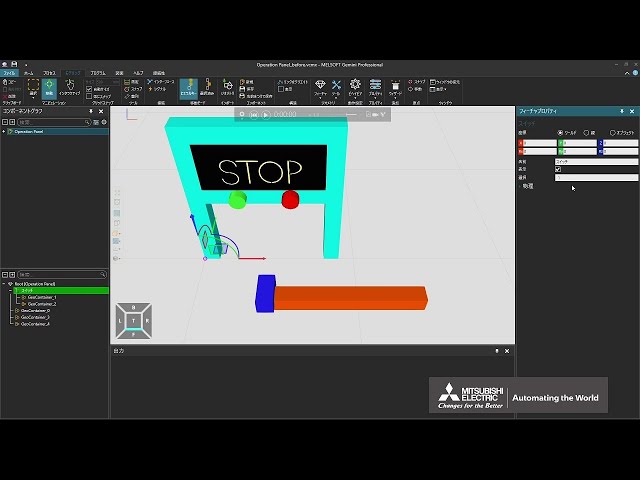
Create an operator panel (1/3)
(This is a Japanese video. Please display English subtitles.)
How to create a custom operator panel (import 3D CAD, make displays switchable dynamically) Practice file -
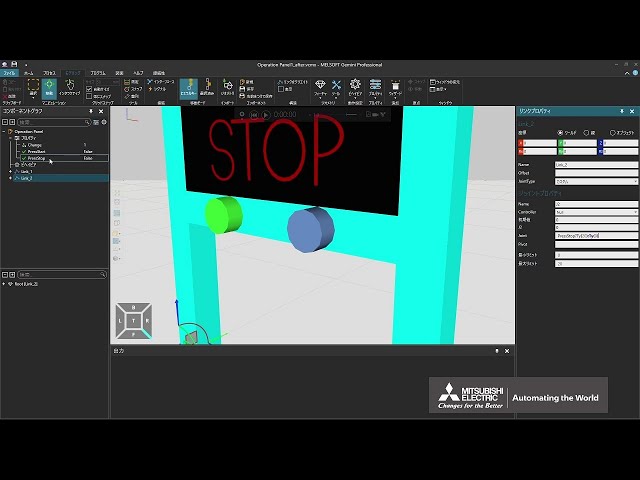
Create an operator panel (2/3)
(This is a Japanese video. Please display English subtitles.)
How to create a custom operator panel (separate moving parts, make buttons pressable) Practice file -
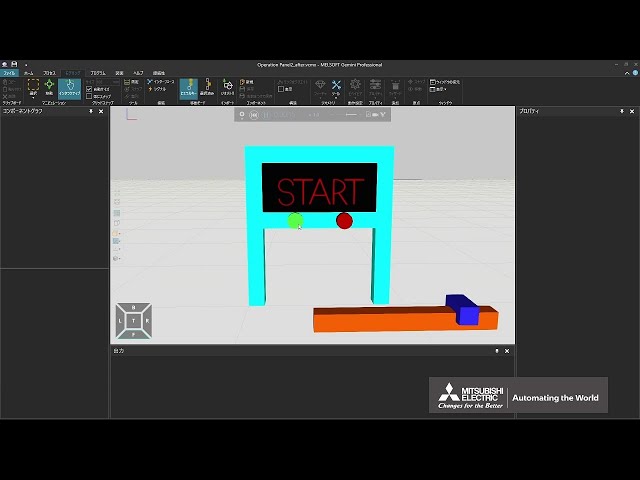
Create an operator panel (3/3)
(This is a Japanese video. Please display English subtitles.)
How to create a custom operator panel (use Python to control signals when buttons are pressed) Practice file -
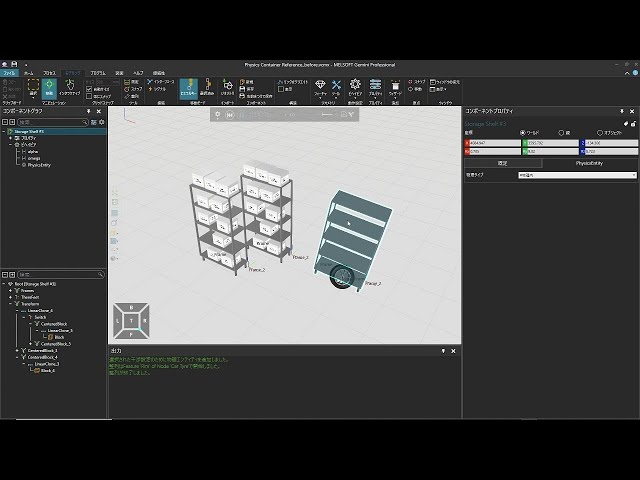
Create physics-affected containers
(This is a Japanese video. Please display English subtitles.)
How to create containers (shelves, boxes) that cause workpieces to fall due to physics Practice file -
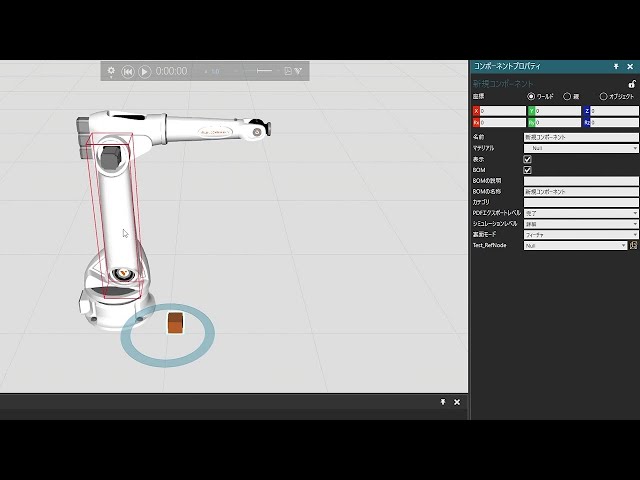
Create reference and list-type properties
(This is a Japanese video. Please display English subtitles.)
How to create properties that reference component nodes and list-type properties using Python Practice file -
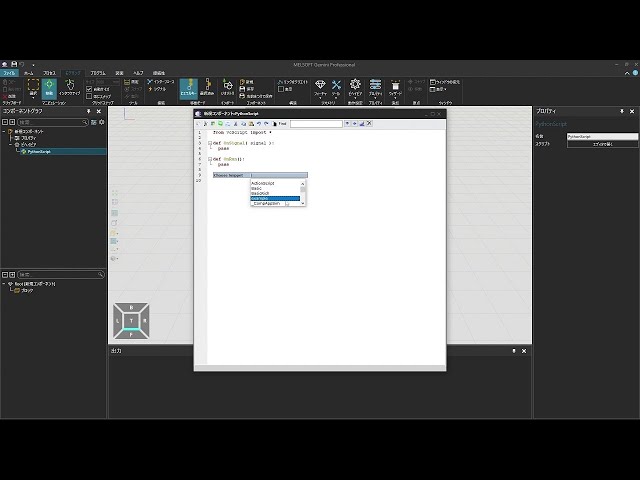
Create reusable Python snippets
(This is a Japanese video. Please display English subtitles.)
How to create reusable Python code snippets -
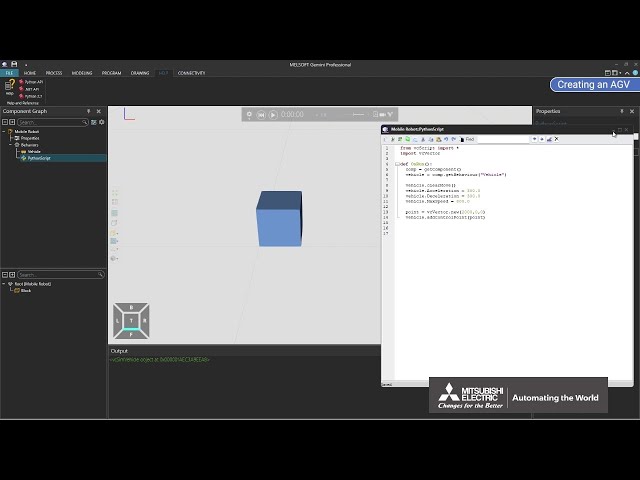
Creating an AGV (Part 1 of 12)
How to create an original AGV and configure the basic settings Practice file -
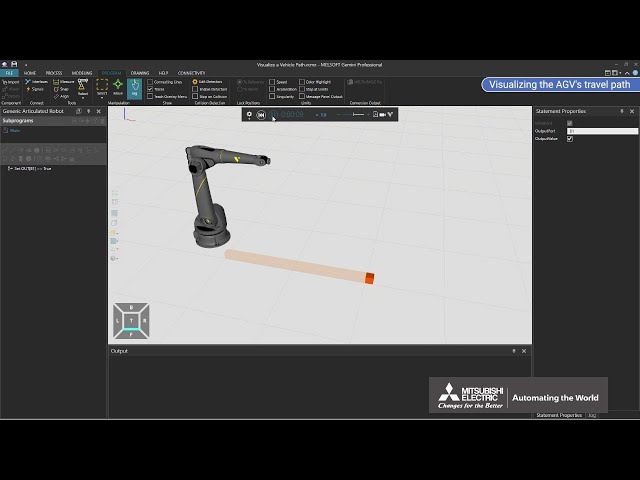
Creating an AGV (Part 2 of 12)
How to visualize the original AGV's path Practice file -
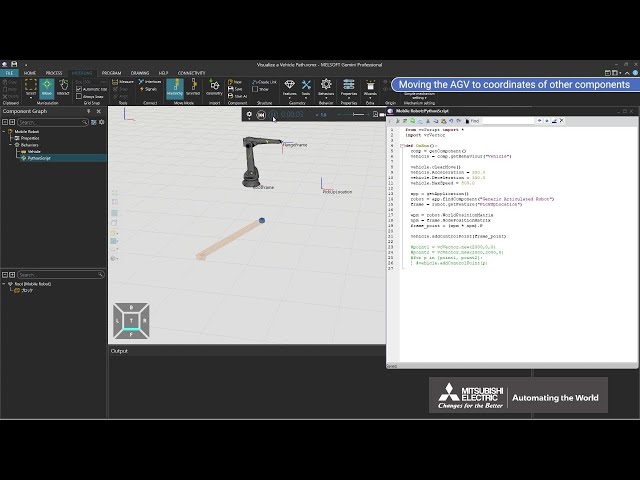
Creating an AGV (Part 3 of 12)
How to operate an original AGV Practice file -
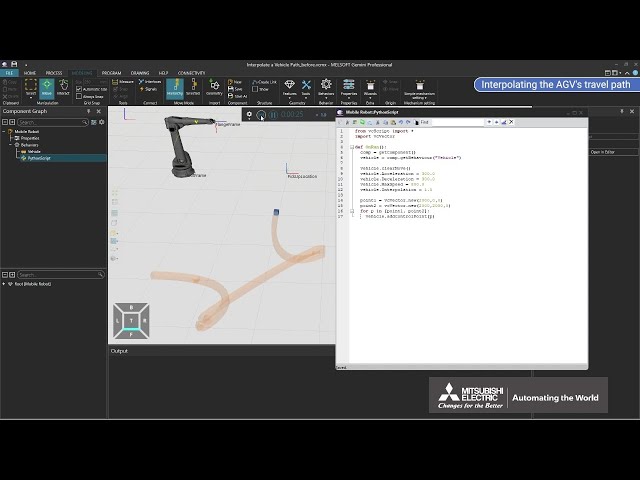
Creating an AGV (Part 4 of 12)
How to interpolate the original AGV's travel path Practice file -
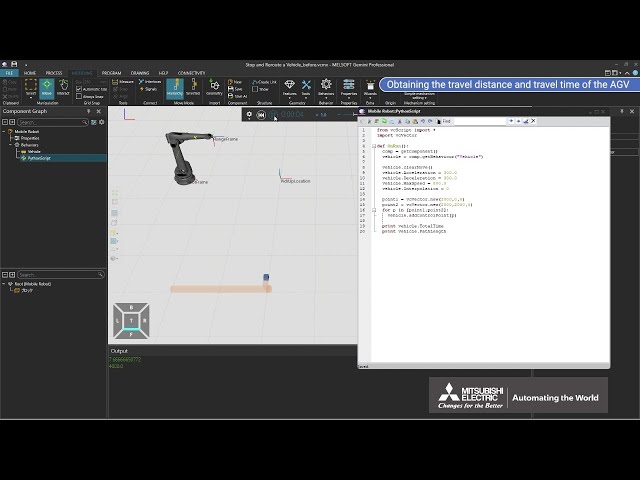
Creating an AGV (Part 5 of 12)
How to read information from an original AGV and control its operation Practice file -
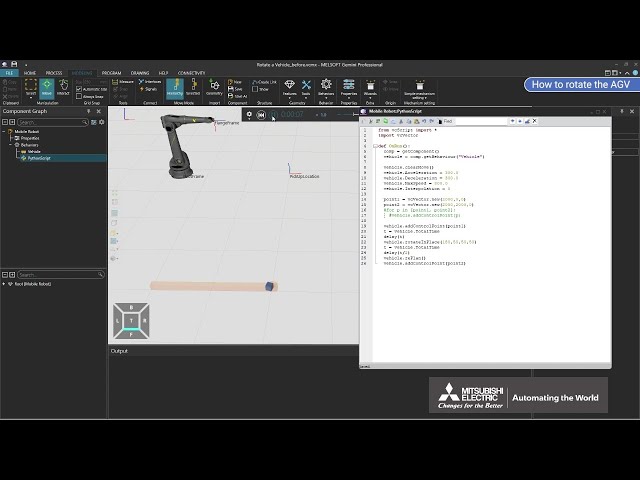
Creating an AGV (Part 6 of 12)
How to rotate an original AGV Practice file -
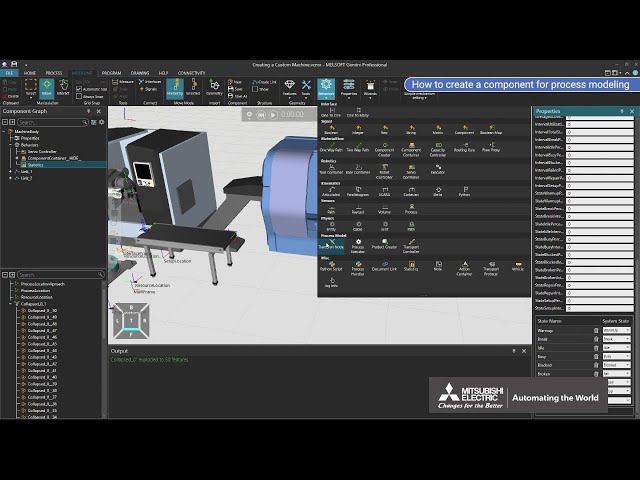
Creating Components for Process Modeling
How to create an original machine and use it for process modeling Practice file -
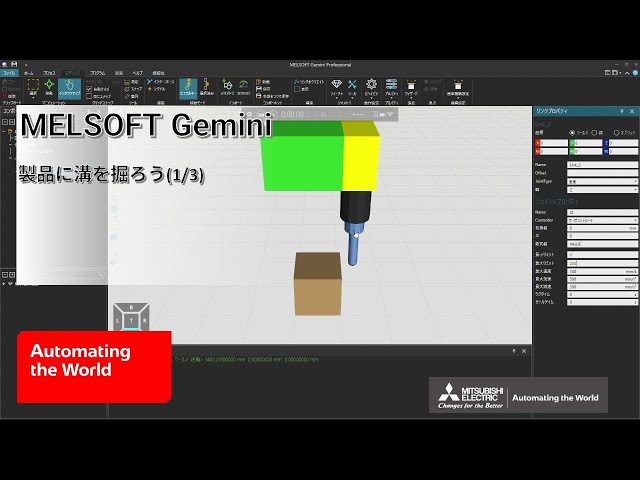
Cut grooves into a product (1/3)
(This is a Japanese video. Please display English subtitles.)
How to import CAD files of the machine and product and set mechanisms for a grooving machine Practice file -
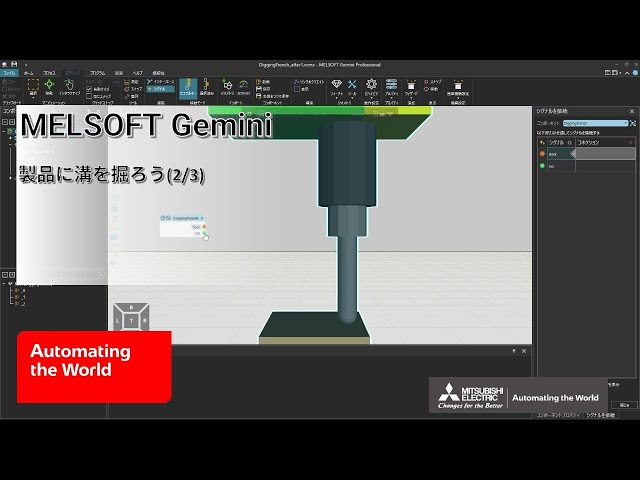
Cut grooves into a product (2/3)
(This is a Japanese video. Please display English subtitles.)
How to control moving parts of the machine with Python signals Practice file -
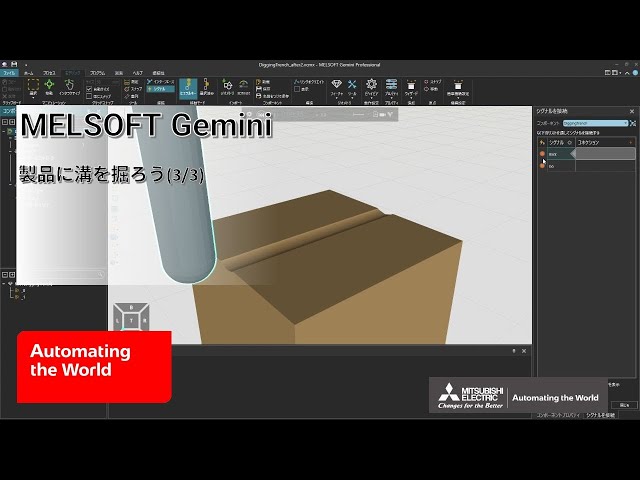
Cut grooves into a product (3/3)
(This is a Japanese video. Please display English subtitles.)
How to groove a product using a machine controlled by Python
(Related videos: Try merging and punching products, Create sensors) Practice file -
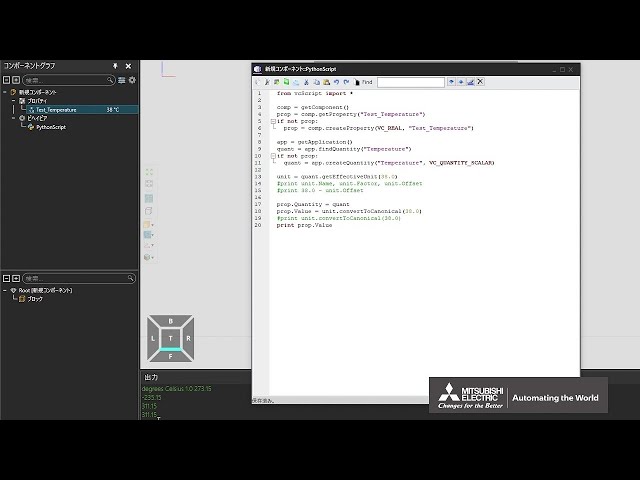
Define quantity and unit for properties
(This is a Japanese video. Please display English subtitles.)
How to create properties that allow specifying quantity and units using Python scripts Practice file -
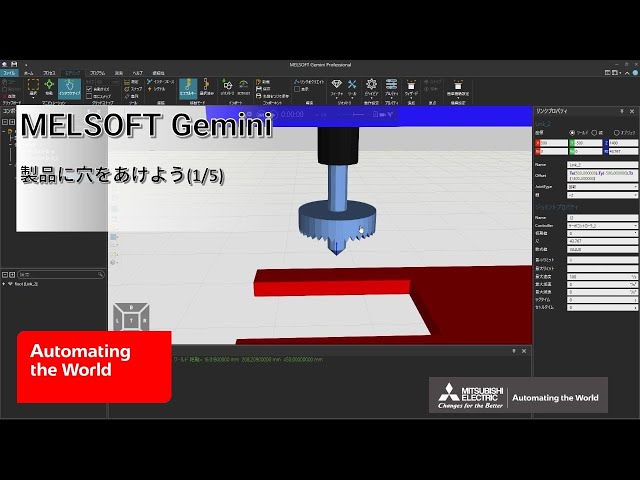
Drill holes in a product (1/5)
(This is a Japanese video. Please display English subtitles.)
How to set up the mechanism of a drilling machine that drills holes in products Practice file -
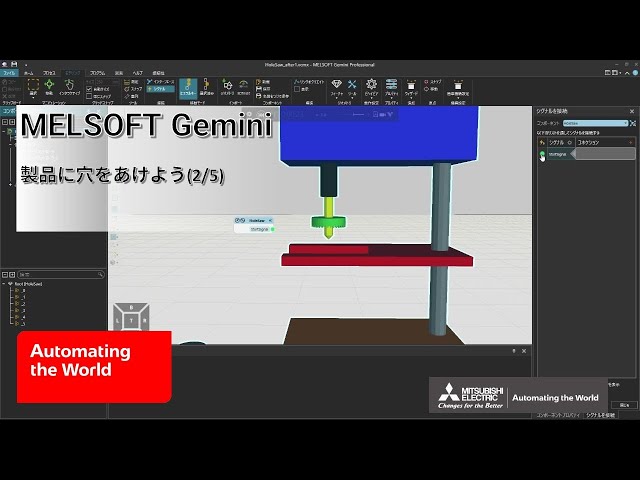
Drill holes in a product (2/5)
(This is a Japanese video. Please display English subtitles.)
How to control the moving parts of the drilling machine with signals Practice file -
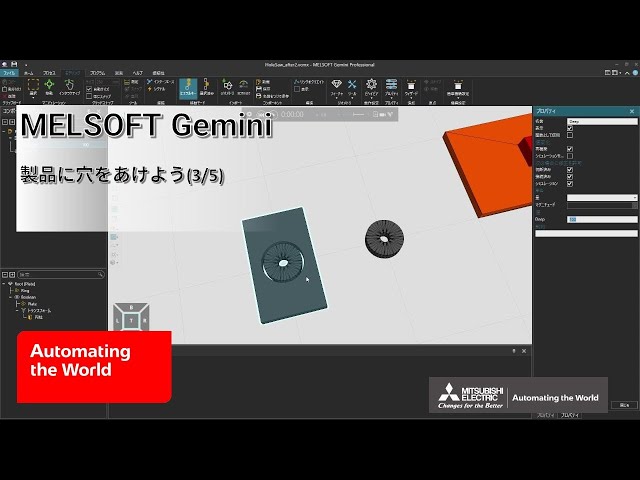
Drill holes in a product (3/5)
(This is a Japanese video. Please display English subtitles.)
How to control product appearance with properties (transform, rebuild, conditional operators)
(Related video: Try merging and punching products) Practice file -
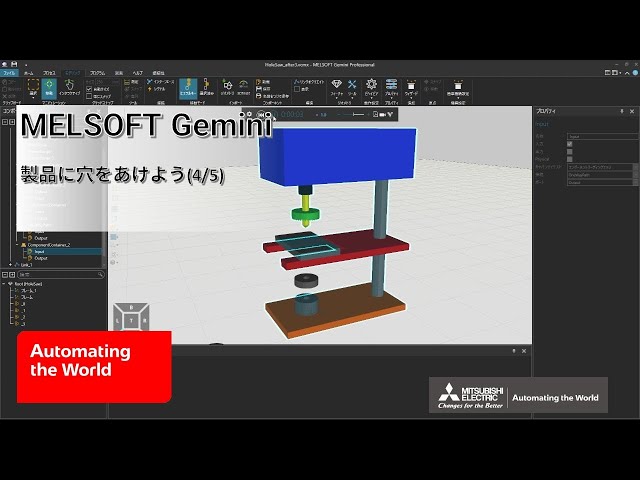
Drill holes in a product (4/5)
(This is a Japanese video. Please display English subtitles.)
How to generate products and move them along a specified path (Component Creator, Component Container, One Way Path) Practice file -
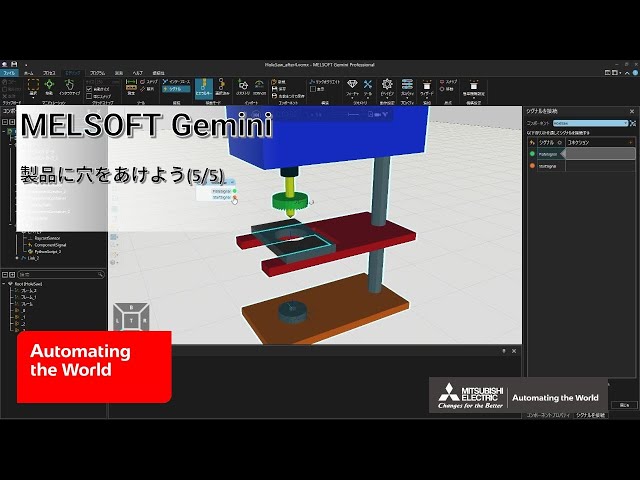
Drill holes in a product (5/5)
(This is a Japanese video. Please display English subtitles.)
How to control hole depth based on the current value of a moving part Practice file -
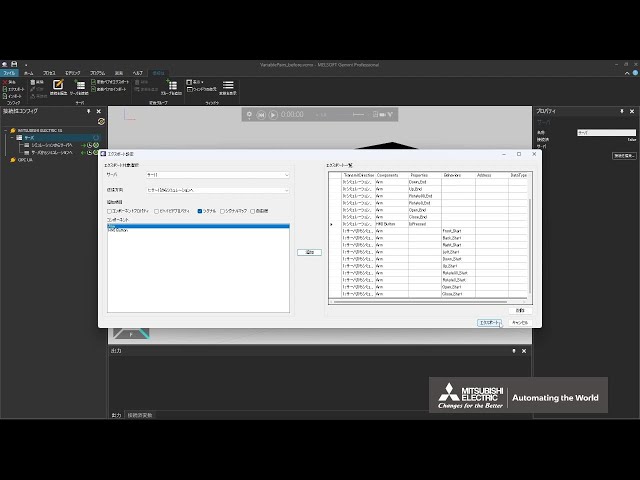
Export/import variable pair lists
(This is a Japanese video. Please display English subtitles.)
How to export and import lists of variable pairs for PLC communication and set variable pairs in bulk Practice file -
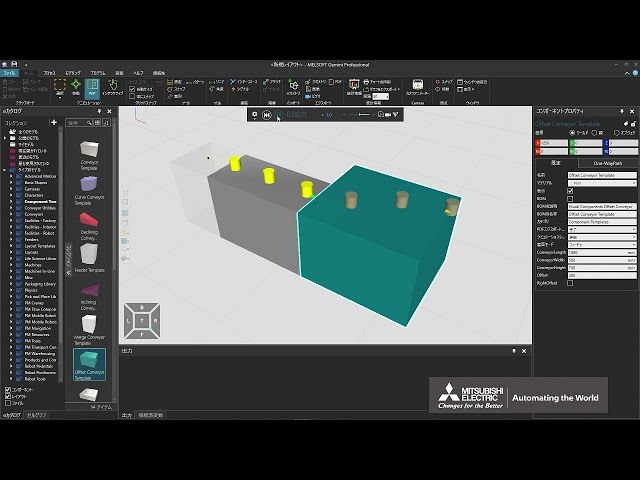
Highlight products to emphasize
(This is a Japanese video. Please display English subtitles.)
How to highlight products (change color, emphasize) for display Practice file -
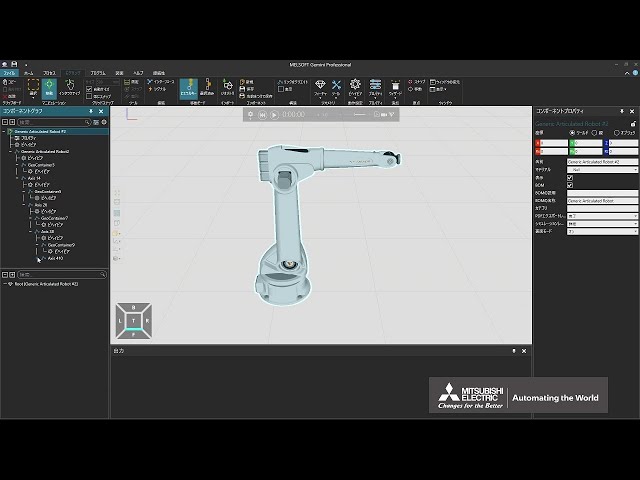
Import mechanical information from 3D CAD
(This is a Japanese video. Please display English subtitles.)
How to import mechanical information from 3D CAD files while retaining it Practice file -
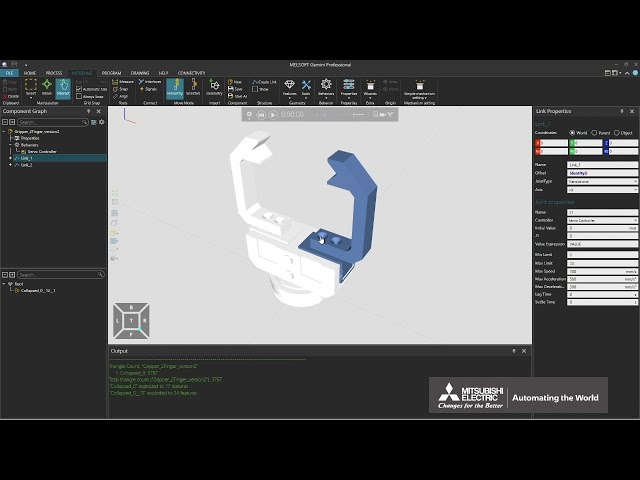
Let's build a robotic tool to transport products (Part 1 of 2)
How to build an original robotic tool (importing 3D CAD files, setting mechanisms, configuring operations) Practice file -
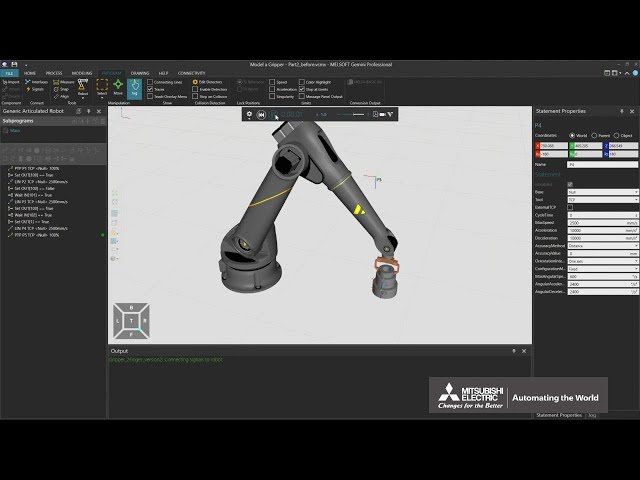
Let's build a robotic tool to transport products (Part 2 of 2)
How to build an original robotic tool (connecting the robotic tool to the robot, gripping, transporting, and releasing products with the robotic tool) Practice file -
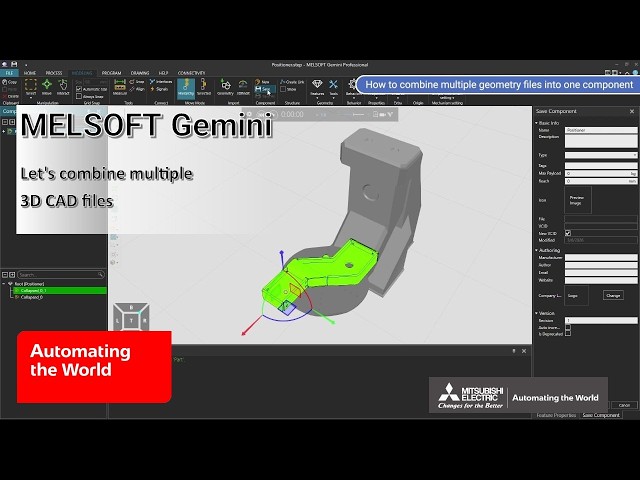
Let's combine multiple 3D CAD files
How to import and combine multiple 3D CAD files, or how to replace components and change the appearance. Practice file -
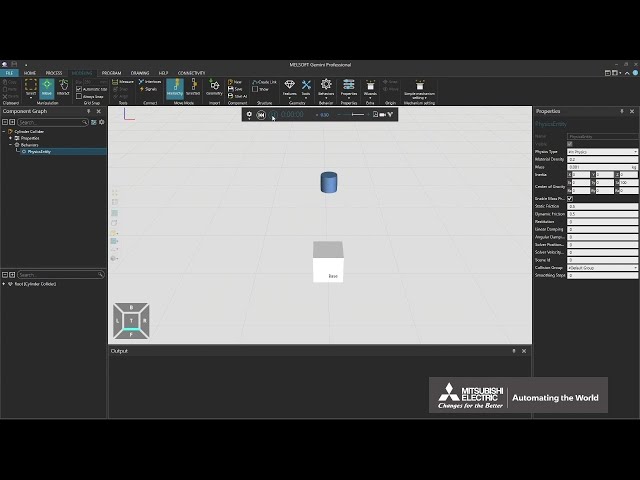
Let's define the repulsion when components collide
How to define the rebound force and elasticity of a physical component Practice file -
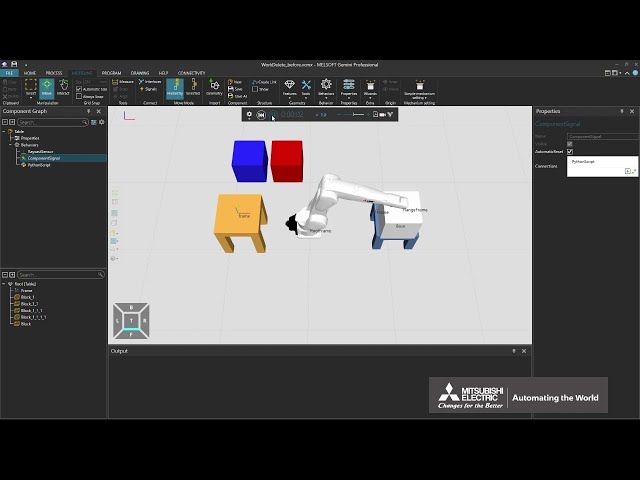
Let's delete the work in the machine simulation
How to delete a workpiece in a machine simulation Practice file -
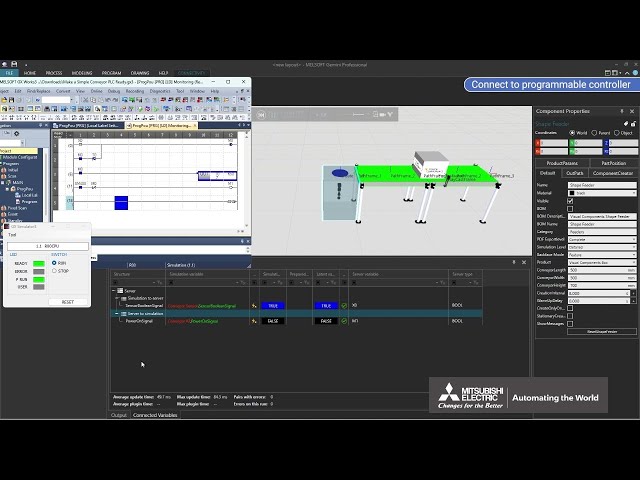
Let's make a conveyor and connect it to the sequencer
How to make an original conveyor and simulate it in conjunction with the programmable controller Practice file -
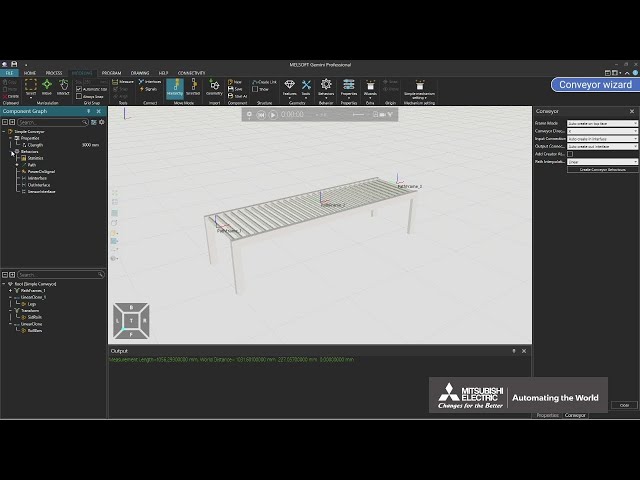
Let's make a conveyor using a wizard
How to make an original conveyor using a wizard Practice file -
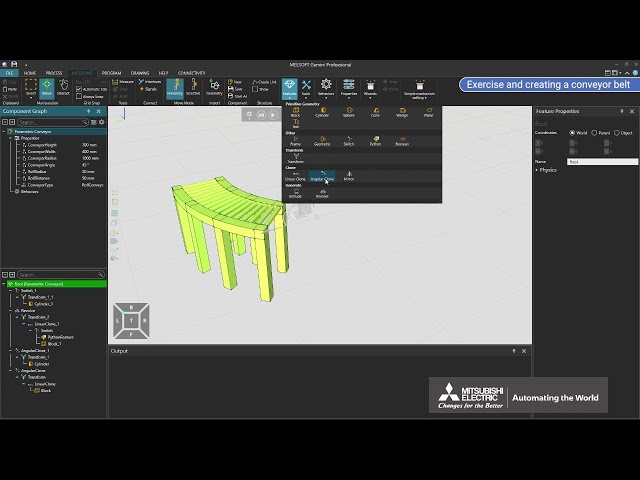
Let's make a curved conveyor
How to make an original curved conveyor Practice file -
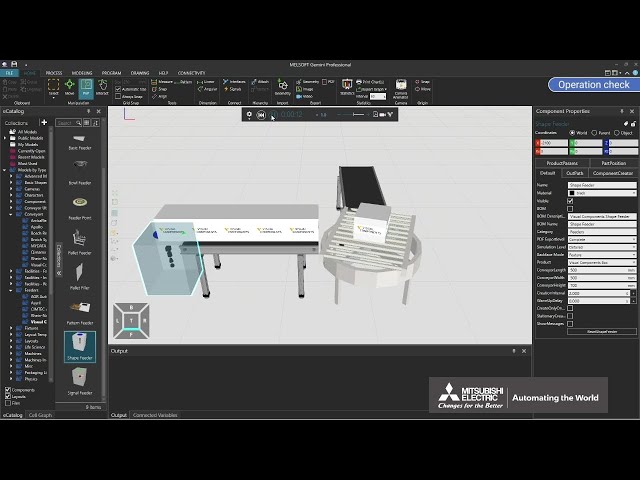
Let's make a Turn conveyor
How to make an original turn conveyor Practice file -
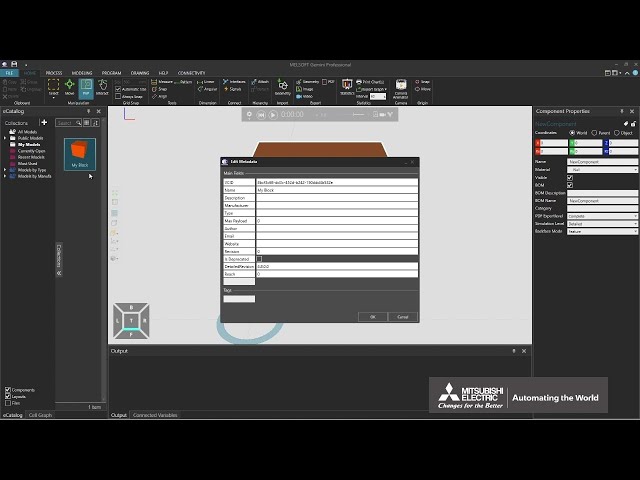
Let's save the components
How to save a component (such as a machine and workpiece) created in Gemini and set it in the original eCatalog -
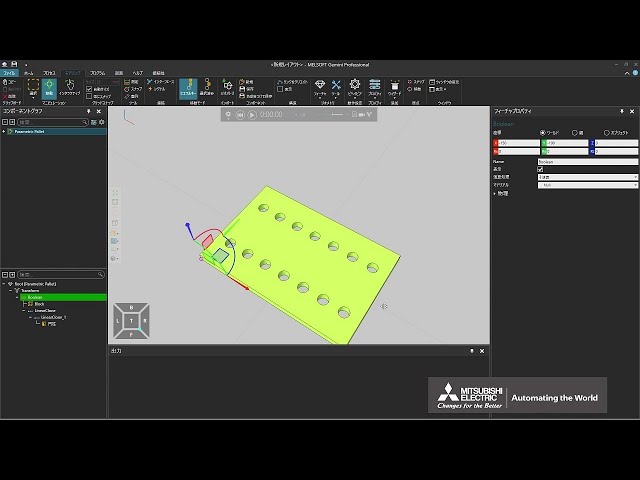
Merge and punch products
(This is a Japanese video. Please display English subtitles.)
How to use boolean operations to merge and punch products Practice file -
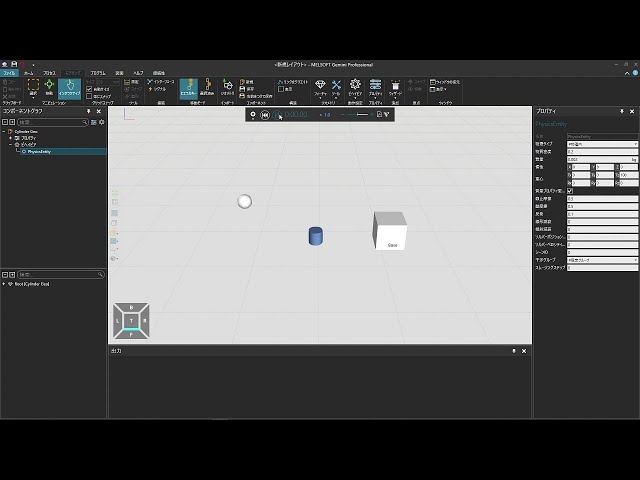
Model parts affected by physical forces and collisions
(This is a Japanese video. Please display English subtitles.)
How to create parts that respond to physical forces and collisions -
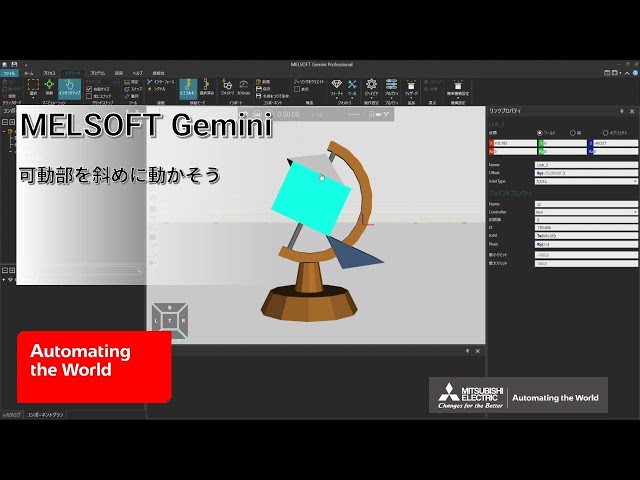
Move a moving part on an angled axis
(This is a Japanese video. Please display English subtitles.)
How to set an oblique axis for a moving part and use it as a reference for linear or rotational motion (Move Mode, Custom, Joint, Pivot, Pos, WPR) Practice file -
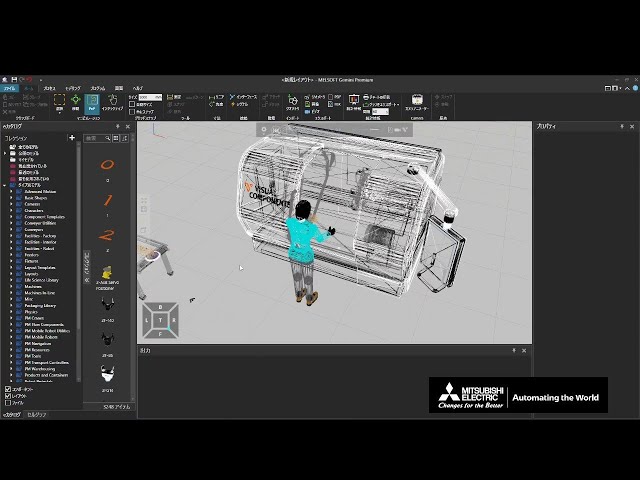
Optimize simulation performance
(This is a Japanese video. Please display English subtitles.)
Important points and helpful features for improving simulation performance when creating layouts Practice file -
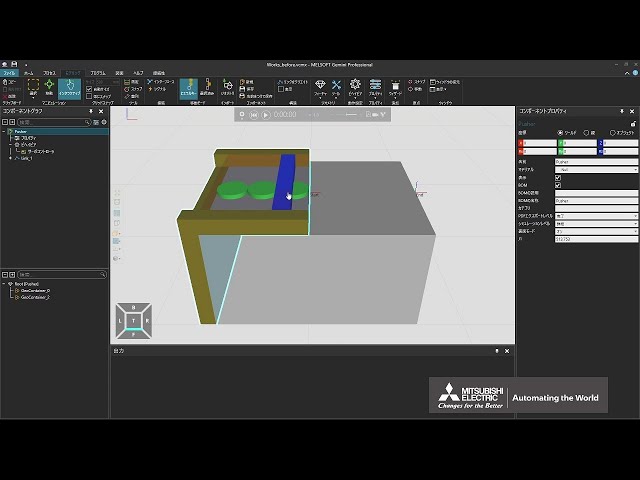
Push multiple workpieces at once with a pusher (1/3)
(This is a Japanese video. Please display English subtitles.)
How to create a custom pusher capable of pushing multiple workpieces at once (import 3D CAD, separate moving parts, mechanize) Practice file -
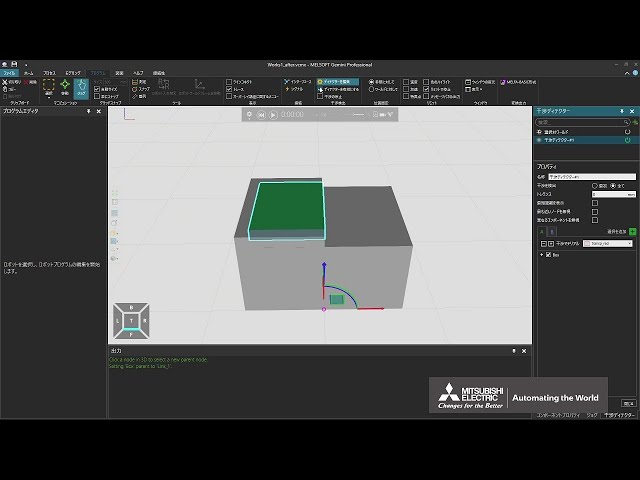
Push multiple workpieces at once with a pusher (2/3)
(This is a Japanese video. Please display English subtitles.)
How to create a custom pusher capable of pushing multiple workpieces at once (interference detectors to detect workpieces, container to store them) Practice file -
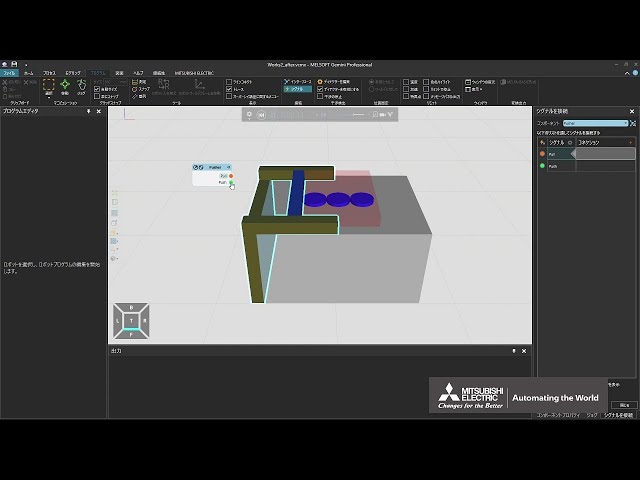
Push multiple workpieces at once with a pusher (3/3)
(This is a Japanese video. Please display English subtitles.)
How to create a custom pusher capable of pushing multiple workpieces at once (Python script to push detected workpieces) Practice file -
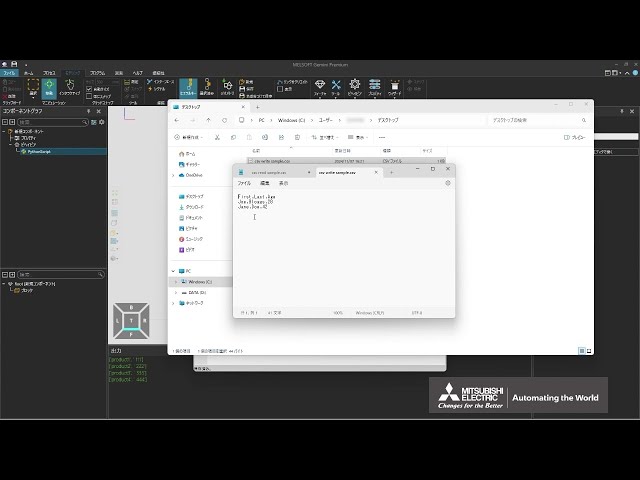
Read/write CSV files (1/2)
(This is a Japanese video. Please display English subtitles.)
How to use Python script snippets to read and write CSV files (open, reader, writer) Practice file -
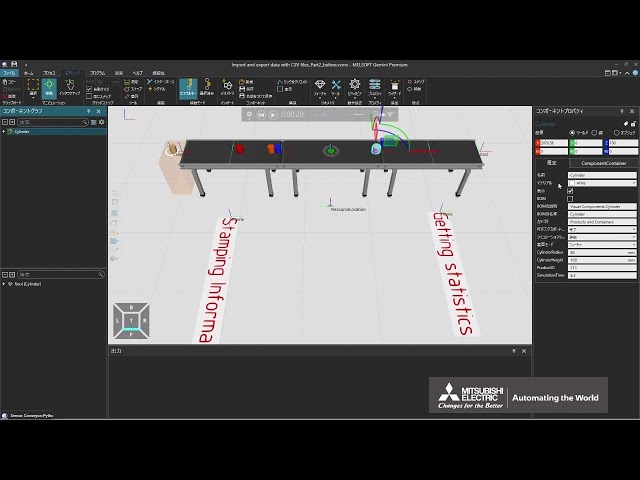
Read/write CSV files (2/2)
(This is a Japanese video. Please display English subtitles.)
How to use Python scripts to reflect read CSV files in the simulation and write simulation results to CSV files (open, reader, writer) Practice file -
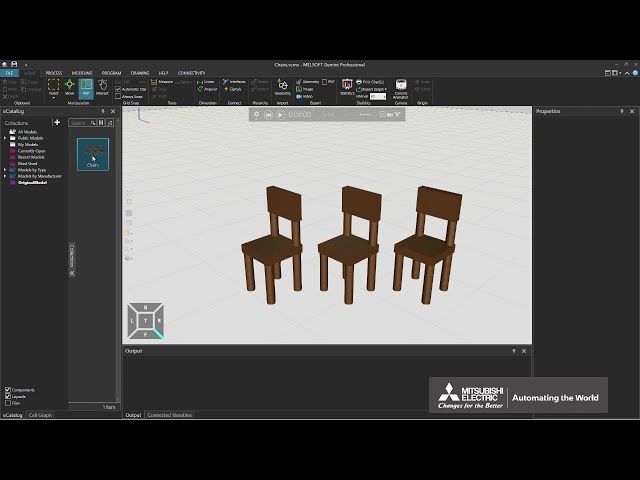
Registering Your Original Model in the eCatalog
How to register original models of machines and layouts in eCatalog
Related video: Let's save the components Practice file -
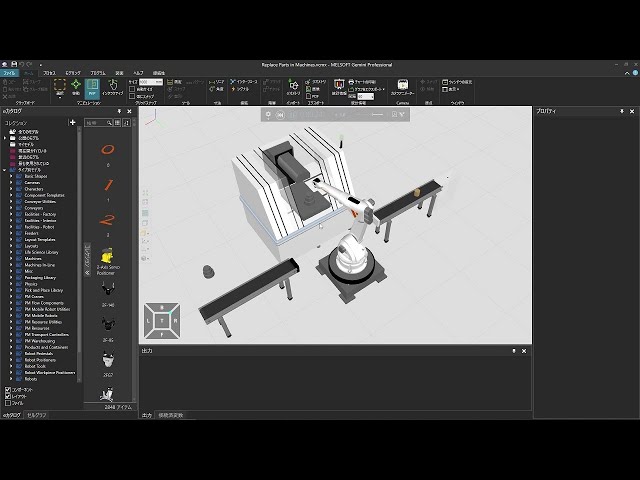
Replace product before/after processing
(This is a Japanese video. Please display English subtitles.)
How to use Python to replace a product with another component after processing by a device Practice file -
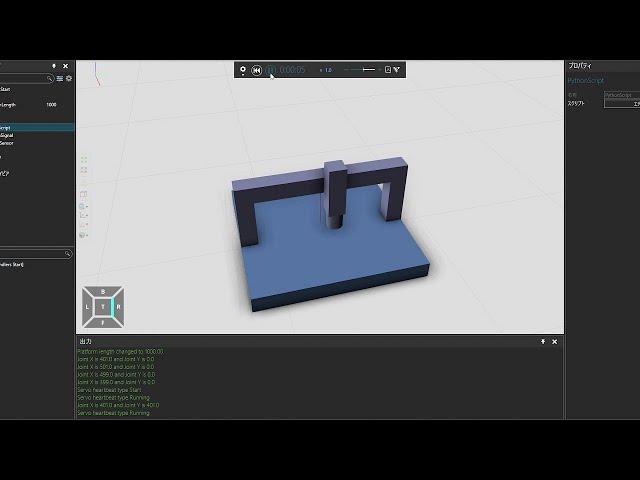
Run Python when properties or signals change
(This is a Japanese video. Please display English subtitles.)
How to execute Python scripts when events like property or signal value changes occur Practice file -
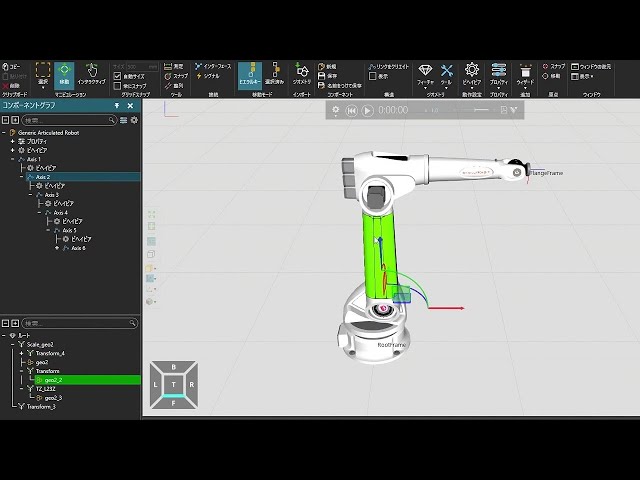
Select component nodes to check settings
(This is a Japanese video. Please display English subtitles.)
How to select nodes/links when creating custom devices and components -
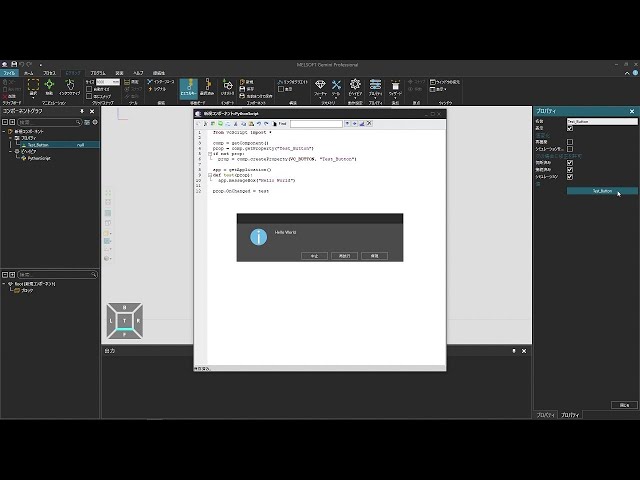
Set actions when a property button is clicked
(This is a Japanese video. Please display English subtitles.)
How to dynamically create component property buttons with Python and set their click behavior via Python Practice file -
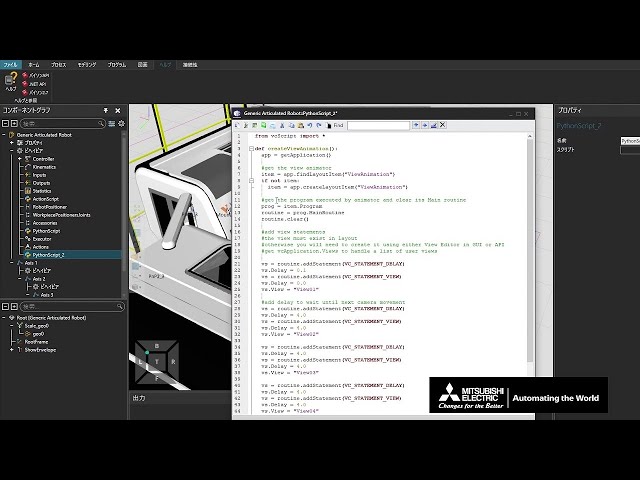
Set camera viewpoints for recording using Python
(This is a Japanese video. Please display English subtitles.)
How to set camera animator viewpoints for recording using Python (Related video: Set camera viewpoints for recording) Practice file -
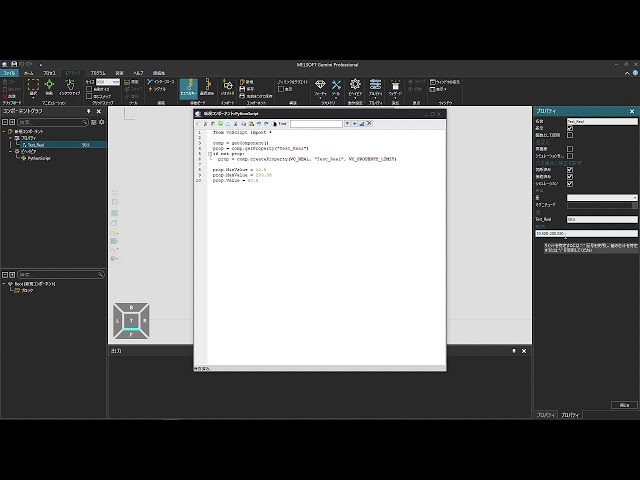
Set input rules for properties
(This is a Japanese video. Please display English subtitles.)
How to create properties with constraints like value ranges using Python scripts -
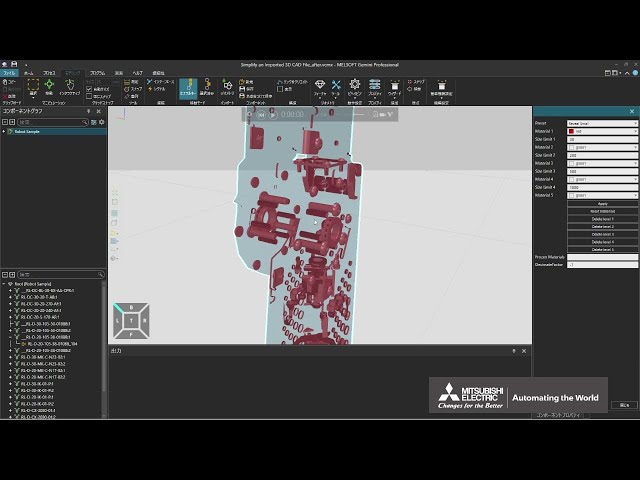
Simplify 3D CAD models
(This is a Japanese video. Please display English subtitles.)
How to simplify imported 3D CAD to reduce system load
Note: Since version 1.410, the folder is "Documents\MITSUBISHI\Gemini\●.●●●\My Commands\Python 2".
(Related video: Optimize simulation performance) Practice file -
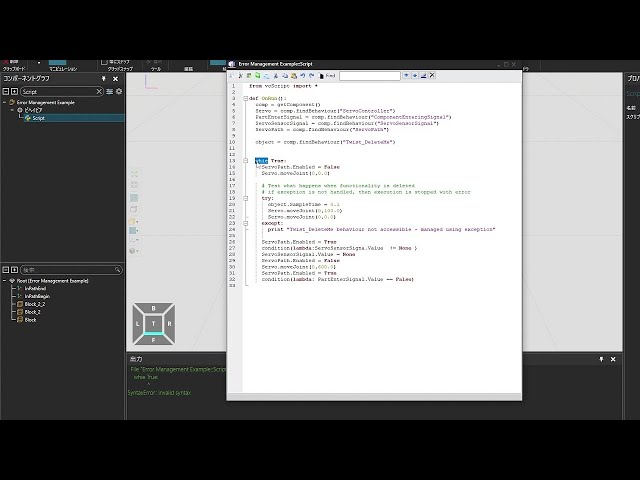
Solve Python errors
(This is a Japanese video. Please display English subtitles.)
How to resolve errors (compile/runtime) and exceptions when using Python scripts Practice file -
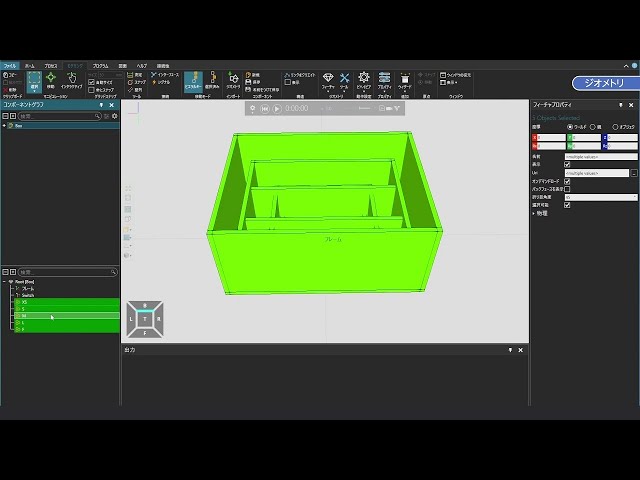
Switch between multiple geometries
(This is a Japanese video. Please display English subtitles.)
How to make a custom box appearance switchable based on conditions Practice file -
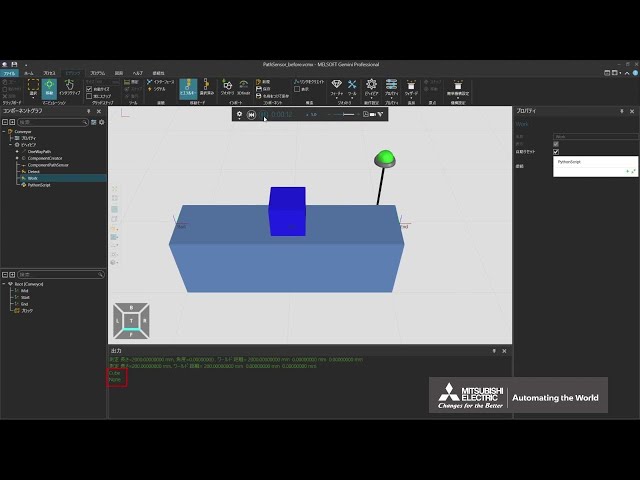
Use a component path sensor
(This is a Japanese video. Please display English subtitles.)
How to use a component path sensor that detects only products moving along a conveyor
(Related videos: Use raycast sensors, use volume sensors, Let's make a conveyor using a wizard, use two-way paths) Practice file -
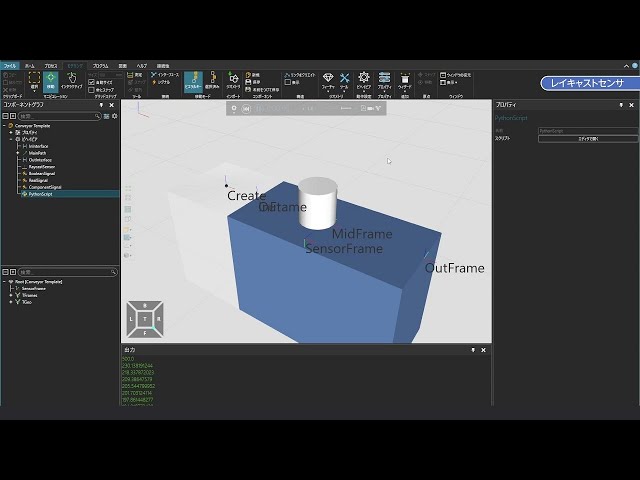
Use a raycast sensor
(This is a Japanese video. Please display English subtitles.)
How to represent optical or laser sensors Practice file -
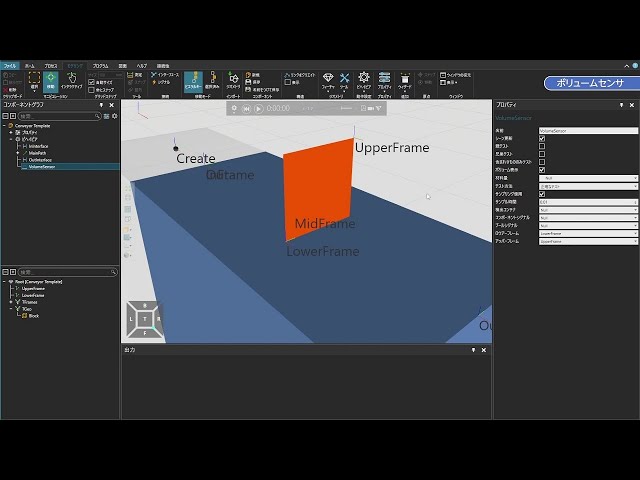
Use a volume sensor
(This is a Japanese video. Please display English subtitles.)
How to represent human-presence sensors by setting detection surfaces in space Practice file -
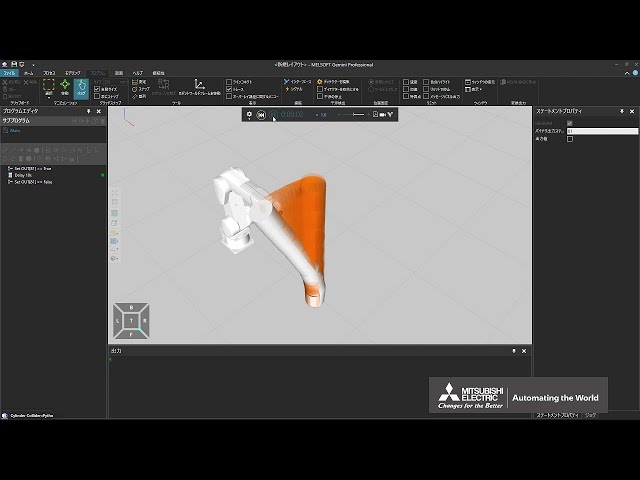
Use damping (1/3)
(This is a Japanese video. Please display English subtitles.)
How to use linear and angular damping in physics to set behavior during vibrations Practice file -
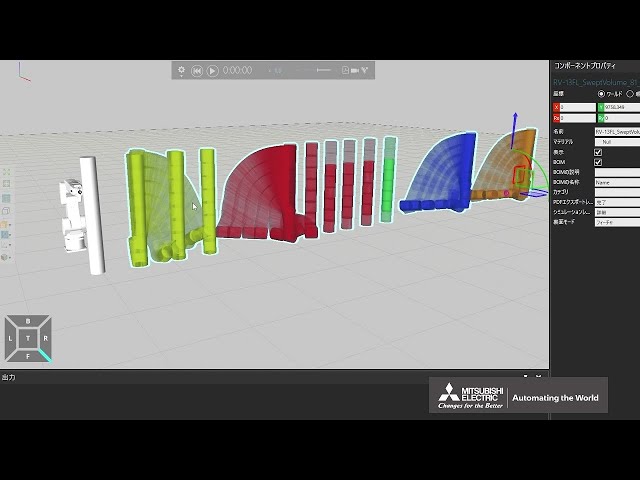
Use damping (2/3)
(This is a Japanese video. Please display English subtitles.)
How to set position and velocity iterations in the physics iterative solver to control vibration behavior Practice file -
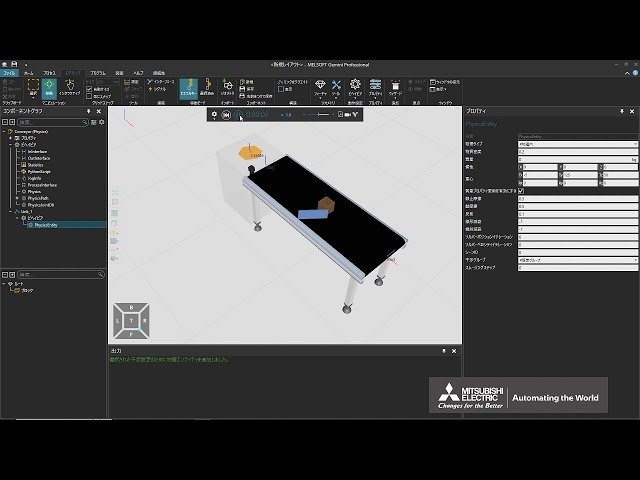
Use damping (3/3)
(This is a Japanese video. Please display English subtitles.)
How to use damping in parts of a device to set behavior when parts collide Practice file -
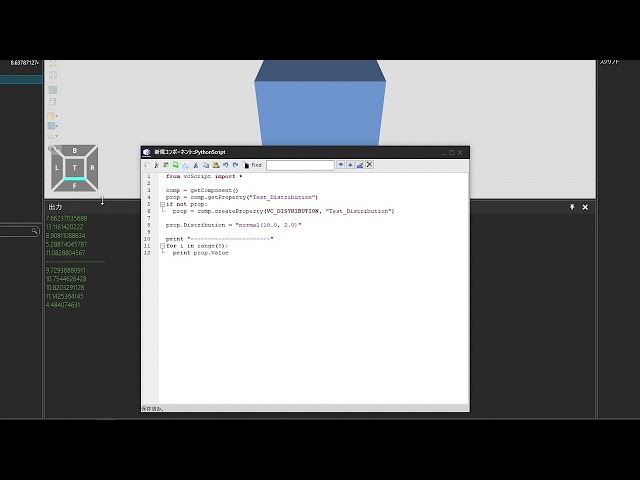
Use normal distribution to generate pseudo-random numbers
(This is a Japanese video. Please display English subtitles.)
How to create a distribution property and use a normal distribution to make pseudo-random numbers
How to change the seed value using Python -
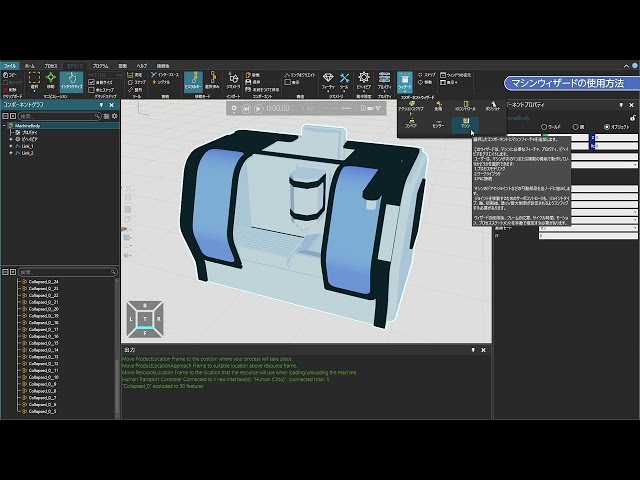
Use the Wizard
(This is a Japanese video. Please display English subtitles.)
How to auto-generate motion settings for an original device
Note: Menu names changed with updates. [Work Library] removed. From version 1.410, "PM Flow Components" category renamed to "Flow Components." Practice file -
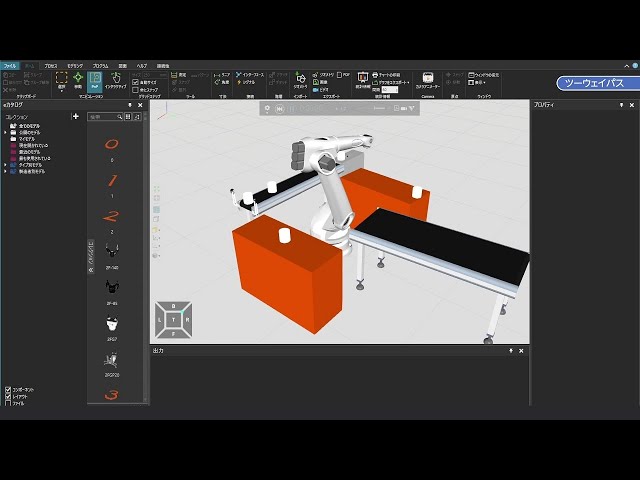
Use two-way paths
(This is a Japanese video. Please display English subtitles.)
How to configure routes where products can flow bidirectionally on a custom device or conveyor Practice file