

-
Inquiries
-
Select
& Quote -
Share
-
Partners

Simulation tools
MELSOFT Gemini Academy


- Feature
- Specification
- Standards
- Discontinued
Learn the basics of using MELSOFT Gemini.
-
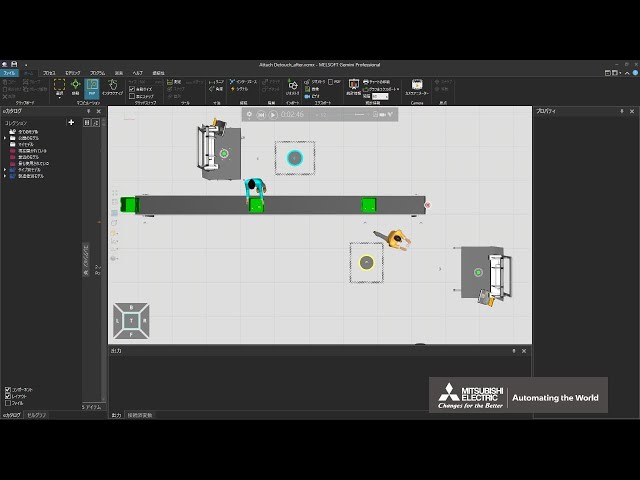
Attach and detach products
(This is a Japanese video. Please display English subtitles.)
How to attach products together and detach them after transport (Attach statement, Detach statement) Practice file -
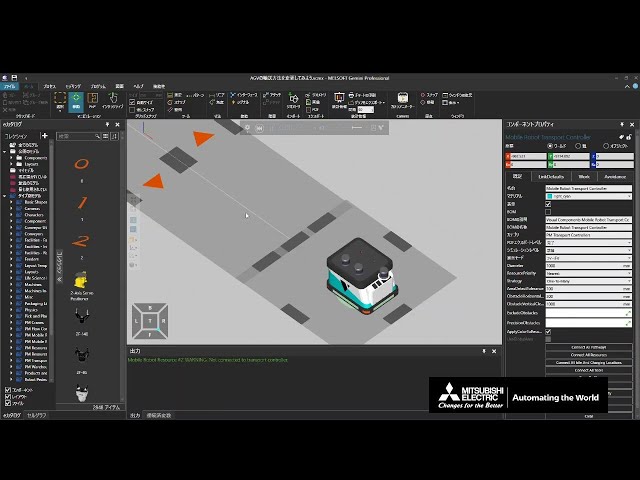
Change AGV transport rules
(This is a Japanese video. Please display English subtitles.)
Rules for assigning transport tasks to AGVs and how to change transport rules when there are multiple origins/destinations Practice file -
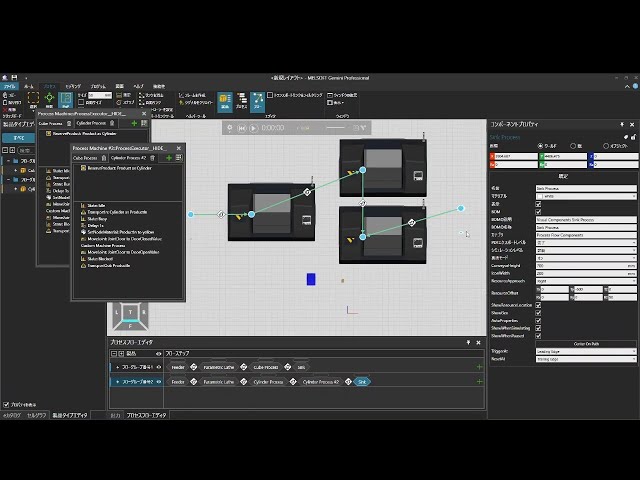
Change behavior according to product type
(This is a Japanese video. Please display English subtitles.)
How to change destinations or behavior based on part types Practice file -
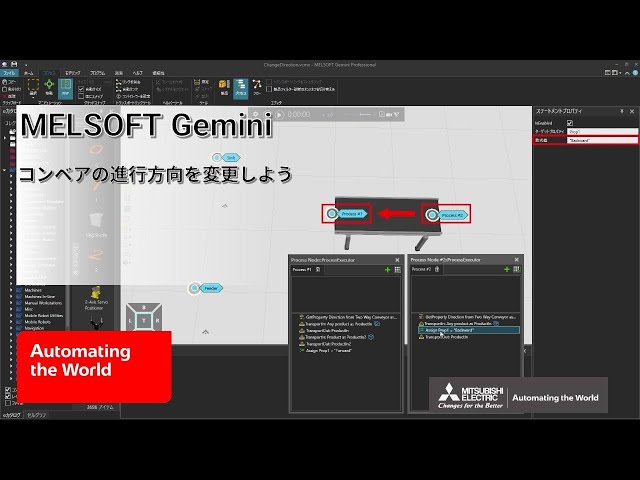
Change conveyor travel direction
(This is a Japanese video. Please display English subtitles.)
How to use a conveyor that can change its forward/backward direction (Two Way Conveyor) Practice file -
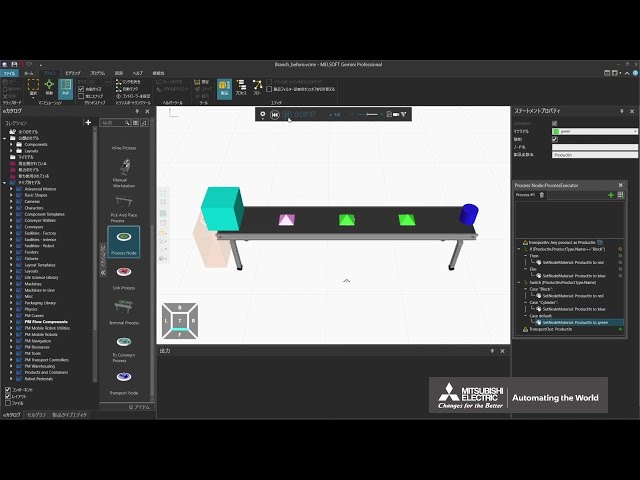
Change processing based on product info
(This is a Japanese video. Please display English subtitles.)
How to get product information and change the process executed (IF statement, SWITCH CASE statement, ProductType) Practice file -
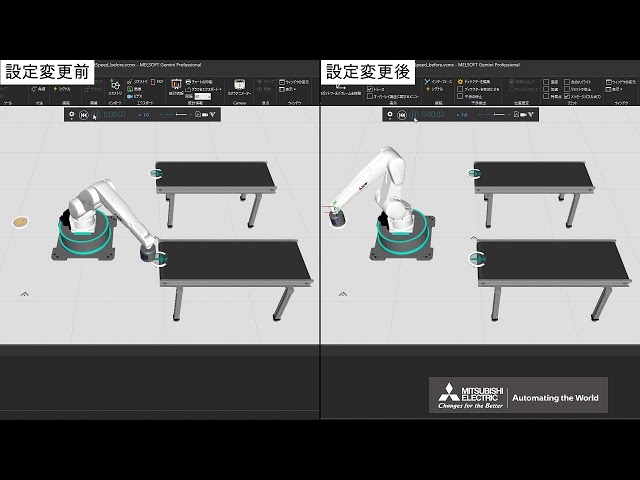
Change robot motion speed
(This is a Japanese video. Please display English subtitles.)
How to change robot motion speeds in line simulation (Robot Transport Controller)
(Related video: Learn about controllers that control robots) Practice file -
Change the AGV pick & place position
(This is a Japanese video. Please display English subtitles.)
How to change the temporary stop position when an AGV picks up or places a product Practice file -
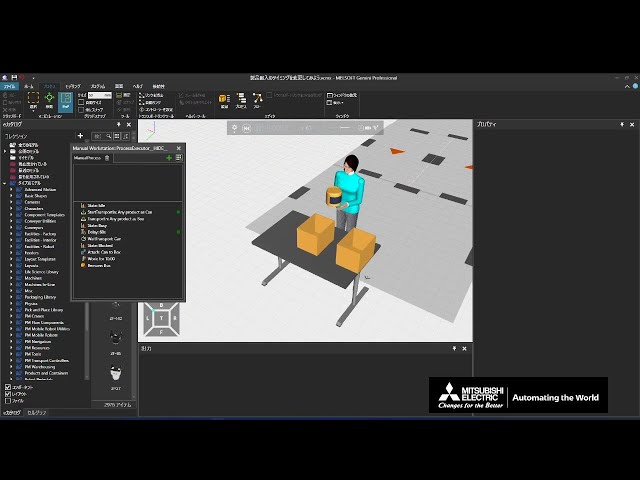
Change the timing of product loading
(This is a Japanese video. Please display English subtitles.)
How to wait for the previous processing to complete before loading a product (start of Transport In, Transport Wait) Practice file -
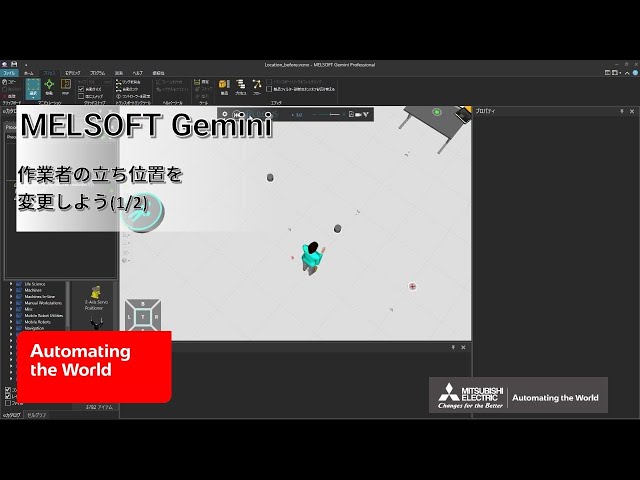
Change worker standing positions (1/2)
(This is a Japanese video. Please display English subtitles.)
How to add new standing positions for people, AGVs, and forklifts at workstations
(Related video: Change the AGV pick & place position) Practice file -
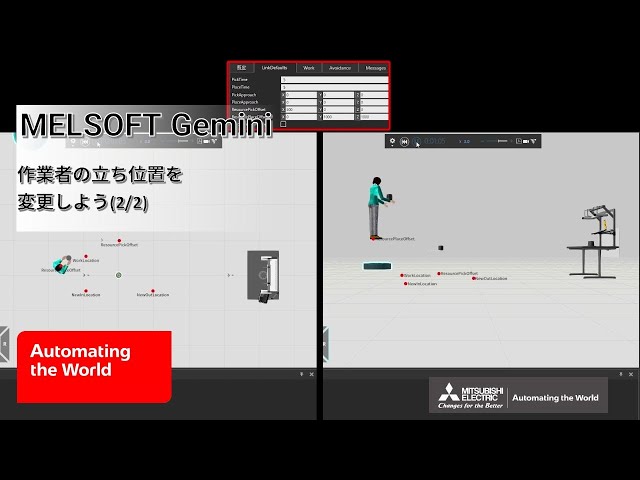
Change worker standing positions (2/2)
(This is a Japanese video. Please display English subtitles.)
How to set frames for worker standing positions
(Resource Position Frame, ResourcePickOffset, ResourcePlaceOffset, PickApproach, PlaceApproach) Practice file -
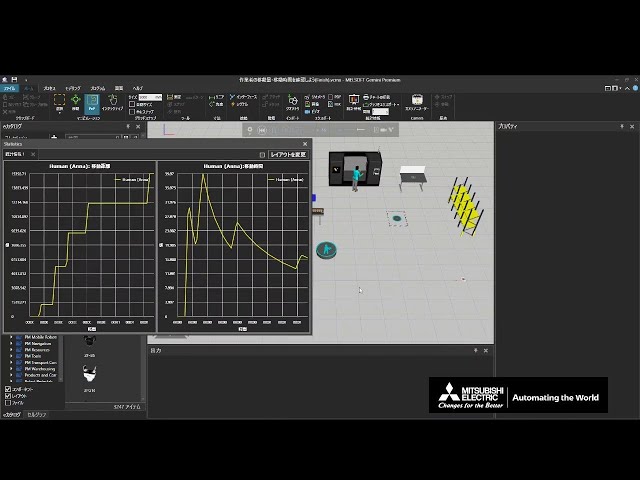
Check worker travel distance and time
(This is a Japanese video. Please display English subtitles.)
How to display worker travel distance and time on the statistics dashboard for review. Practice file -
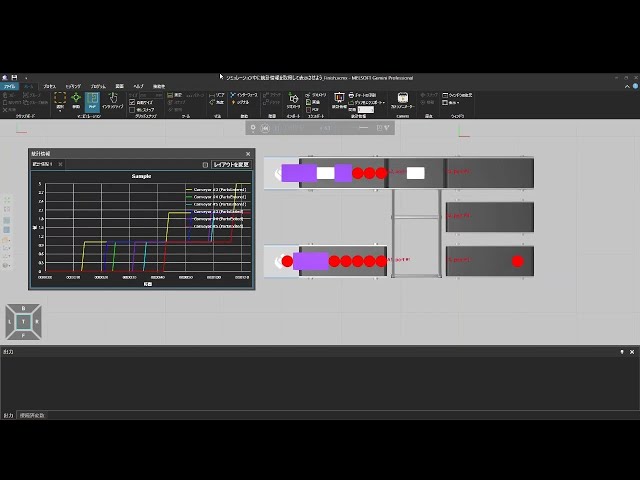
Collect and display statistics during simulation
(This is a Japanese video. Please display English subtitles.)
How to display production counts and other statistics on graphs Practice file -
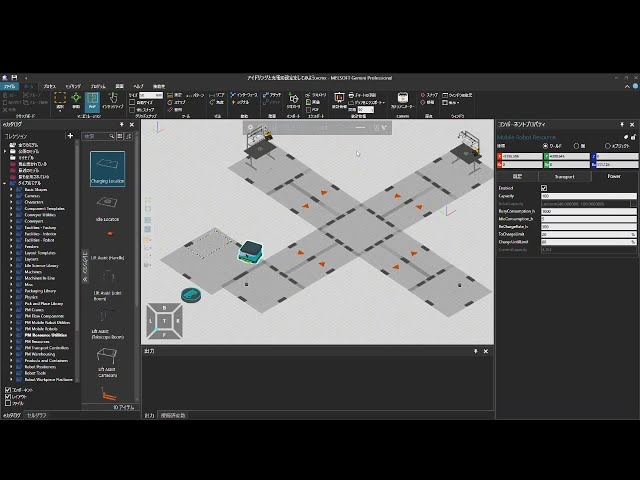
Configure idling and charging
(This is a Japanese video. Please display English subtitles.)
How to configure AGV temporary waiting and automatic charging Practice file -
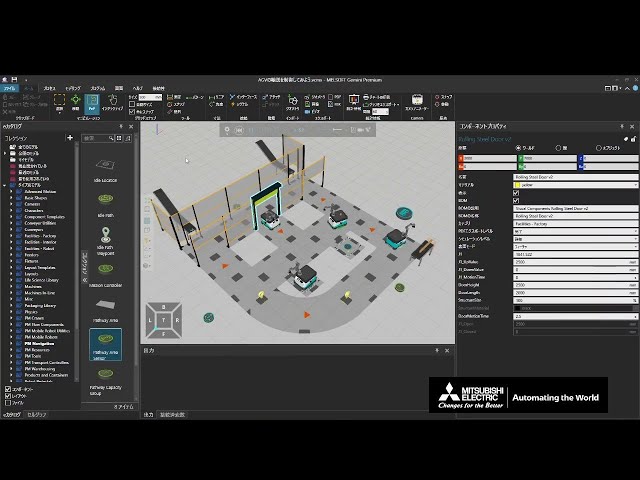
Control AGV transport
(This is a Japanese video. Please display English subtitles.)
ChargeOnIdle is a feature available from Gemini 1.48.
How to avoid collisions between AGVs and how to control AGV states
(Related videos: How to Detect Obstacles and Set Pathways, How to Set Resources and Controllers (Part 3 of 4), Configure idling and charging, Create an automatic door (1/2)) Practice file -
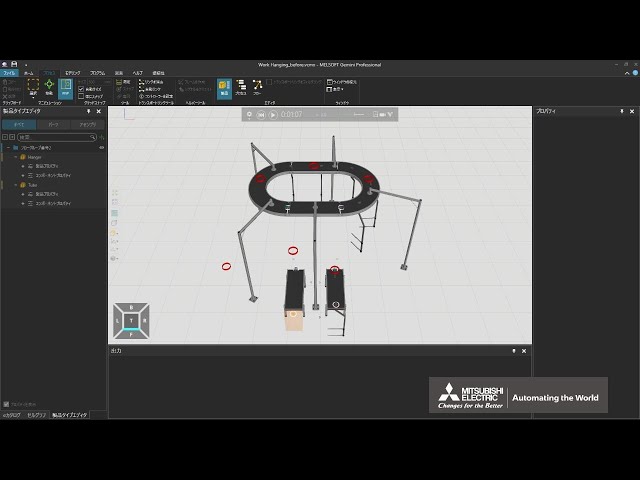
Convey work suspended from hangers (1/2)
(This is a Japanese video. Please display English subtitles.)
How to convey work suspended from hangers
(Overhead Conveyor settings, product on-hanger detection, flow settings) Practice file -
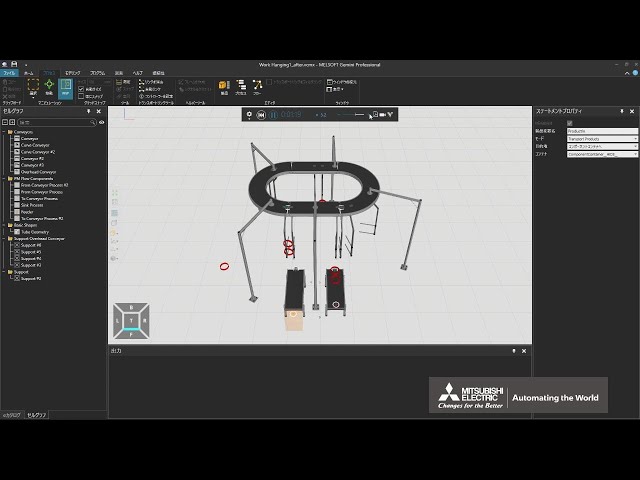
Convey work suspended from hangers (2/2)
(This is a Japanese video. Please display English subtitles.)
How to convey work suspended from hangers
(Process settings) Practice file -
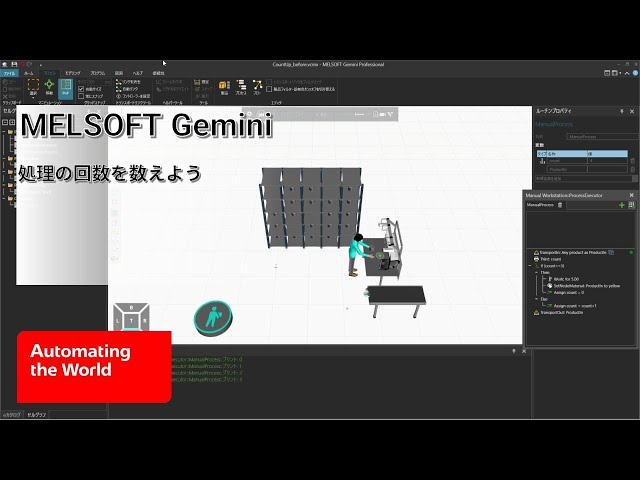
Count the number of times a process runs
(This is a Japanese video. Please display English subtitles.)
How to increment a counter for the number of times a process executes (routine variable, Assign Variable statement, IF statement) Practice file -
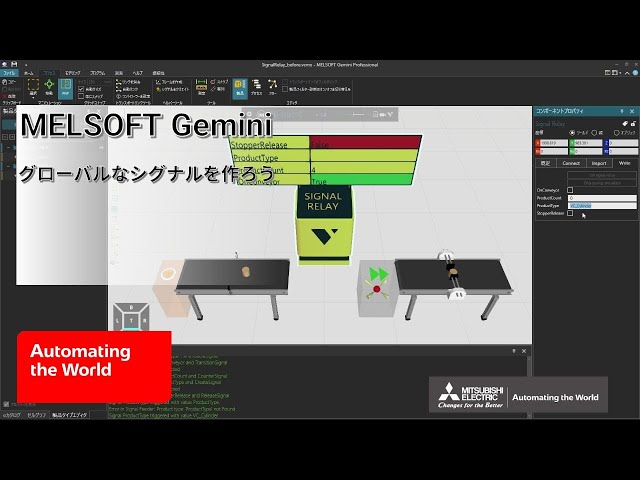
Create a global signal
(This is a Japanese video. Please display English subtitles.)
How to create a global signal and check or change its value (Signal Relay) Practice file -
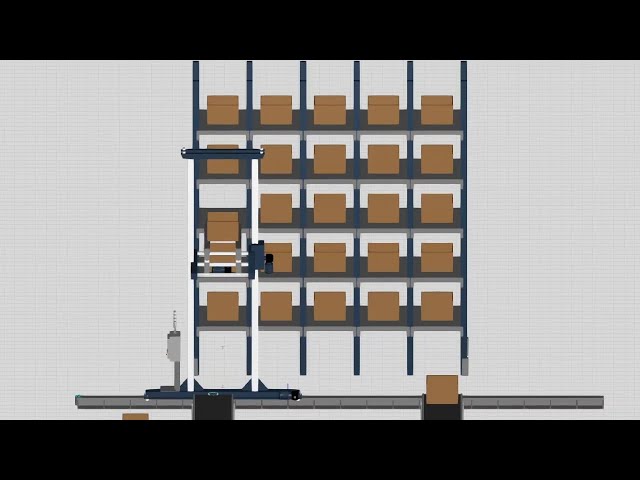
Create an automated warehouse
(This is a Japanese video. Please display English subtitles.)
How to build an automated warehouse by combining items from the eCatalog
(warehouse shelf "Warehouse Shelf", crane "Stacker Crane", crane controller "Single Rail Transport Controller", etc.) -
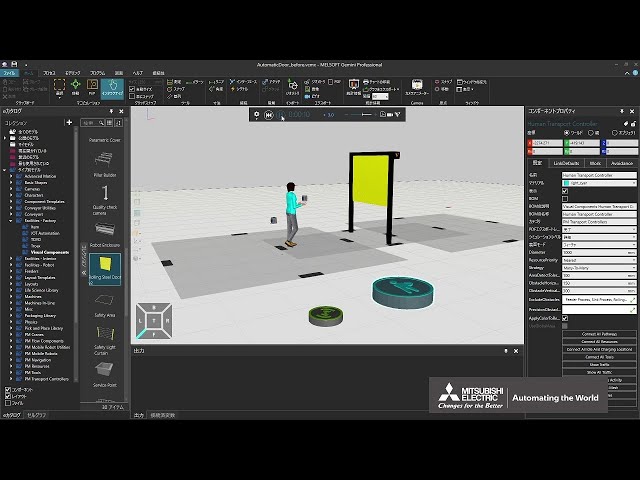
Create an automatic door (1/2)
(This is a Japanese video. Please display English subtitles.)
How to create an automatic door that opens when a person approaches and closes when they leave (Rolling Steel Door v2, Pathway Area Sensor) Practice file -
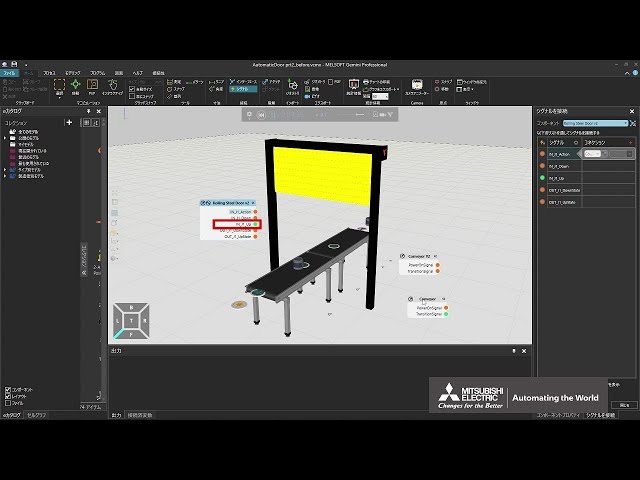
Create an automatic door (2/2)
(This is a Japanese video. Please display English subtitles.)
How to create an automatic door that opens when a product arrives on a conveyor and closes after it passes (Rolling Steel Door v2) Practice file -
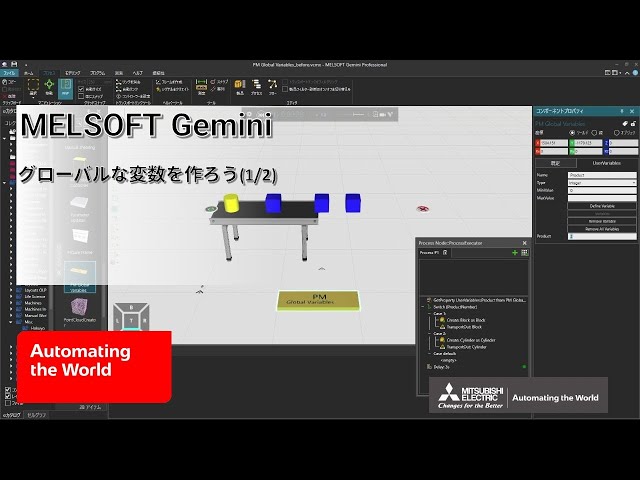
Create global variables (1/2)
(This is a Japanese video. Please display English subtitles.)
How to create global variables using eCatalog models (PM Global Variables)
(Related videos: Let's make a curved conveyor, Create a routine that waits until a condition is met) Practice file -
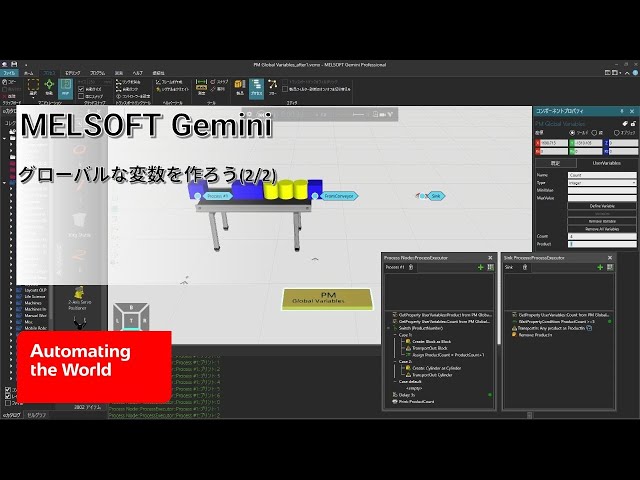
Create global variables (2/2)
(This is a Japanese video. Please display English subtitles.)
How to change eCatalog-based global variables from a process (get property, assign variable, wait for property condition) Practice file -
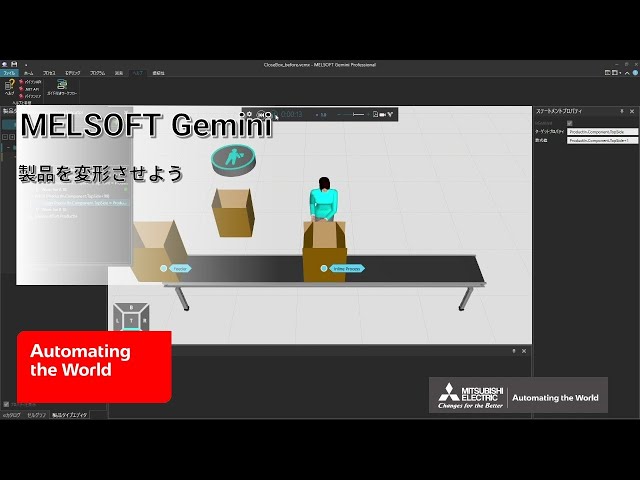
Deform products
(This is a Japanese video. Please display English subtitles.)
How to change product properties during transport to deform them Practice file -
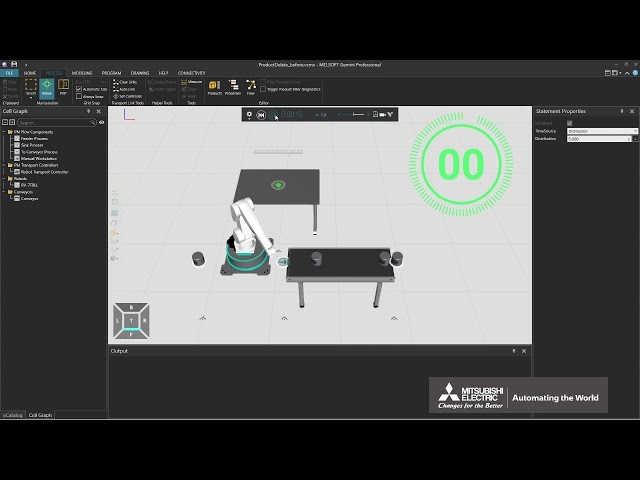
Delete a Product in a Line Simulation
How to delete a product in a line simulation (Sink Process, Remove) Practice file -
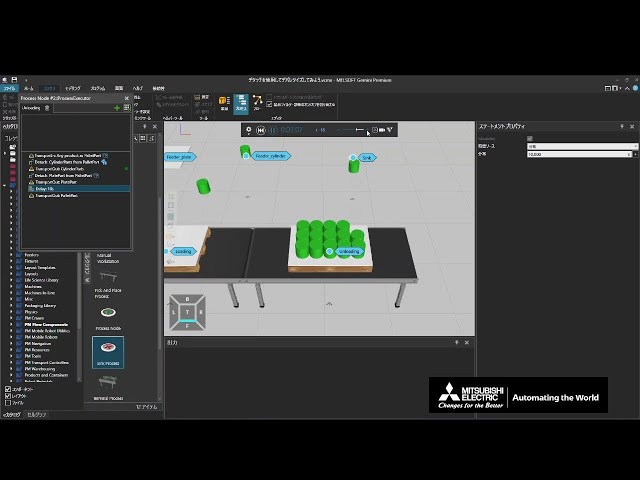
Depalletize using Detach
(This is a Japanese video. Please display English subtitles.)
How to separate products that had been attached during loading using Detach
(Related video: Palletize using Transport In pattern) Practice file -
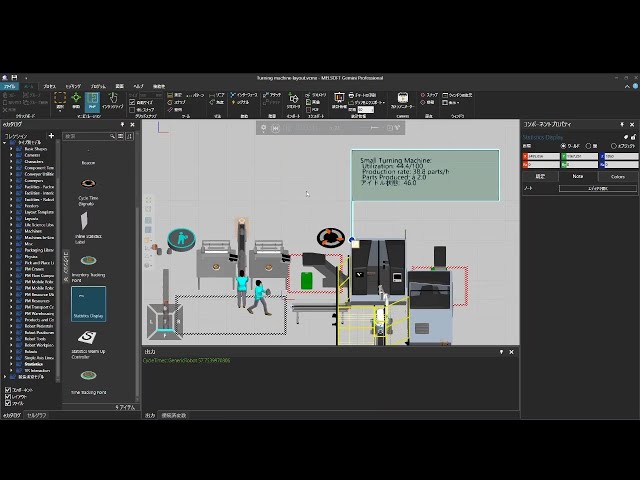
Display statistics in the 3D world
(This is a Japanese video. Please display English subtitles.)
How to display equipment status, production counts, etc., in the 3D world using beacons or text Practice file -
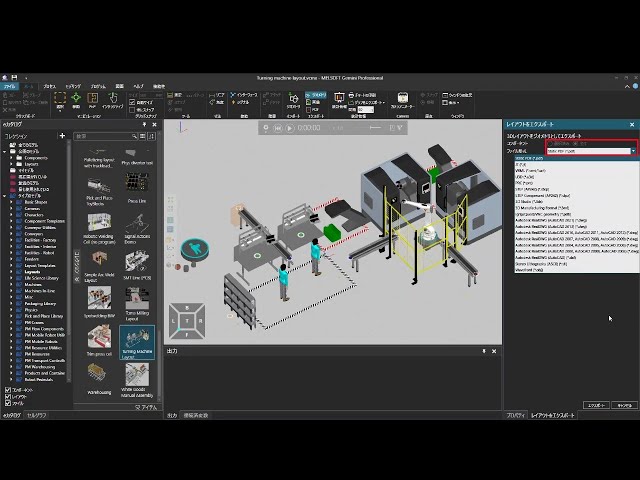
Export layout as CAD file
(This is a Japanese video. Please display English subtitles.)
How to export a layout created in Gemini to 3D CAD formats -
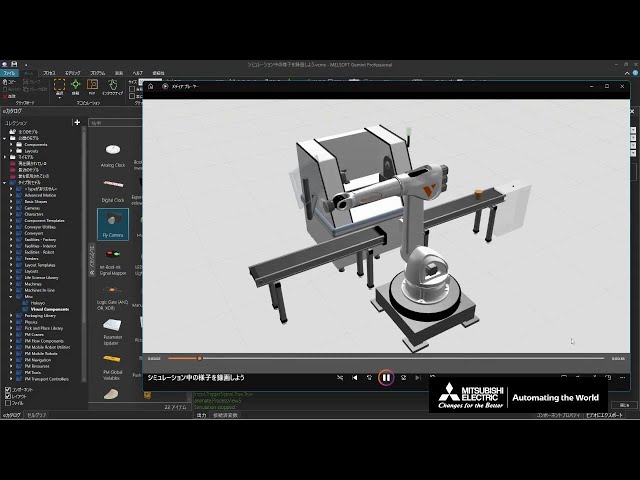
Export simulation as video
(This is a Japanese video. Please display English subtitles.)
How to use the export-to-video feature during simulation to save video files (avi, mp4, mov) (View Editor, Fly Camera)
(Related videos: Set camera viewpoints for recording, Record simulation animation) Practice file -
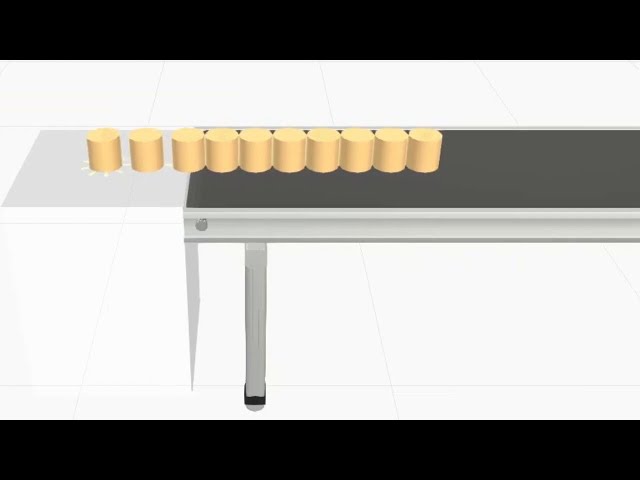
Generate products during simulation (1/10)
(This is a Japanese video. Please display English subtitles.)
How to generate products during simulation using the Basic Feeder
Note: Basic Feeder was removed from version 1.410 onward. Select "Version 4.8 (legacy)" from eCatalog [Edit Source] to use it. -
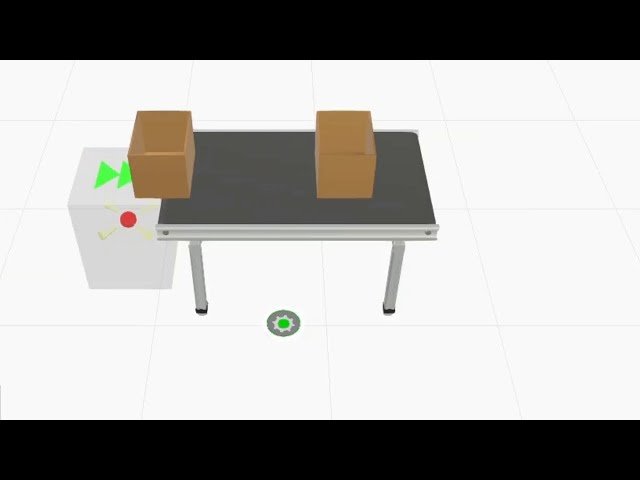
Generate products during simulation (10/10)
(This is a Japanese video. Please display English subtitles.)
How to use a Signal Feeder to generate products during simulation
Note: After version 1.410, settings changed. Generate matching product types → Generate matched product types. [PartPositioning] default changed from "Centered" to "RandomOffset". [CreateSignalType], [ComponentName], and [ProdID] removed. -
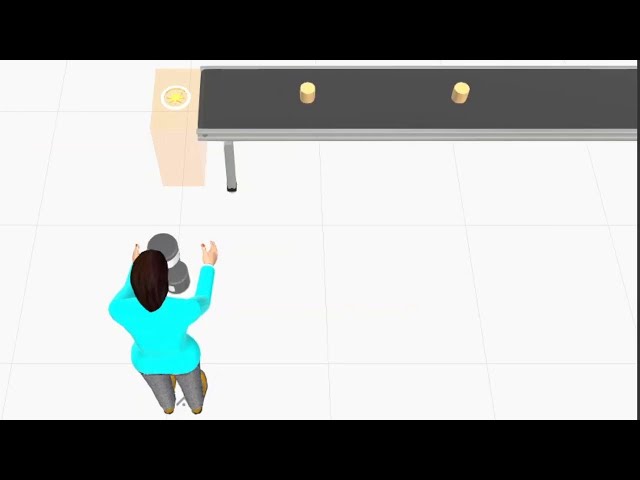
Generate products during simulation (2/10)
(This is a Japanese video. Please display English subtitles.)
How to generate products during simulation using two types of PM Flow Components -
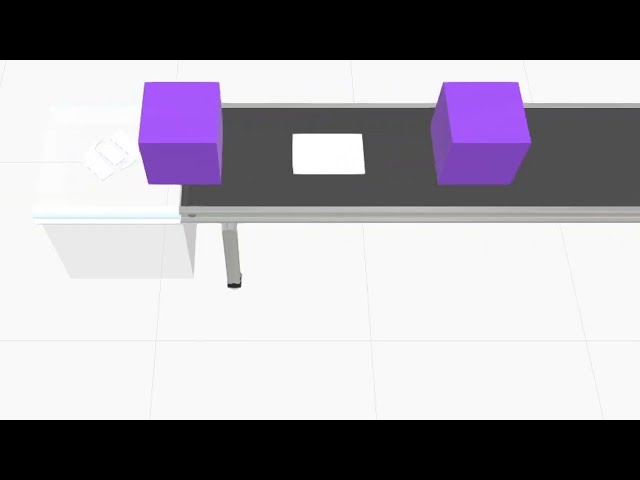
Generate products during simulation (3/10)
(This is a Japanese video. Please display English subtitles.)
How to generate products during simulation using the Advanced Feeder -
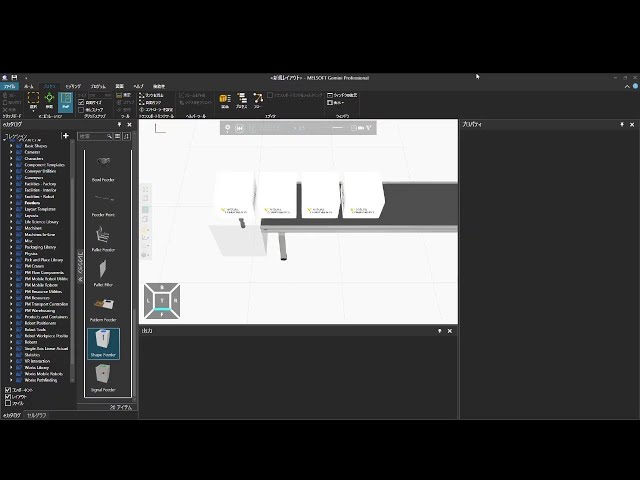
Generate products during simulation (4/10)
(This is a Japanese video. Please display English subtitles.)
How to generate products during simulation using the Shape Feeder
Note: After version 1.410, settings changed. [Default] tab - [Product] and [ComponentCreator] tab → [ProductCreator] tab. [ShowMessages] removed. -
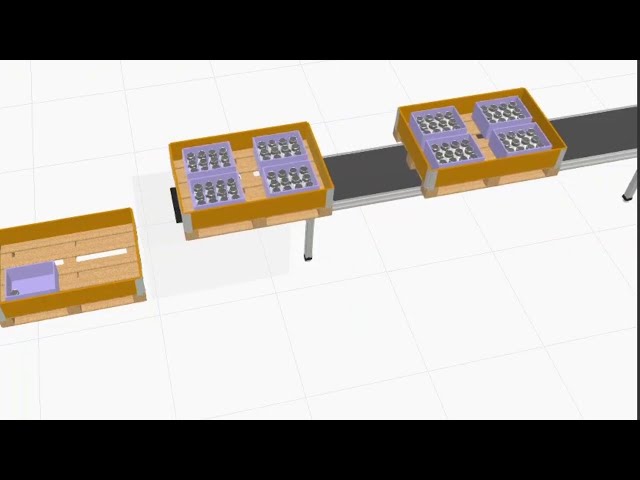
Generate products during simulation (5/10)
(This is a Japanese video. Please display English subtitles.)
How to generate products during simulation using the Pattern Feeder
Note: After version 1.410, settings changed. [Pattern] tab → [ProductCreator] tab, simulation automatically sets product type and assembly on start. [ProdID] removed. [CreationInterval] → [ProductCreator] tab - [Interval]. -
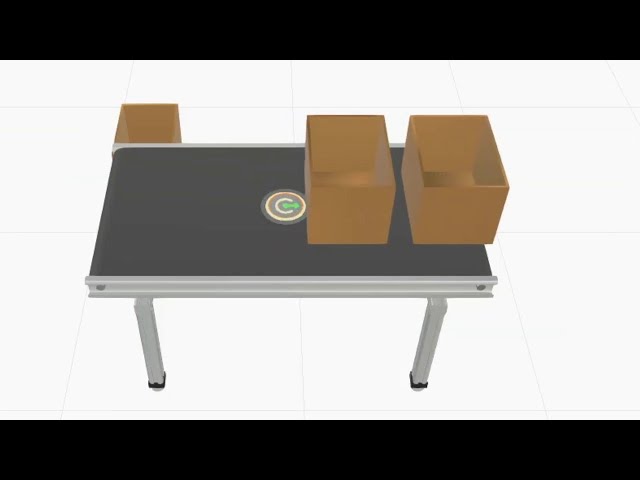
Generate products during simulation (6/10)
(This is a Japanese video. Please display English subtitles.)
How to use a Feeder Point to generate products during simulation -
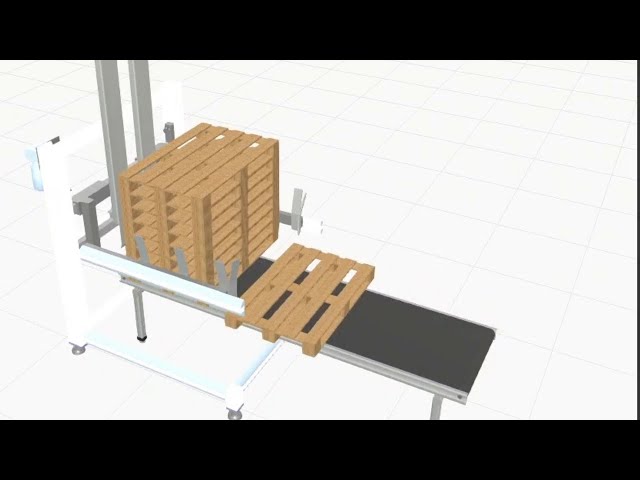
Generate products during simulation (7/10)
(This is a Japanese video. Please display English subtitles.)
How to use a Pallet Feeder to generate products during simulation -
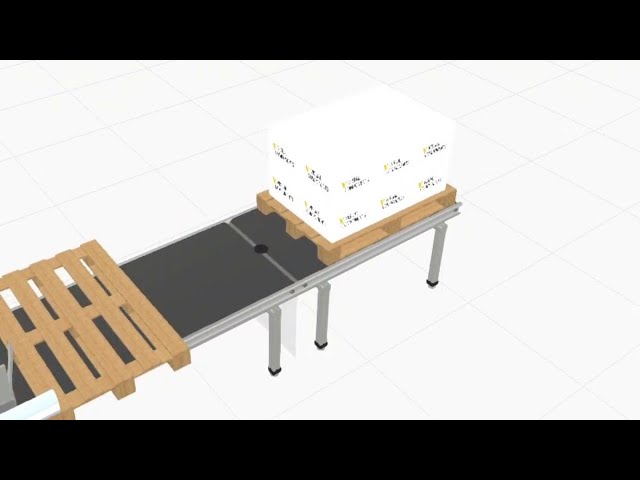
Generate products during simulation (8/10)
(This is a Japanese video. Please display English subtitles.)
How to use a Pallet Filter to generate products during simulation -
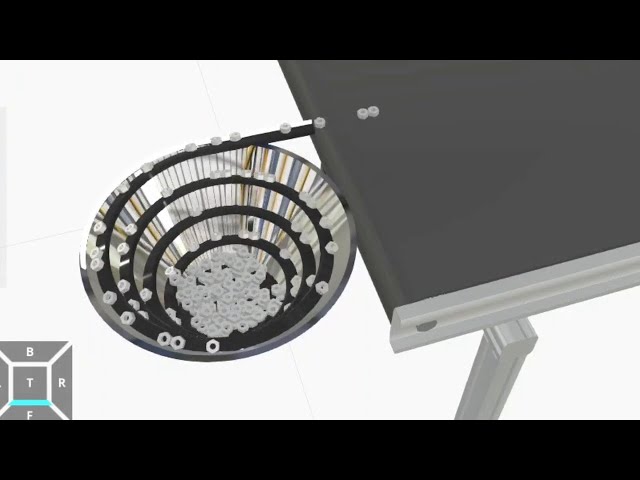
Generate products during simulation (9/10)
(This is a Japanese video. Please display English subtitles.)
How to use a Bowl Feeder to generate products during simulation -
Have one resource perform consecutive tasks
(This is a Japanese video. Please display English subtitles.)
When multiple tasks and resources exist, how to have a single specified resource carry out multiple tasks consecutively (Human Transport Controller ReserveResource, ReleaseResource) Practice file -
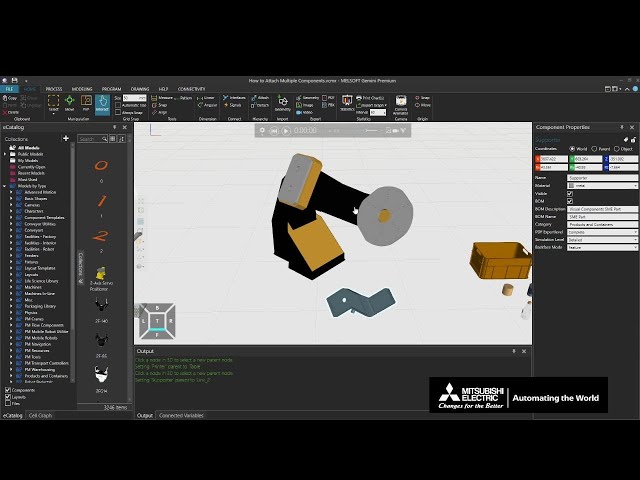
How to Attach Multiple Components
An instruction video on how to use the Attach command to bring multiple components together and operate them as one component. Practice file -
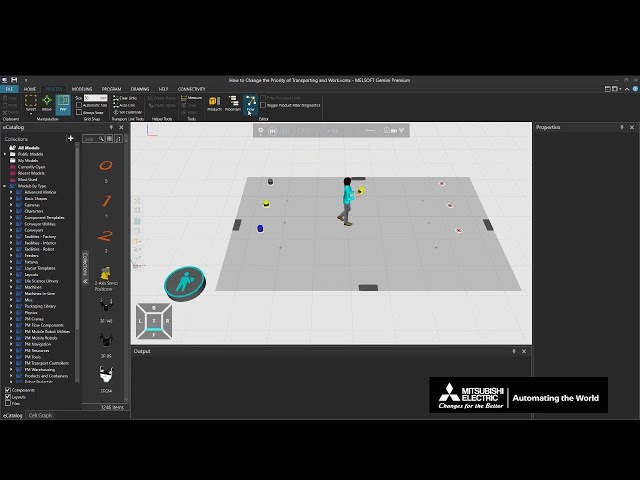
How to Change the Priority of Transporting and Work
An instruction video on how to set levels of priority to transport tasks and work tasks. Practice file -
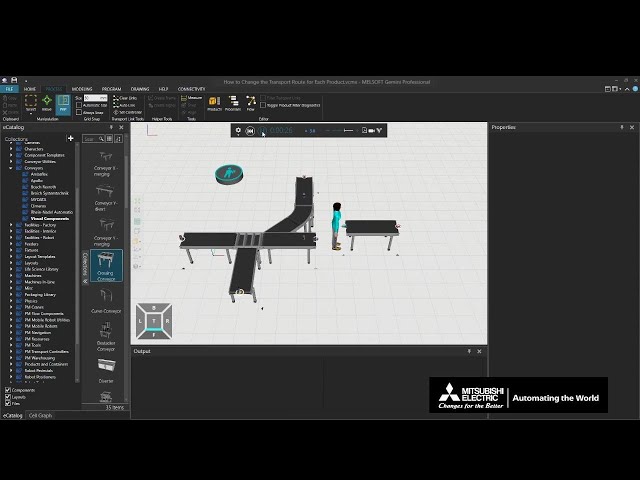
How to Change the Transport Route for Each Product
An instruction video on how to change the transport route for each type of product on a conveyor Y - divert.
(Changing flow groups, process flow, the RoutingRule, and transport solution rules) Practice file -
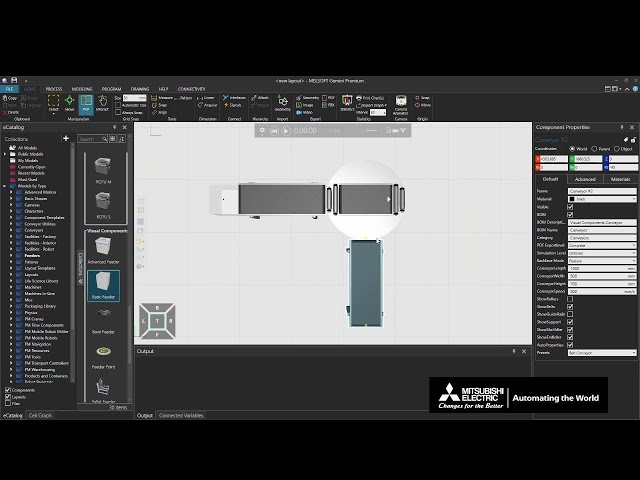
How to Connect Component
An instruction video about the One-Way Interface, Two-Way Interface, and PnP. -
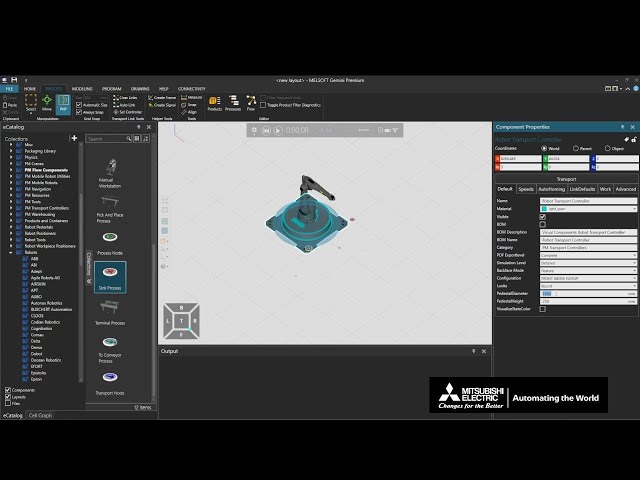
How to Control Robots Using a Controller (Part 1 of 3)
An instruction video on how to use a controller to control a robot using line simulation. (Changing the behavior, speed, and start position of the robot arm) Practice file -
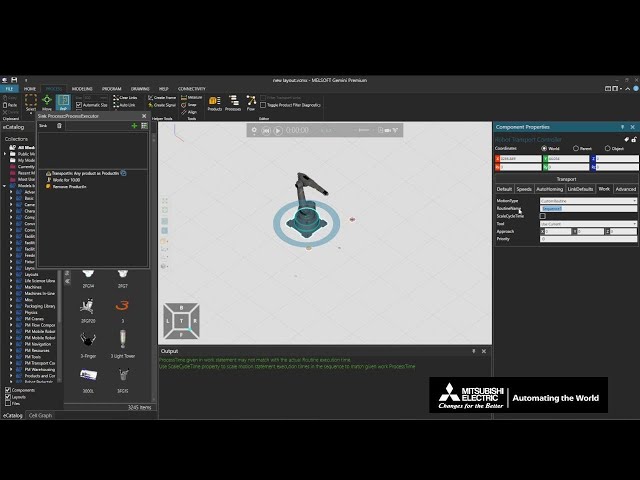
How to Control Robots Using a Controller (Part 2 of 3)
An instruction video on how to use a controller to control a robot using line simulation. (operating operation statements, opening and closing the gripper, setting rules for transporting) -
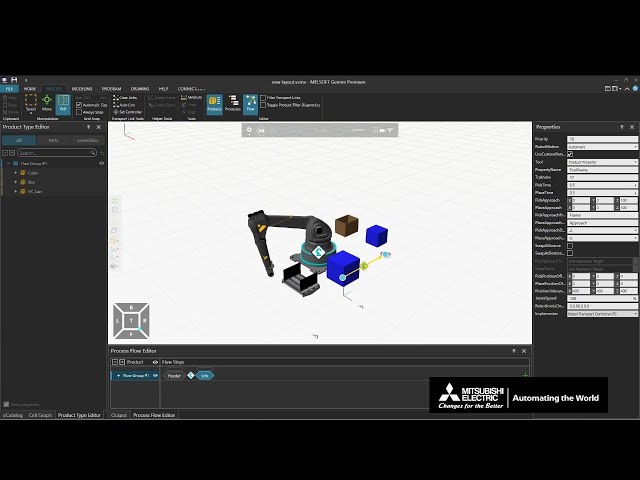
How to Control Robots Using a Controller (Part 3 of 3)
An instruction video on how to use a controller to control a robot using line simulation. (auto-teaching transporting, executing specified routines, setting tools, setting the time and direction of picking up and placing) -
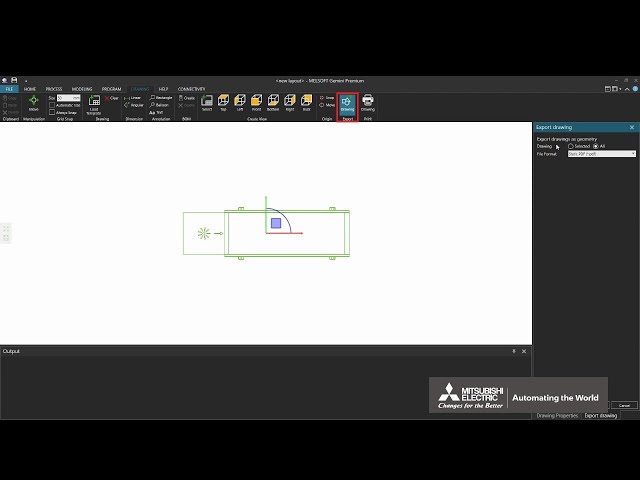
How to Create a 2D Floor Plan
An instruction video on how to output a layout created using Gemini to a 2DCAD file. -
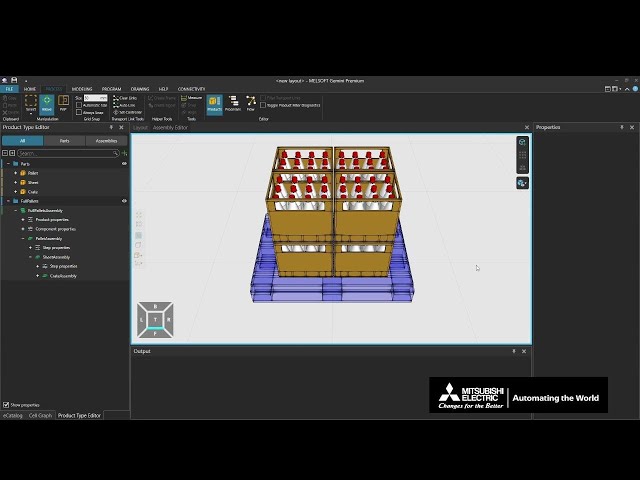
How to Create Assemblies
An instruction video on how to set assemblies in the Product Type Editor and how to use the Assembly Editor. Practice file -
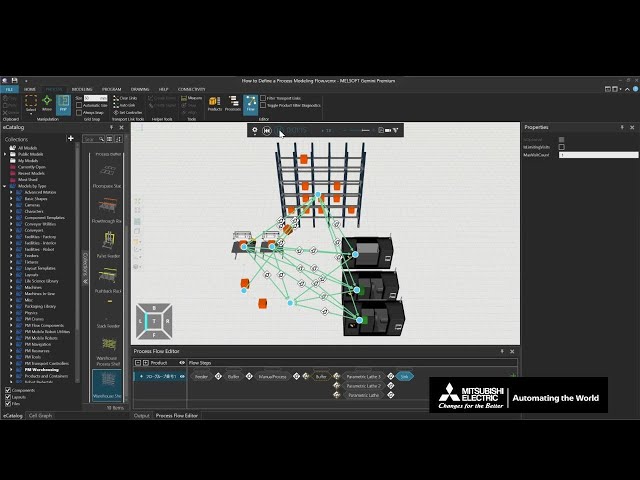
How to Define a Process Modeling Flow
An instruction video on how to set a process modeling flow for a line simulation (Process Flow Editor, Flow Steps, Transport Links, IsOptional, ProcessMode, Get Flow Step, Set Next Flow Step).
*This function is available in Gemini version 1.45 and later. Practice file -
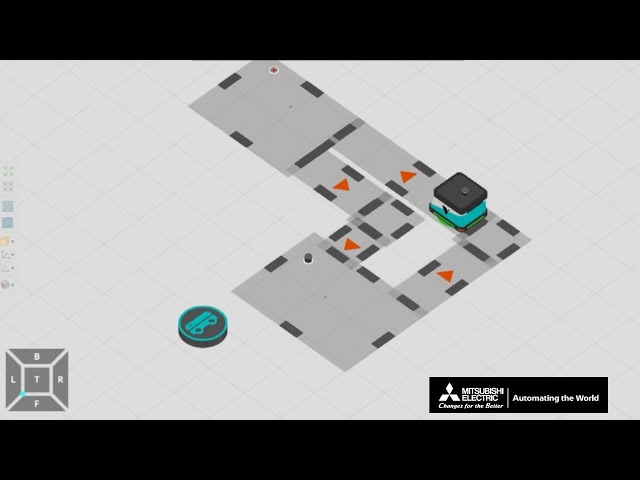
How to Detect Obstacles and Set Pathways
An instruction video on how to make a mobile robot detect obstacles and how to set pathways to limit the mobile robot's range of movement. Practice file -
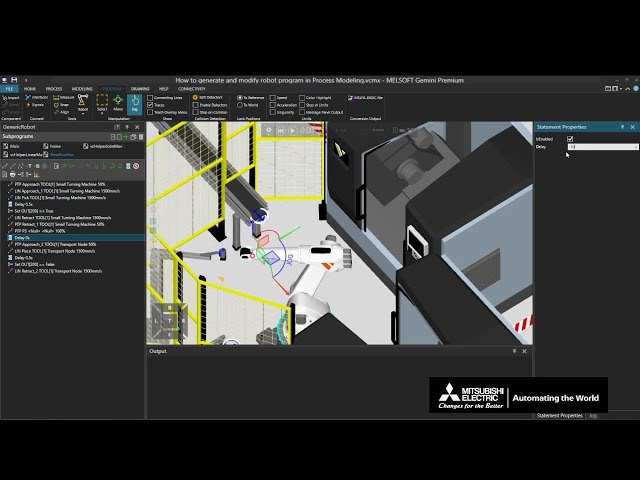
How to generate and modify robot program in Process Modeling
An instruction video on how to record, modify, and run a robot program with process modeling. Practice file -
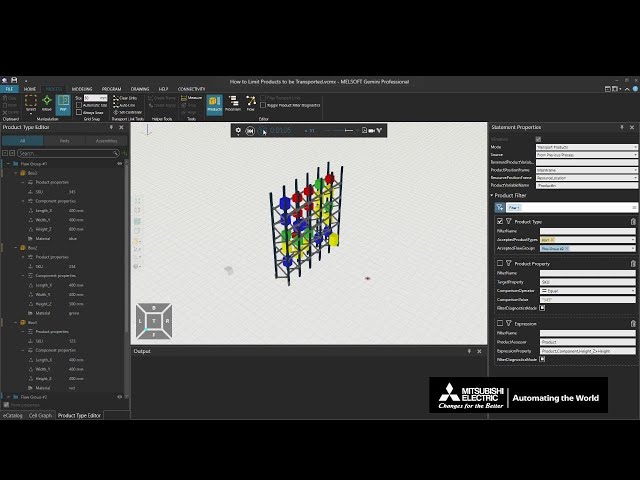
How to Limit Products to be Transported
An instruction video on how to limit the types of products to be transported in a line simulation using the product filter function.
*This function is available in Gemini version 1.48 and later. Practice file -
How to Install and Use Gemini
An instruction video on how to install MELSOFT Gemini with an explanation of its basic operations. -
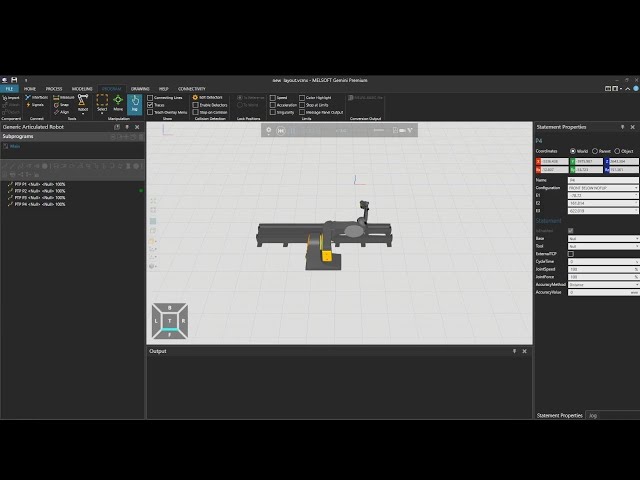
How to Operate with Multiple Components
An instruction video on how to make multiple components, such as robots and equipment, operate together. Practice file -
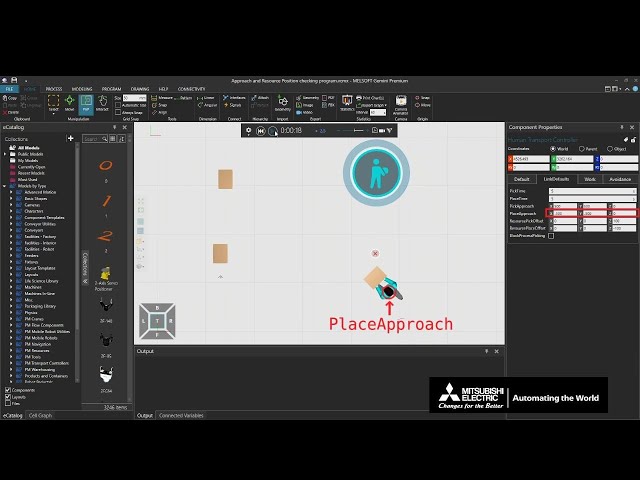
How to Set Resources and Controllers (Part 1 of 4)
An instruction video on how to set controllers and resources such as humans and mobile robots for process modeling. (Specifying transporting and work priorities, task allocation priorities to resource, product collection method, and tools to be used) Practice file -
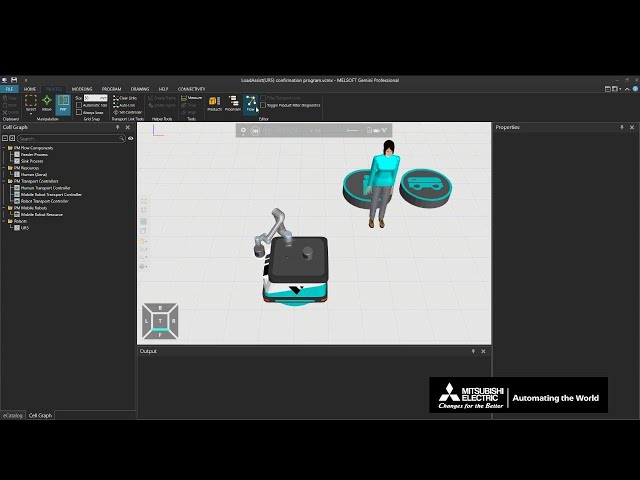
How to Set Resources and Controllers (Part 2 of 4)
An instruction video on how to set controllers and resources such as humans and mobile robots for process modeling. (Setting waiting/charging locations for mobile robots, making robots wait temporarily with products, specifying humans and mobile robots to load and unloads products, specifying loading and unloading areas, reserving resources to machines) Practice file -
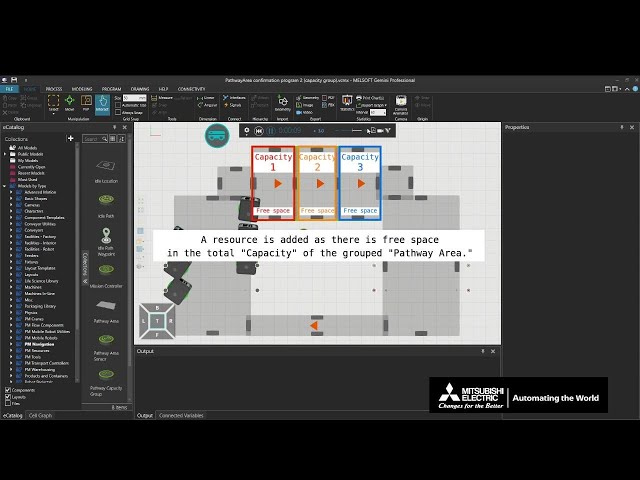
How to Set Resources and Controllers (Part 3 of 4)
An instruction video on how to set controllers and resources such as humans and mobile robots for process modeling. (Detecting and avoiding obstacles, specifying movement ranges and restricting resources to those ranges) Practice file -
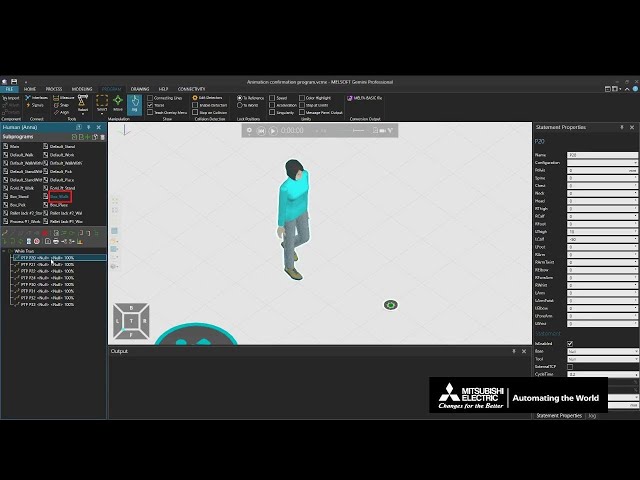
How to Set Resources and Controllers (Part 4 of 4)
An instruction video on how to set controllers and resources such as humans and mobile robots for process modeling. (Changing revolution and movement speeds, stopping resource operations, setting an order for unloading multiple parts, changing the way of holding products and posture of Humans) Practice file -
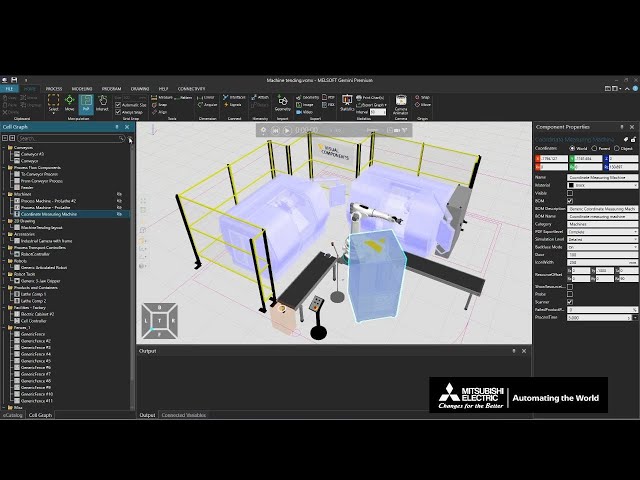
How to Show/Hide Components
An instruction video on how to show and hide components such as equipment from the properties and cell graph. -
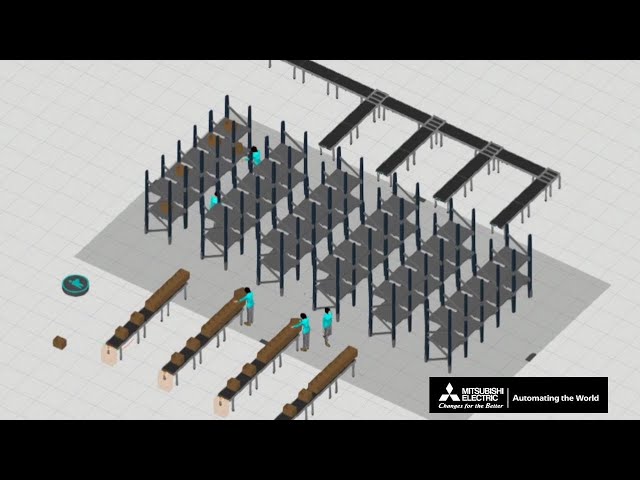
How to Transport Products by Human
An instruction video on how to set Humans to transport products between specified places. Practice file -
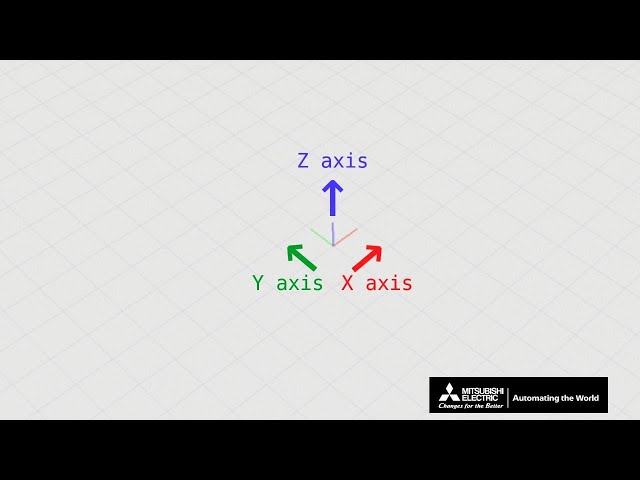
How to Use the Coordinate Systems
An instruction video explaining the coordinate system on the Gemini 3D world. -
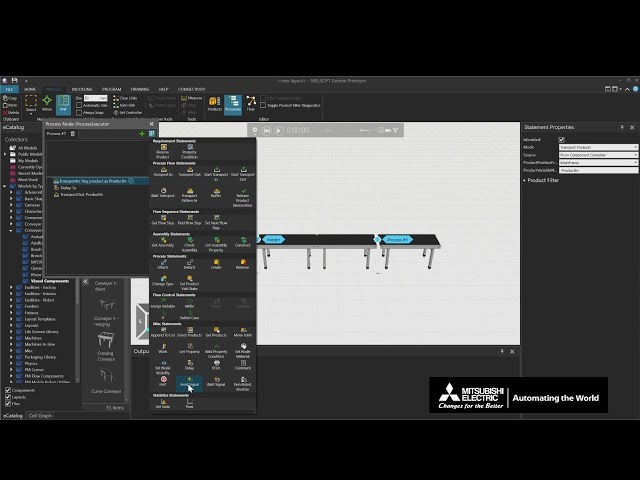
How to Use Signals to Control the Conveyor
An instruction video on how to control operations from processes using conveyor signals. Practice file -
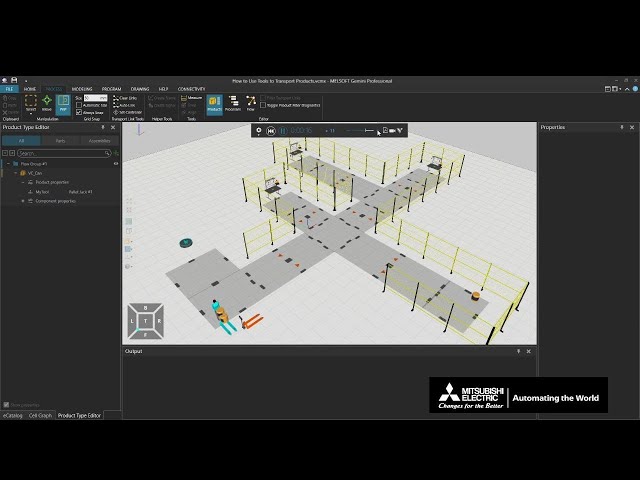
How to Use Tools to Transport Products
An instruction video on how to transport products with a Human using a Pallet Jack. Practice file -
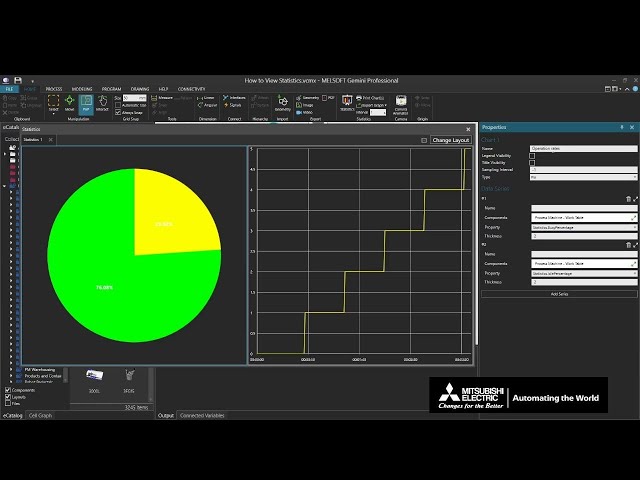
How to View Statistics
An instruction video on how to display statistics such as production amounts and operating statuses of devices on statistics graphs and time charts. Practice file -
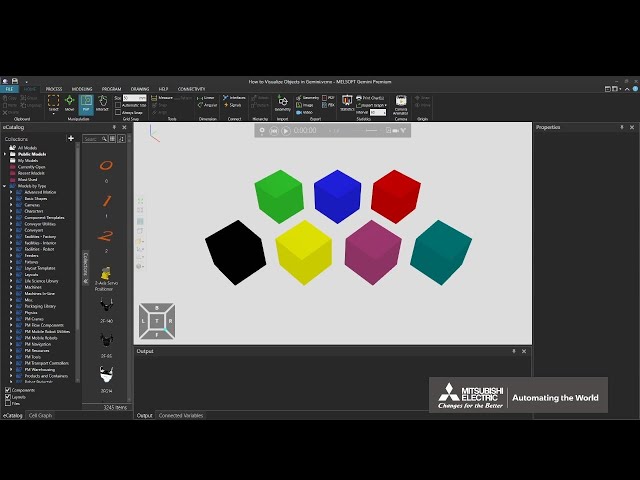
How to Visualize Objects in Gemini
An instruction video on how to change display settings such as the background color, grid lines and the render mode. Practice file -
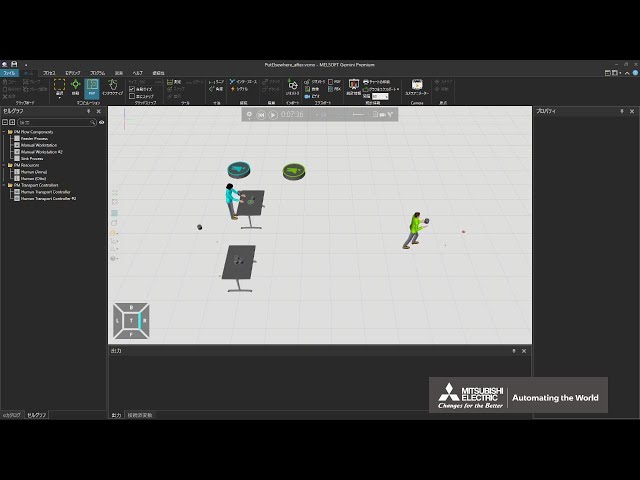
If a desk is full, send products to another desk
(This is a Japanese video. Please display English subtitles.)
When a desk is full, place products on another desk and then move them to empty spots when space becomes available Practice file -
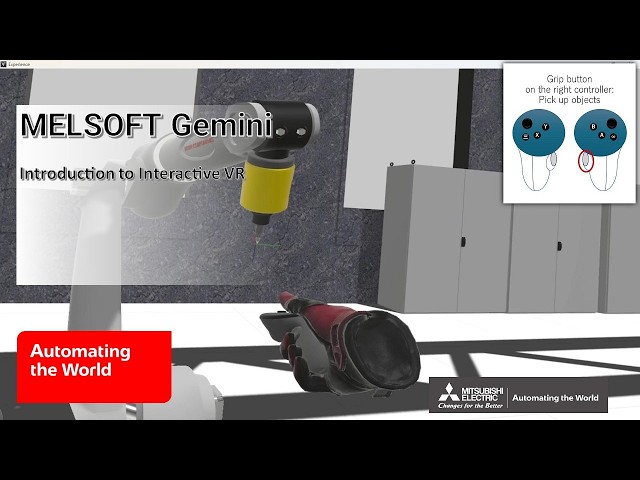
Introduction to Interactive VR
How to experience 3D simulations created with MELSOFT Gemini in VR. (DeviceController, Visual Components Experience)
Please be careful of VR sickness.
(Related video: "Model parts that are affected by physical forces and objects" is currently being prepared.) Practice file -
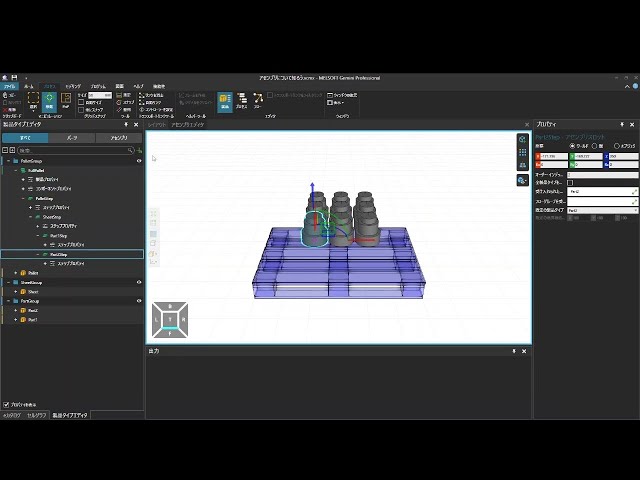
Learn about assemblies
(This is a Japanese video. Please display English subtitles.)
How to set assembly structures composed of multiple products to assemble/disassemble products during simulation Practice file -
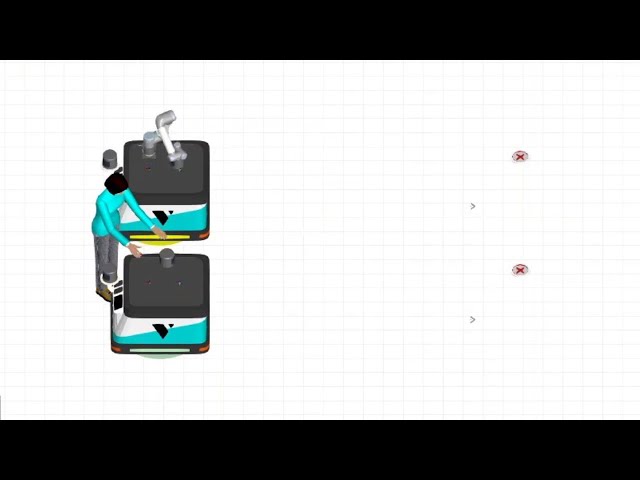
Let other workers handle loading/unloading
(This is a Japanese video. Please display English subtitles.)
How to have other workers perform product loading/unloading
Example: Have a worker perform loading/unloading for an AGV Practice file -
Let's assemble a product using multiple parts (1/3)
How to create an assembly Practice file -
Let's assemble a product using multiple parts (2/3)
How to create an assembly using the process "Create" statement. Practice file -
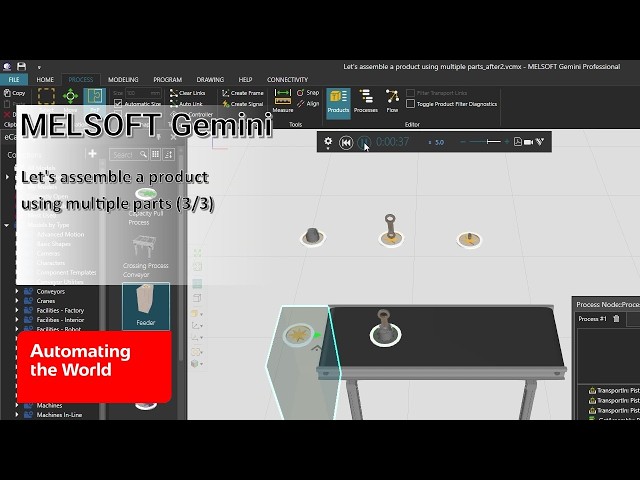
Let's assemble a product using multiple parts (3/3)
How to assemble a product using the parts that flow through the process with the "Construct" statement. Practice file -
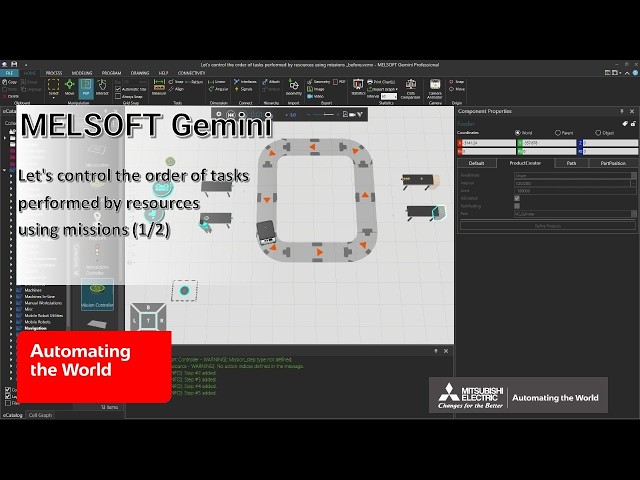
Let's control the order of tasks performed by resources using missions (1/2)
How to control the movement of the mobile robot in the line simulation using the Mission Controller. Practice file -
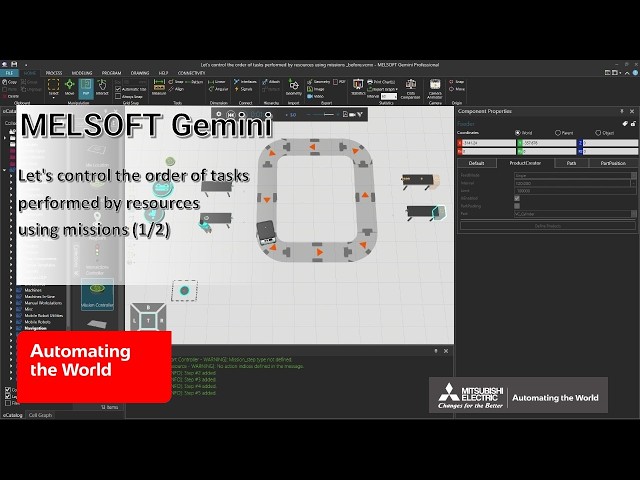
Let's control the order of tasks performed by resources using missions (2/2)
How to control the movement of the human in the line simulation using the Mission Controller. Practice file -
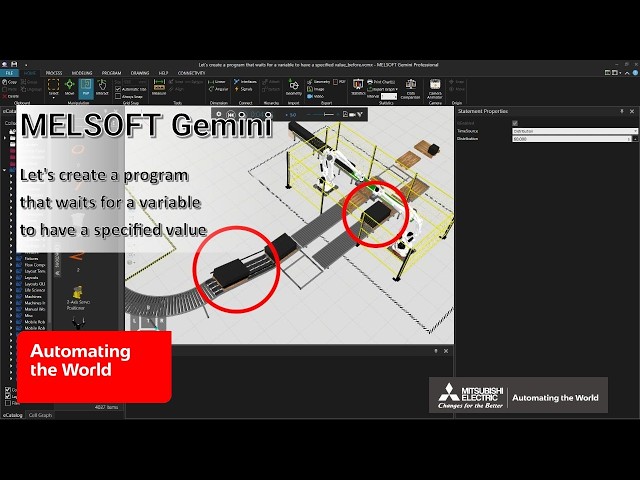
Let's create a program that waits for a variable to have a specified value
How to configure waiting until a condition is met.(Get Property, Wait Property Condition) Practice file -
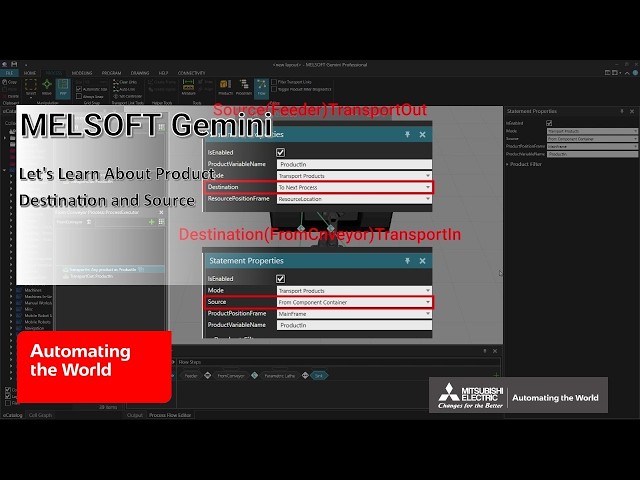
Let's Learn About Product Destination and Source
Description of the concept and properties of resources (human and mobile robot) used in a setting for transporting products. Practice file -
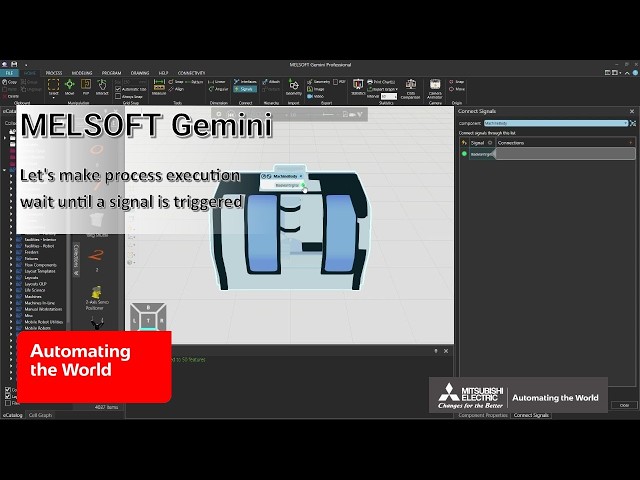
Let's make process execution wait until a signal is triggered
How to make a process wait until a signal reaches a specified value.(Wait Signal) Practice file -
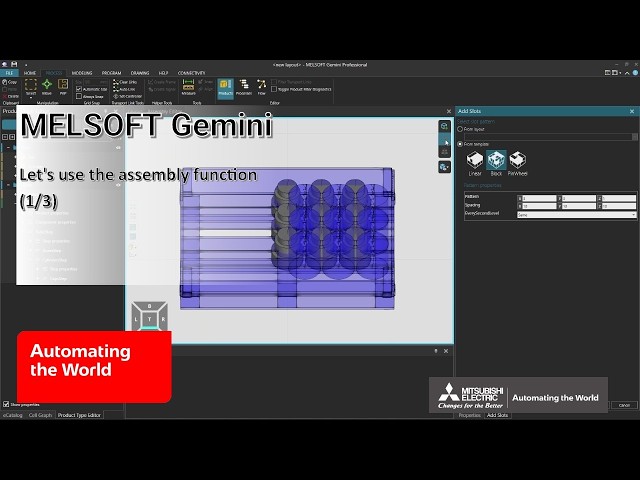
Let's use the assembly function (1/3)
How to define assemblies for product assembly and disassembly during simulation (Related video: How to Create Assemblies) Practice file -
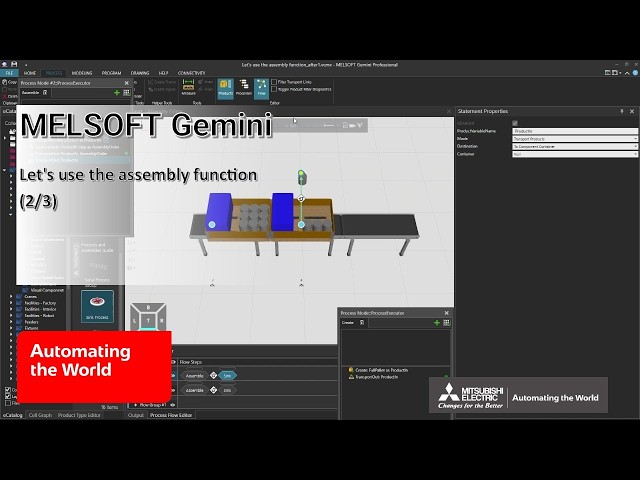
Let's use the assembly function (2/3)
How to create or disassemble products from the defined assemblies during simulation Practice file -
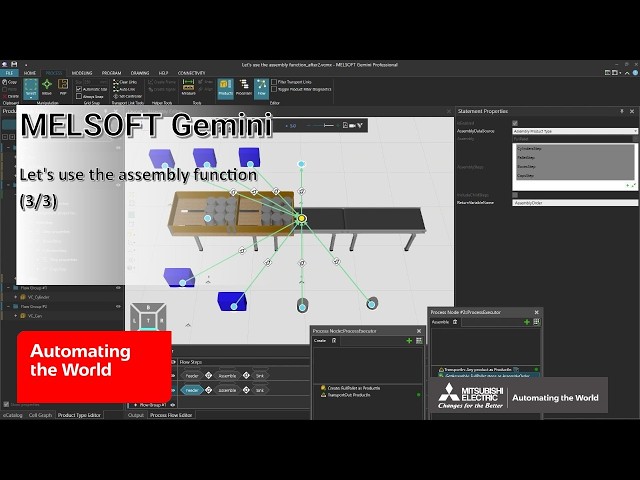
Let's use the assembly function (3/3)
How to sequentially store the defined assemblies onto pallets during simulation Practice file -
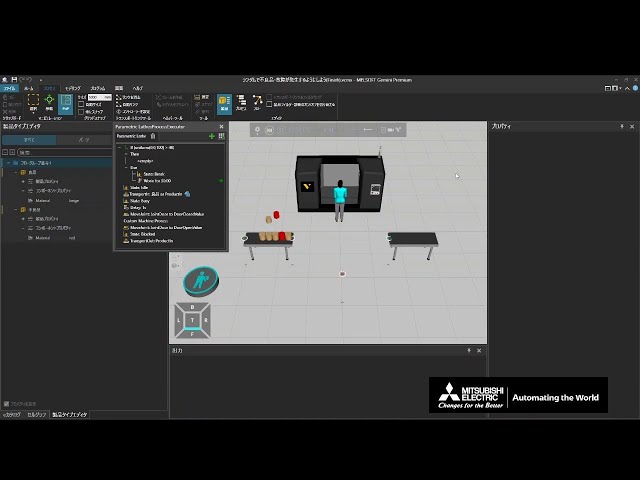
Make defects and breakdowns occur randomly
(This is a Japanese video. Please display English subtitles.)
How to set up random defects and breakdowns (IF statement, uniform function) Practice file -
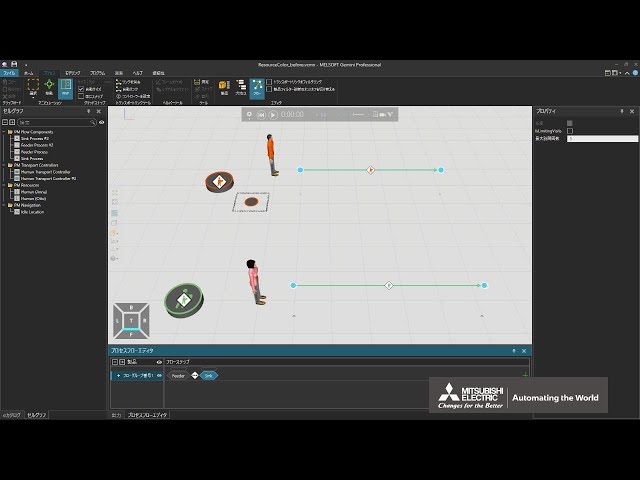
Match controller and resource colors
(This is a Japanese video. Please display English subtitles.)
How to match the color of a controller (e.g., Human Transport Controller) and resources (e.g., Humans) (ApplyColorToResources) Practice file -
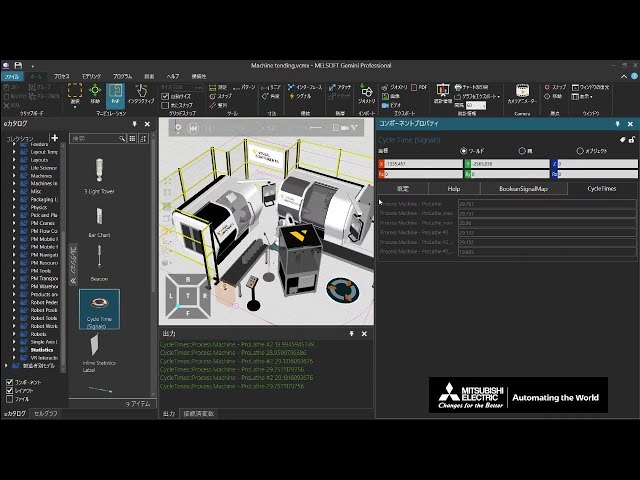
Measure cycle time
(This is a Japanese video. Please display English subtitles.)
How to measure cycle times for machines, robots, and operations (Cycle Time (Signals)) -
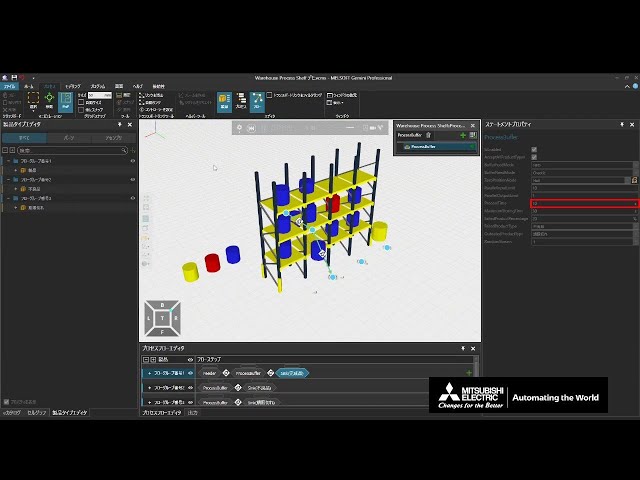
Model a warehouse using library products
(This is a Japanese video. Please display English subtitles.)
How to build a warehouse by combining eCatalog items
("Warehouse Shelf", "Warehouse Process Shelf", "Floorspace Buffer", "Single Girder Crane", "Dual Rail Transport Controller", "Stack Feeder", "Pallet Feeder". Related video: Create an automated warehouse) Practice file -
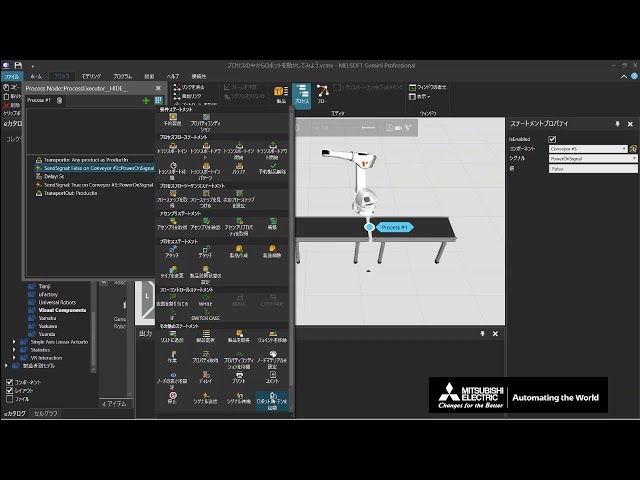
Move a robot from within a process
(This is a Japanese video. Please display English subtitles.)
How to execute a robot program from processes other than the robot itself Practice file -
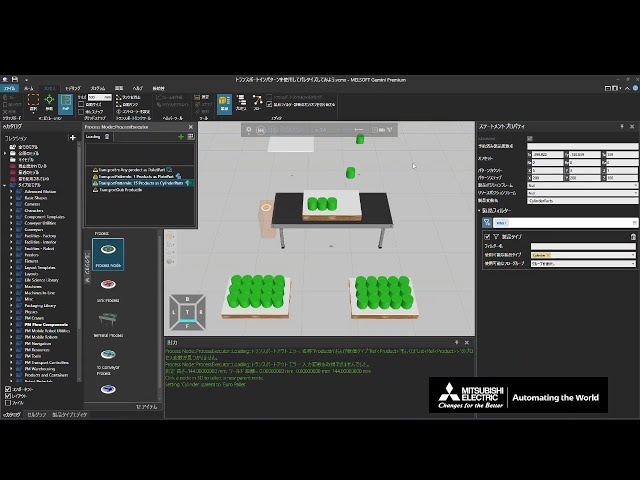
Palletize using Transport In pattern
(This is a Japanese video. Please display English subtitles.)
How to place multiple products side-by-side for loading and attach products together to export them as one unit
(Related video: Depalletize using Detach) Practice file -
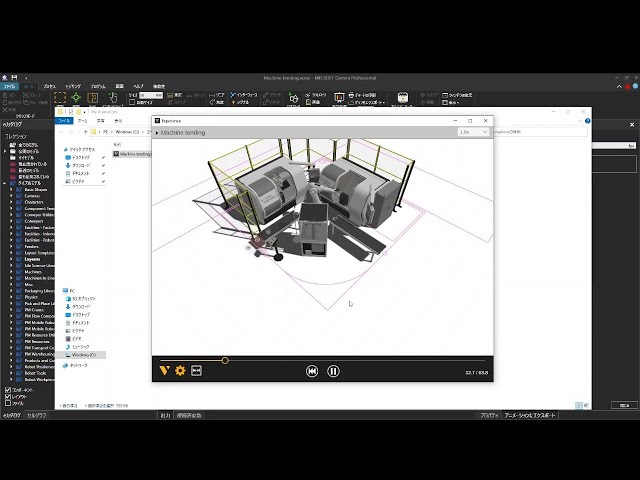
Record simulation animation
(This is a Japanese video. Please display English subtitles.)
How to record simulation results as an animation and make them viewable on mobile devices (Experience format) -
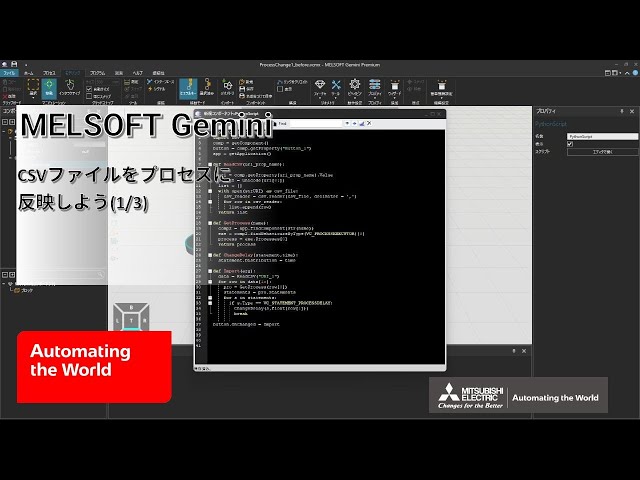
Reflect CSV files into a process (1/3)
(This is a Japanese video. Please display English subtitles.)
How to use a Python script to specify components from CSV file data and change wait times in Delay statements Practice file -
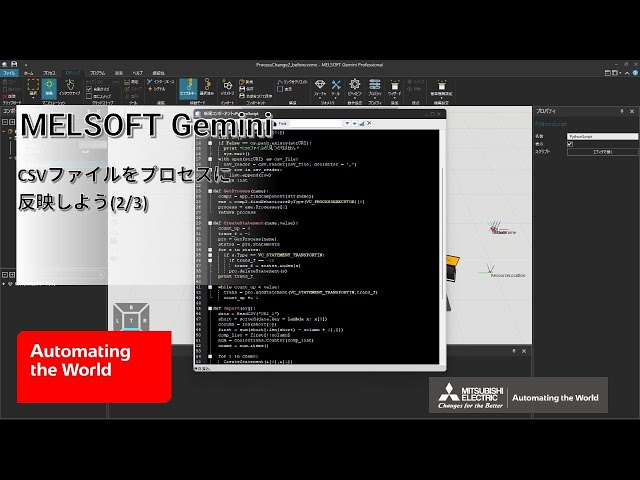
Reflect CSV files into a process (2/3)
(This is a Japanese video. Please display English subtitles.)
How to use a Python script to specify components from CSV file data and add statements Practice file -
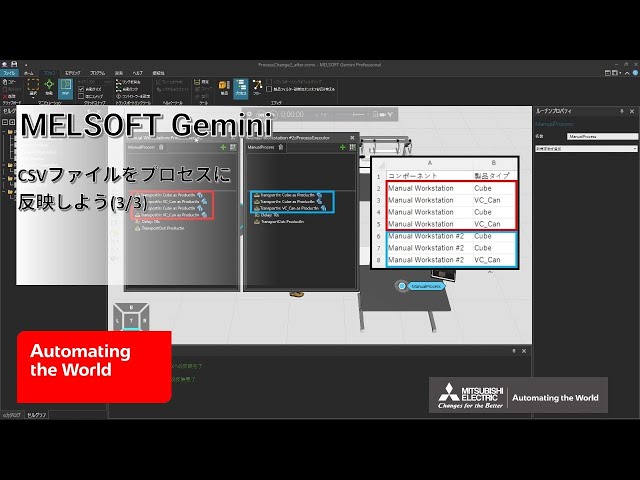
Reflect CSV files into a process (3/3)
(This is a Japanese video. Please display English subtitles.)
How to use a Python script to set product filter product types in Transport In statements from CSV file data Practice file -
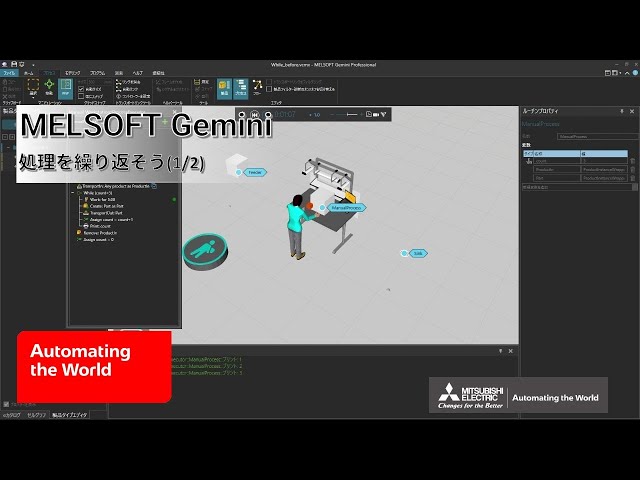
Repeat processing (1/2)
(This is a Japanese video. Please display English subtitles.)
How to repeat processing by setting conditions (WHILE, adding a new variable)
(Related video: Count the number of times a process runs) Practice file -
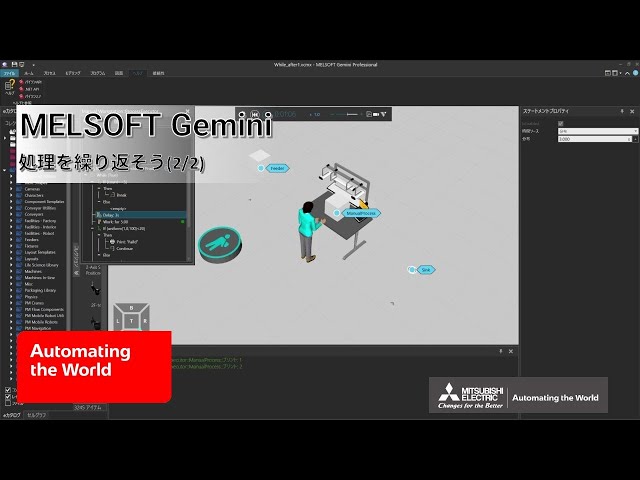
Repeat processing (2/2)
(This is a Japanese video. Please display English subtitles.)
How to control loop execution (BREAK, CONTINUE) Practice file -
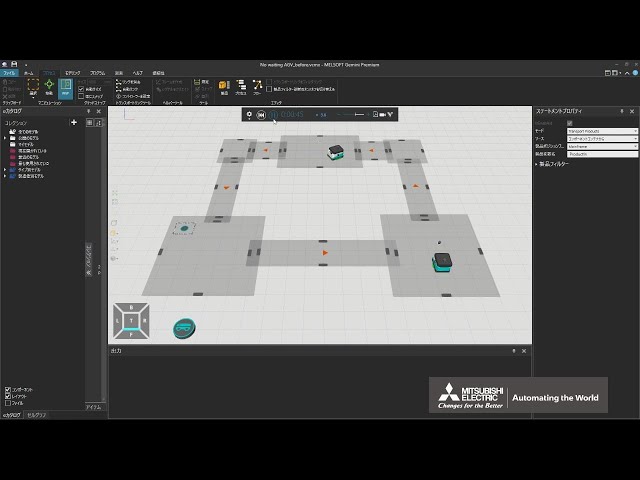
Run multiple AGVs without wait times
(This is a Japanese video. Please display English subtitles.)
How to run multiple AGVs without wait times
(Related video: Let's Learn About Product Sources and Destinations) Practice file -
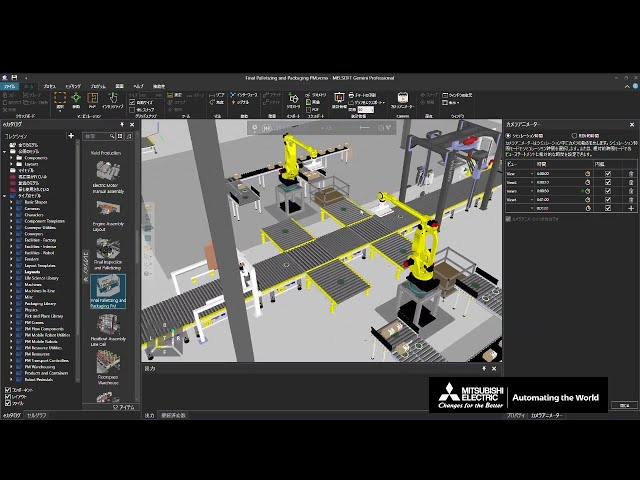
Set camera viewpoints for recording
(This is a Japanese video. Please display English subtitles.)
How to set camera viewpoints using the Camera Animator for recording (Related video: Set camera viewpoint for recording using Python) Practice file -
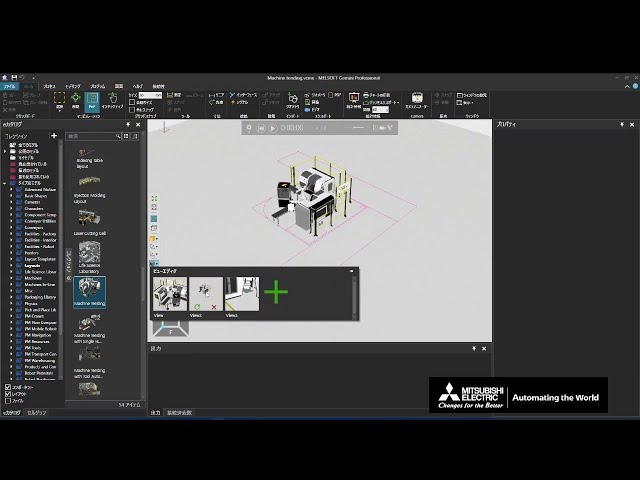
Switch viewpoints using the View Editor
(This is a Japanese video. Please display English subtitles.)
How to save and switch camera viewpoints in the 3D world (Related videos: Set camera viewpoints for recording, Set camera viewpoint for recording using Python) -
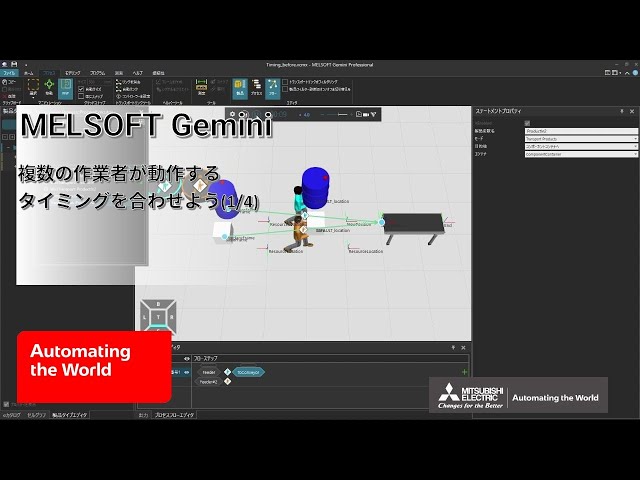
Sync timing of multiple workers (1/4)
(This is a Japanese video. Please display English subtitles.)
How to make it look like multiple workers are carrying one product together by transporting dummy products alongside the main product Practice file -
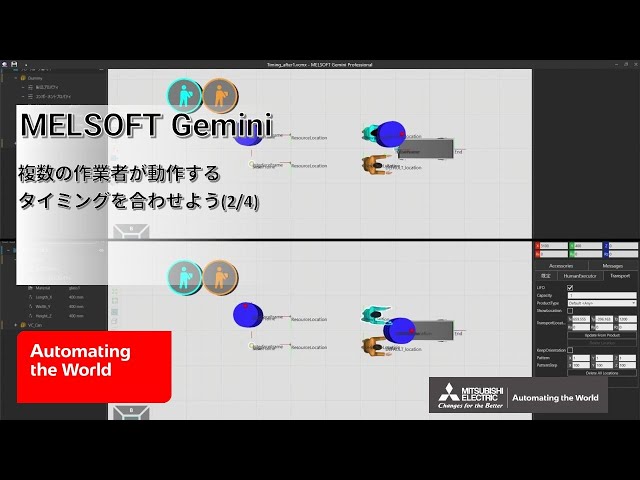
Sync timing of multiple workers (2/4)
(This is a Japanese video. Please display English subtitles.)
How to synchronize the timing of product load completion so multiple workers appear to carry a product together Practice file -
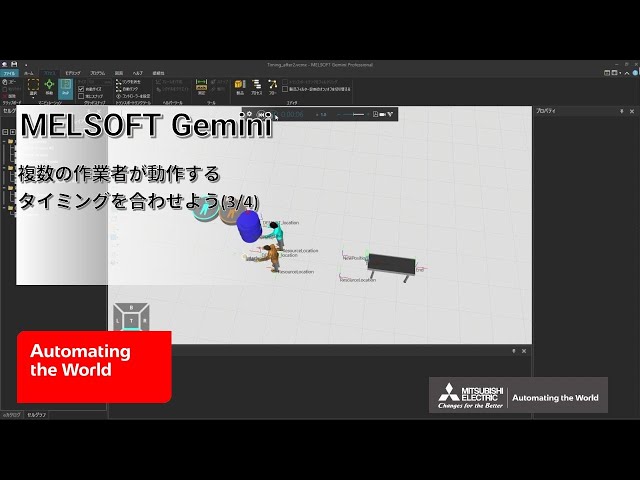
Sync timing of multiple workers (3/4)
(This is a Japanese video. Please display English subtitles.)
How to synchronize the timing of product unload start so multiple workers appear to carry a product together Practice file -
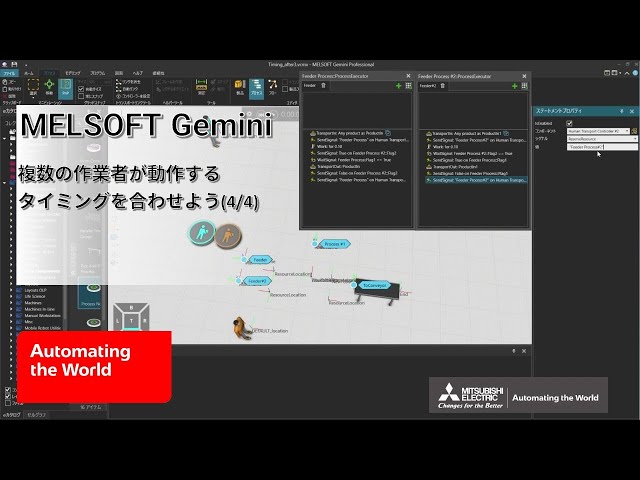
Sync timing of multiple workers (4/4)
(This is a Japanese video. Please display English subtitles.)
How to prevent other tasks from interrupting so multiple workers appear to carry one product together Practice file -
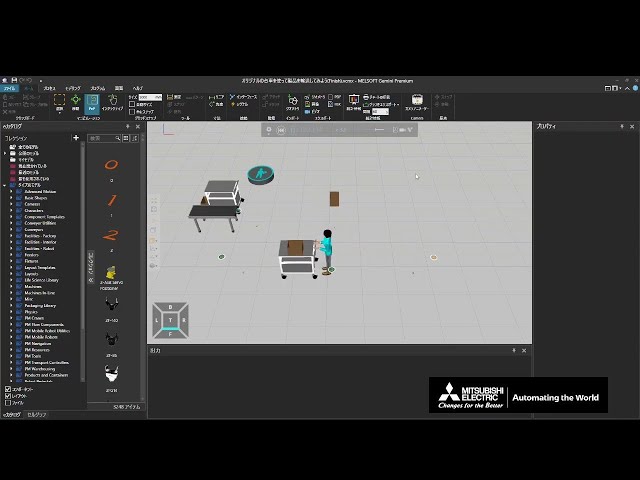
Transport products using a custom cart
(This is a Japanese video. Please display English subtitles.)
How to transport products using an original cart for unloading.
(Attach statement, Detach statement, Product position frame, TransportLocation) Practice file -
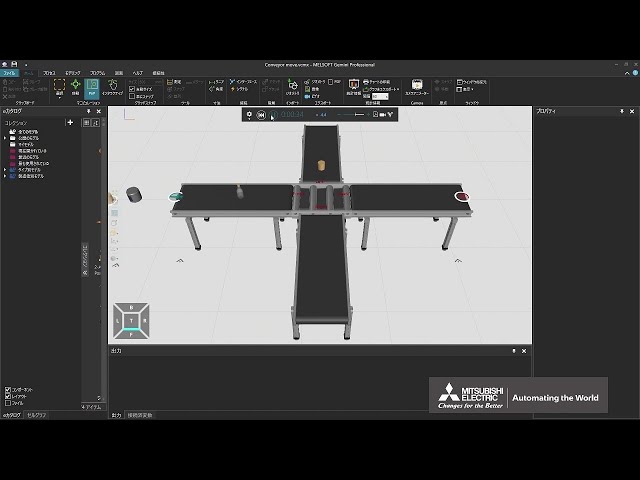
Use a Crossing Conveyor
(This is a Japanese video. Please display English subtitles.)
How to use a crossing conveyor that can branch products in four directions -
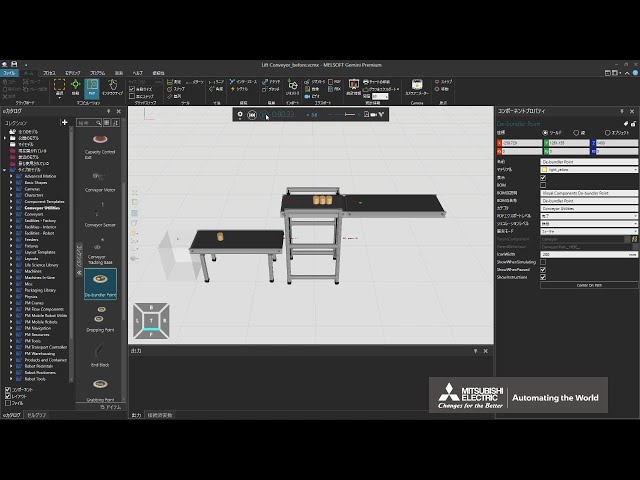
Use a Lift Conveyor
(This is a Japanese video. Please display English subtitles.)
How to use a lift conveyor (moves up and down) and how to attach multiple products to flow them simultaneously (Bundler Point, De-bundler) Practice file -
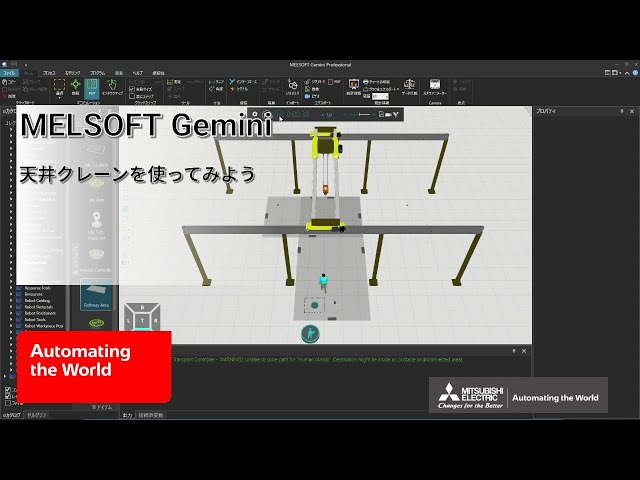
Use an overhead crane
(This is a Japanese video. Please display English subtitles.)
How to transport products using an overhead crane (Dual Rail Transport Controller, Crane) Practice file -
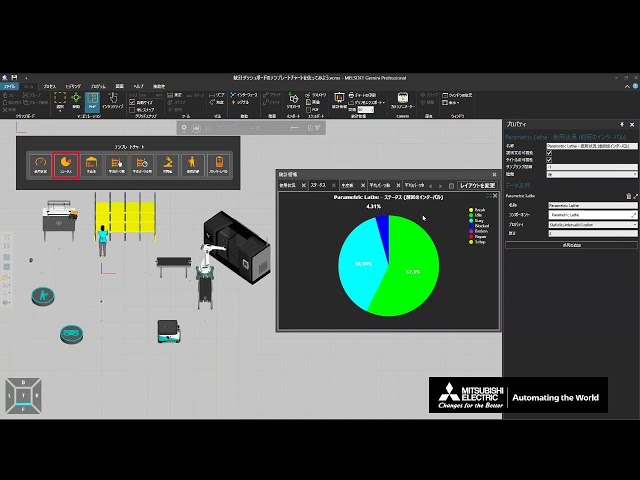
Use template charts in the statistics dashboard
(This is a Japanese video. Please display English subtitles.)
How to use template charts in the statistics dashboard and how to create custom template charts and layouts Practice file -
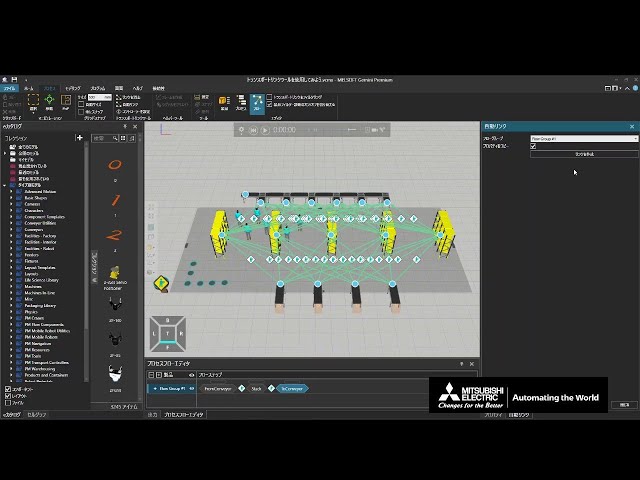
Use the Transport Link tool
(This is a Japanese video. Please display English subtitles.)
How to bulk delete, auto-create, and change controller assignments for transport links that set product flow Practice file